
Weight Tracker for iPhone
Start with today’s weight.
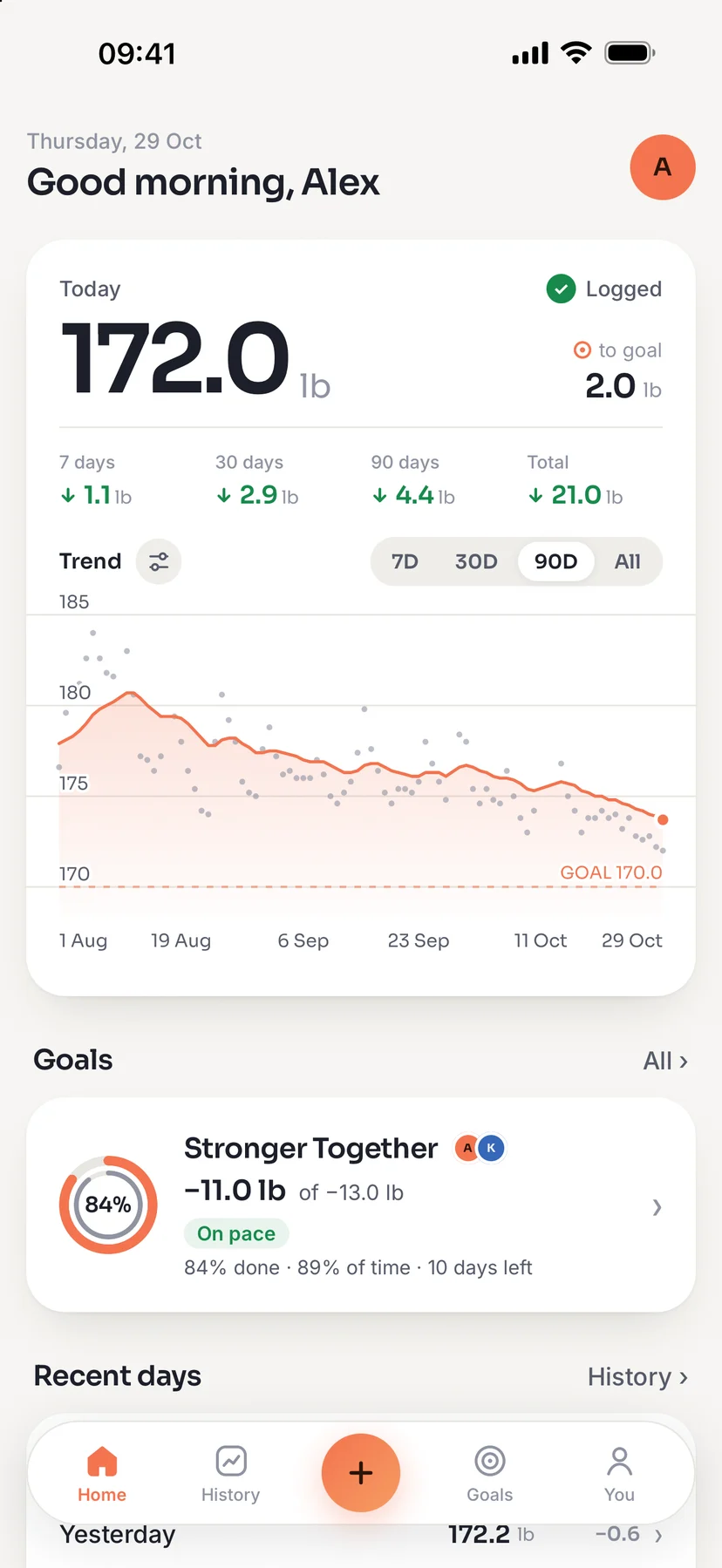
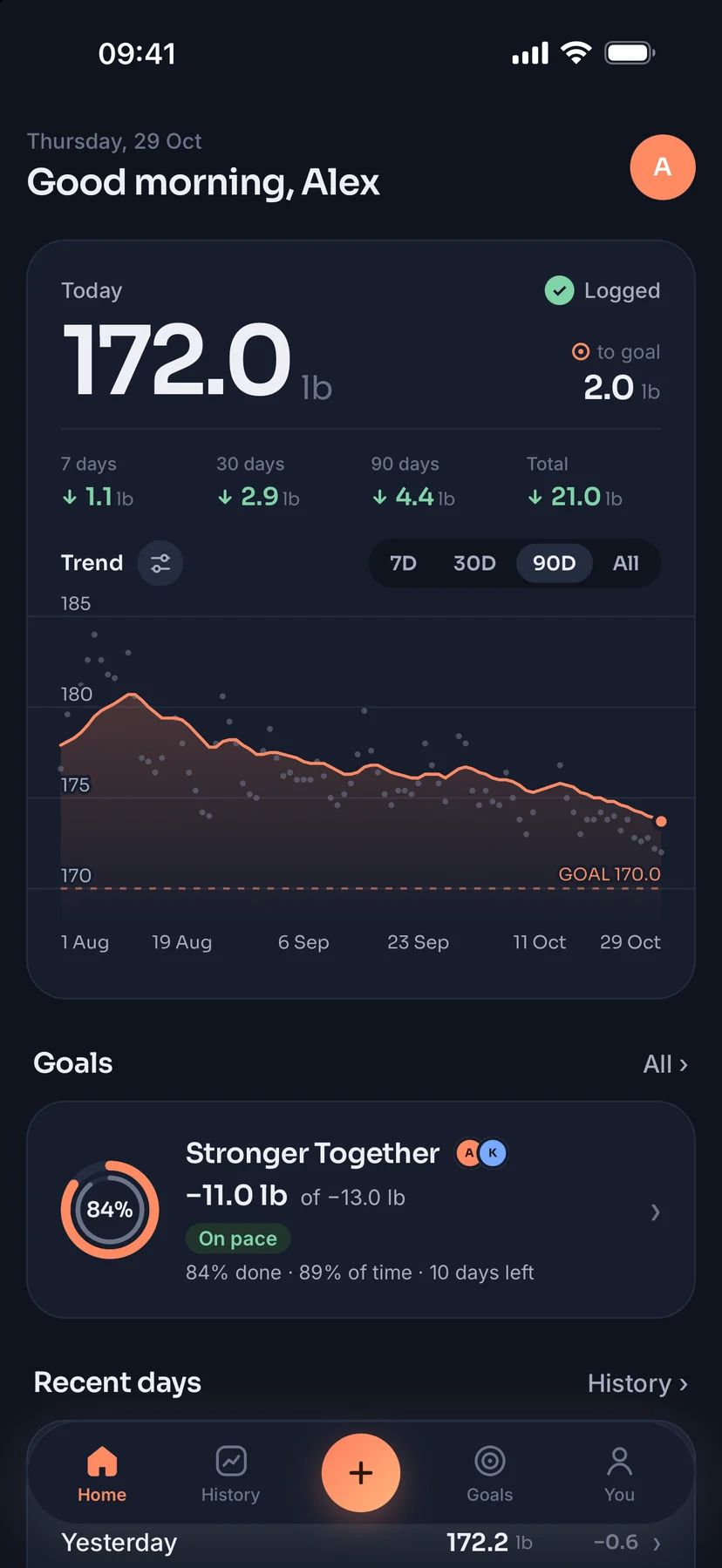
Your trend line appears after five logged days. Free, with no ads or subscriptions.
Features
Log your weight, see the trend behind it, and set goals on your own or with friends. Free on iPhone, with no calorie counting.
Start from the question you have.
How the app works day to day. The full FAQ covers accounts, privacy, and deleting your data.
Yes. Add as many measurements as you need, then choose whether the daily summary uses the first, latest, or average entry. Changing that choice keeps all your individual records intact.
Weight Tracker supports kilograms and pounds for weight entry and display.
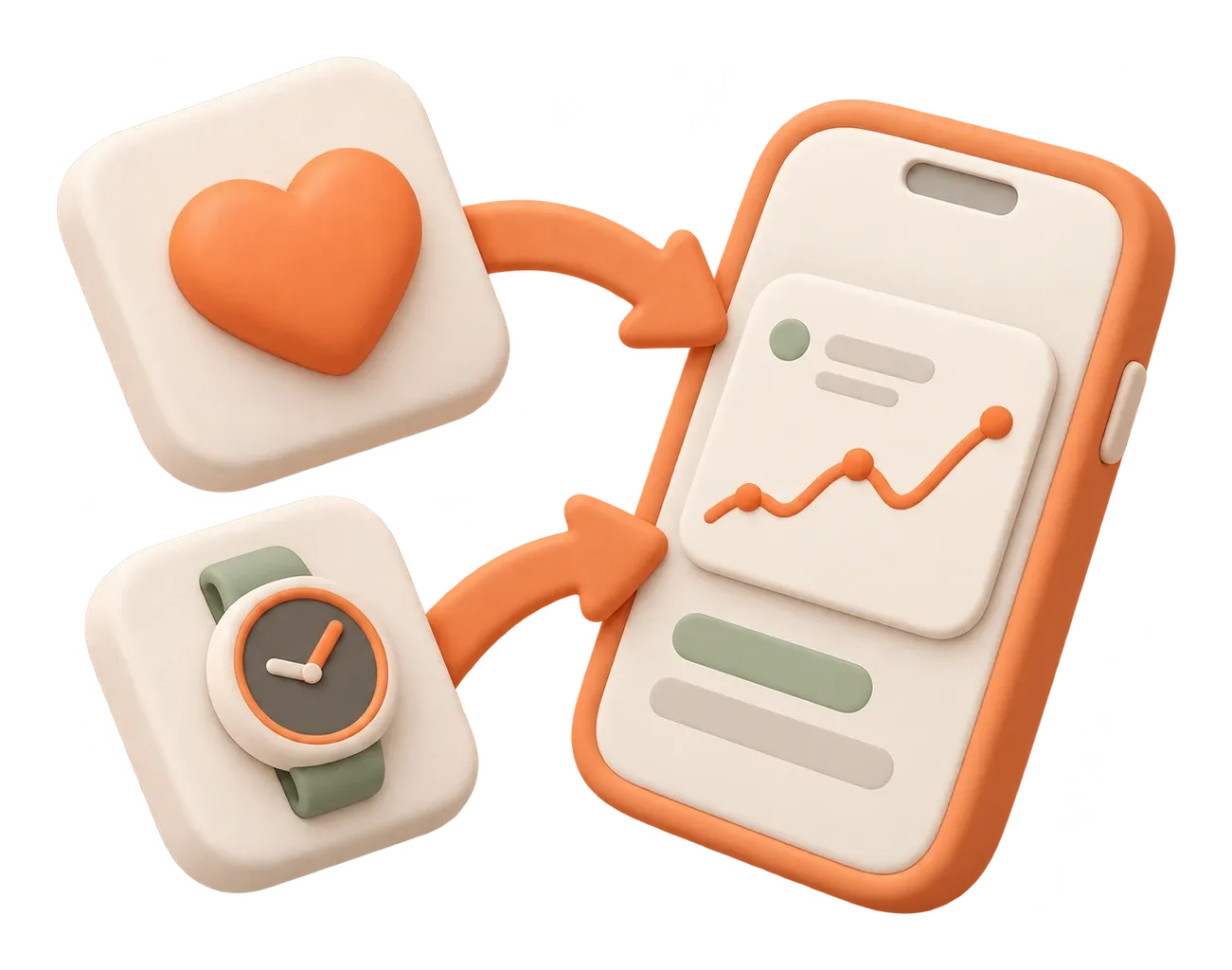
In the iPhone app, Weight Tracker imports weight records with read-only access to Apple Health. Smart scales, fitness apps, and wearables can send weight through Apple Health. Sync again whenever you want, and choose whether imported records stay when you disconnect.
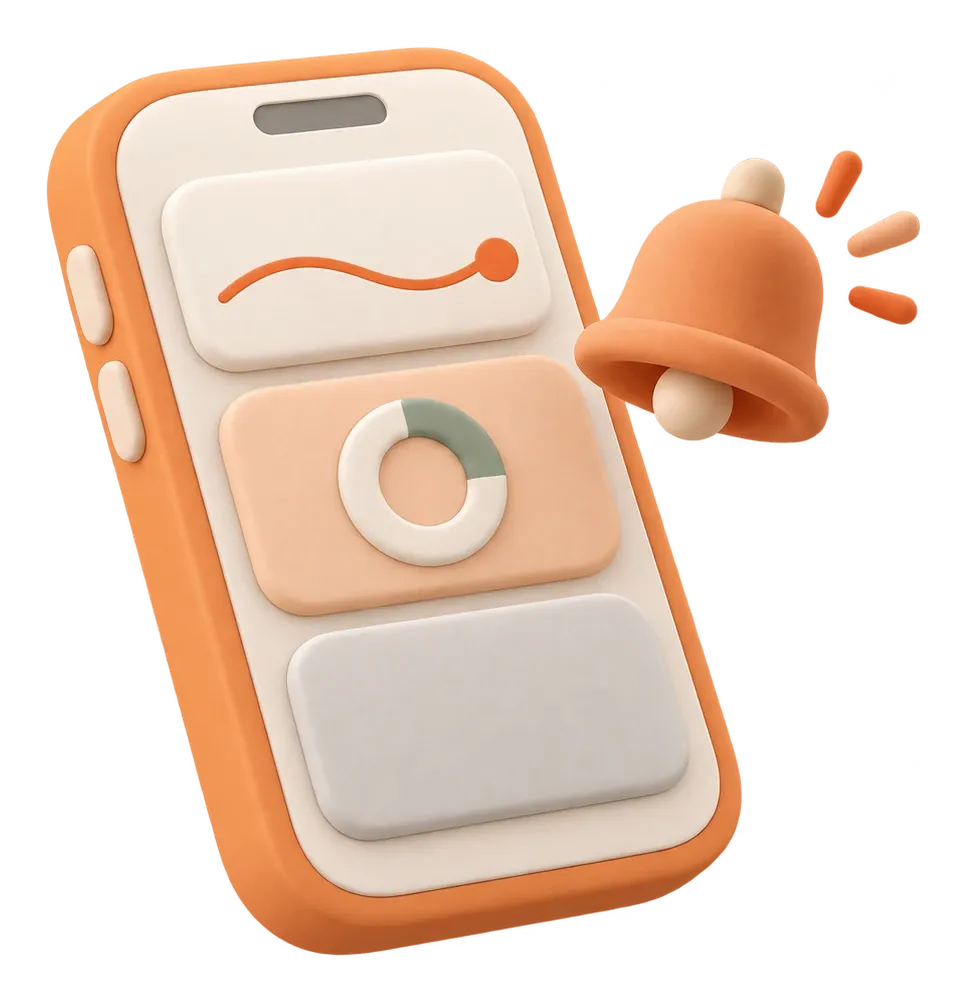
Choose Quick Log, Weight Metric, Weight Trend, Goal Progress, or Recent Days. Check your current weight, longer trend, or goal progress from your home screen, then open Quick Log or History when you want to add an entry or see more detail.
Members see your sharing name, progress, pace, and which days you logged within the shared dates. Your exact weights, weight changes, starting weight, target, raw logs, entry times, profile details, other goals, and unrelated history stay private. Shared charts and daily updates follow the same boundary.
Weight Tracker is an iPhone app, coming soon to the App Store as WeighTracker, with widgets, a daily reminder, Apple Health import, and Sign in with Apple. Until then, and on any computer, you can use the same account in the web app in your browser.
Weight Tracker for iPhone
Your trend line appears after five logged days. Free, with no ads or subscriptions.