Sign in
Weight Tracker is a free iPhone app, coming soon to the App Store. One account works on every device where you sign in, including the web app in a browser, and your data syncs between them.
- Continue with Apple. In the iPhone app. Apple shares your name the first time, and if it does not, the app asks for a name or nickname. If you choose Hide My Email, your account uses an Apple relay address, and Apple forwards our emails to your inbox.
- Continue with Google. Use your Google account instead of a password.
- Email and password. Choose Continue with email and enter a name or nickname, your email, and a password. Passwords need 8 or more characters, an uppercase letter, and a number. We send a verification email, but you can start straight away.
Use the same method each time. An account made with Google signs in with Continue with Google, and one made with Apple with Continue with Apple, not with a password.
Reset your password
- On the sign-in screen, tap Forgot password?.
- Enter your Email and tap Send reset link.
- Open the email and the link inside it on the same device, then choose a new password.
Where your settings live
Everything personal is in the You tab.
| Setting | Where | Options |
|---|---|---|
| Personal details | Tap your name at the top of You | Name, Birth date, Height, and Sex |
| Display unit | You → Measurements → Display unit | Kilograms (kg) or Pounds (lb) |
| Daily weight | You → Measurements → Daily weight | First of the day, Latest of the day, or Day average |
| Theme | You → Appearance → Theme | System, Light, or Dark |
| Reminder and Apple Health | You → Reminders & data | Weight reminder, Reminder time, and Apple Health (iPhone app only) |
| Help and legal pages | You → About | Rate Weight Tracker (iPhone), Help & support, Privacy Policy, and Terms of Use |
| Log out and Delete account | You → Account | Log out signs out this device only |
Changing units. Switching the display unit changes how every weight is shown, including past entries, goals, and widgets. Weights are stored precisely in the background, so switching does not round or rewrite your history.
The name you choose is the name other members see if you join a Shared Goal.
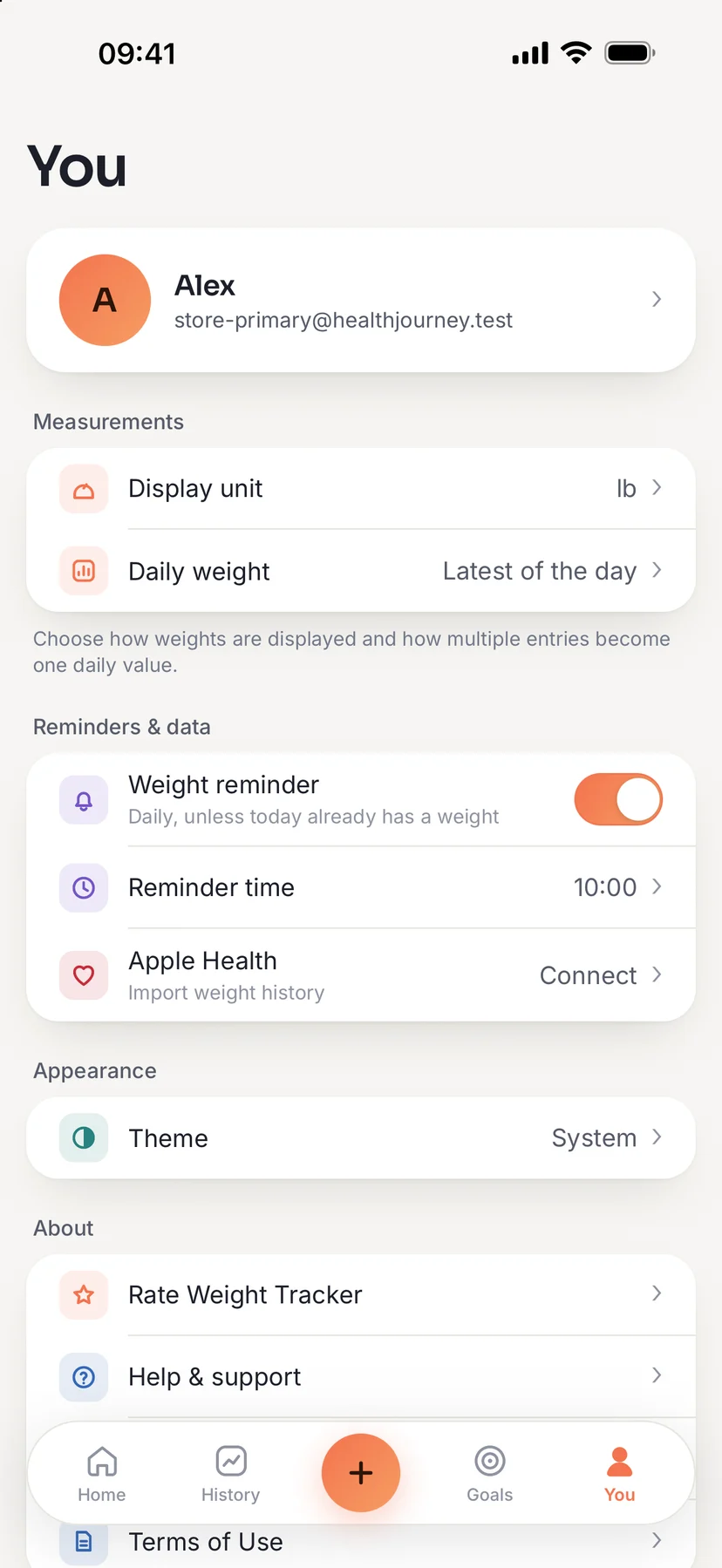
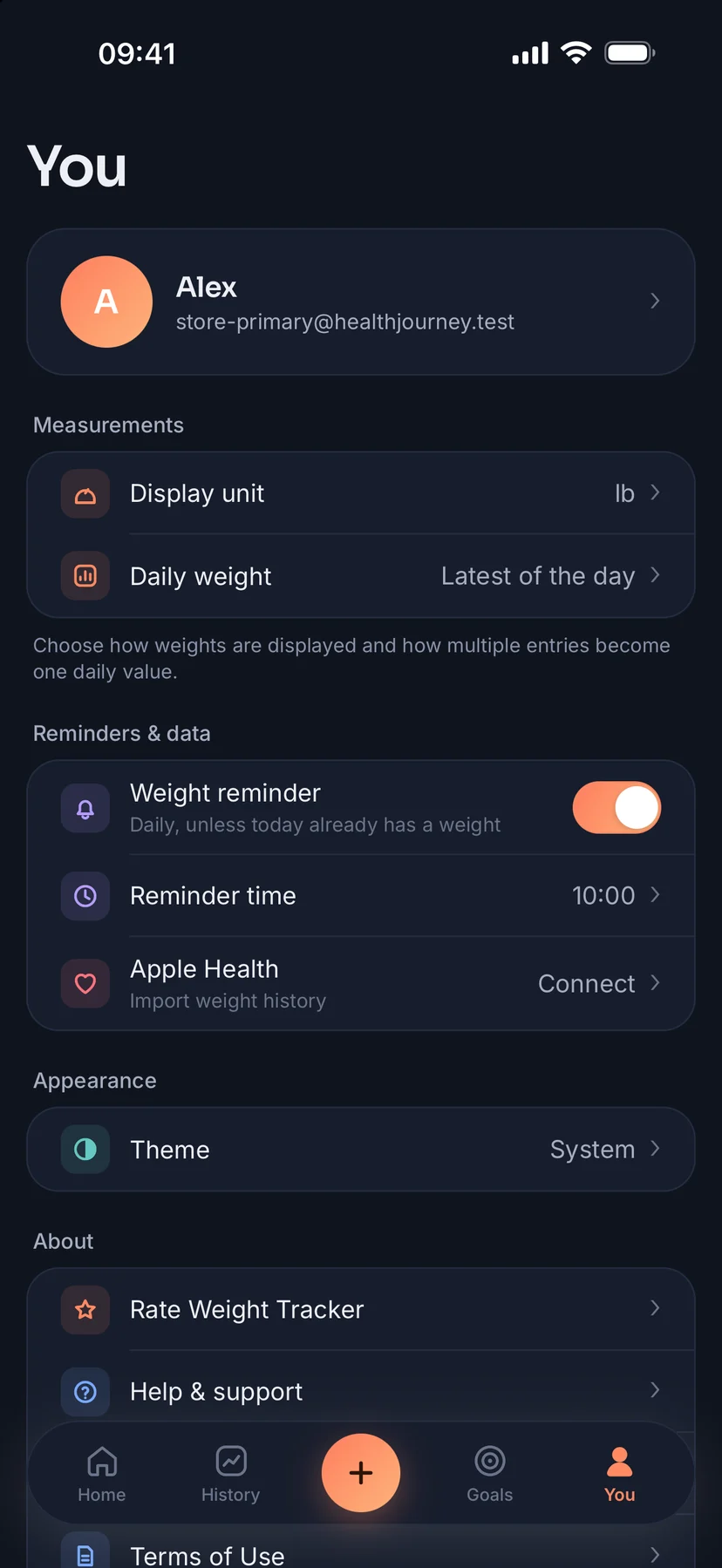
The You tab: your name and email, units, daily weight, reminder, and Apple Health.
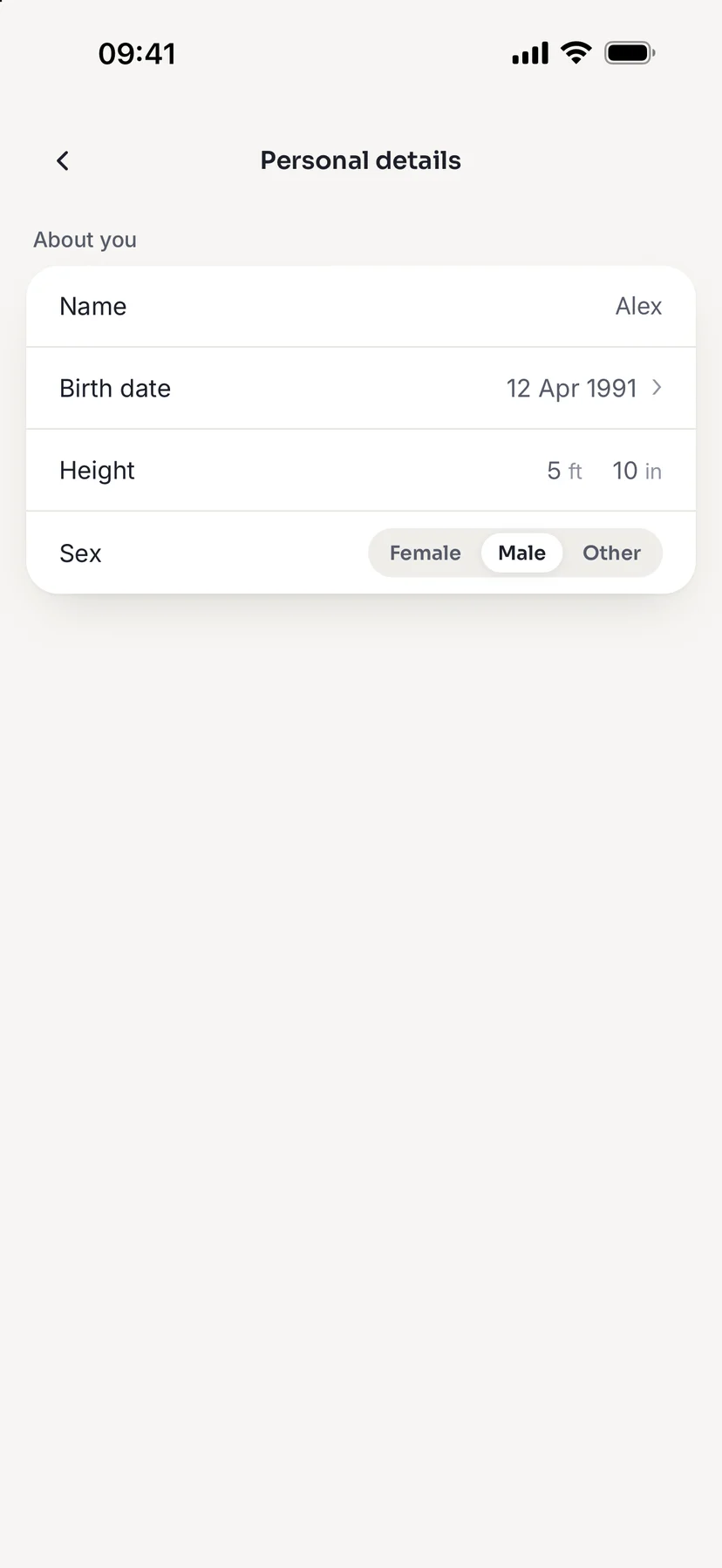
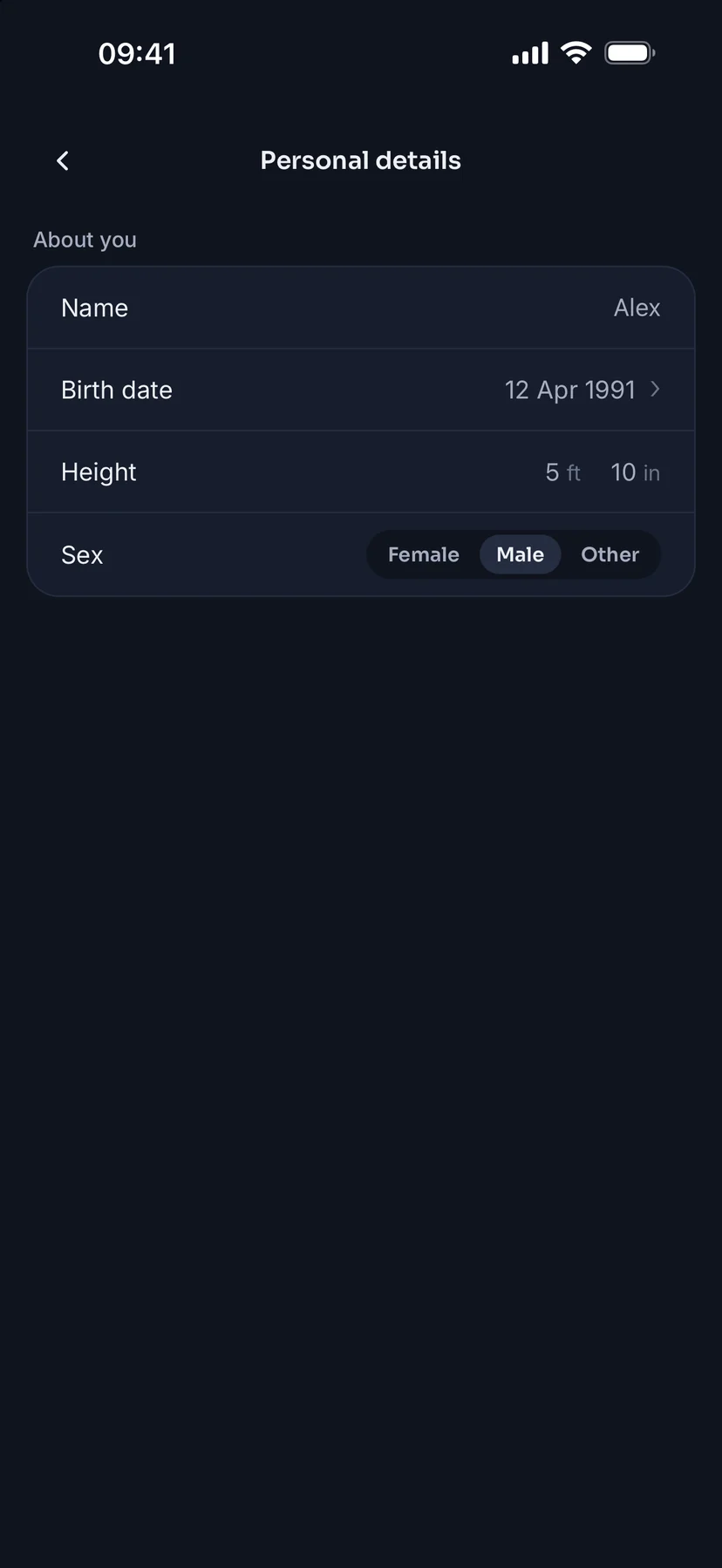
Tap your name for personal details. Changes save as you go.
Who can see what
Your weight history is private to your account. This summary follows the Privacy Policy, which has the full detail.
| Who | What they can see | What they never see |
|---|---|---|
| You | Everything in your account, on every device where you sign in. | Nothing is hidden from you. |
| Shared Goal members | Your sharing name, whether you have joined and set your target, your progress from 0 to 100%, your pace, and which goal days you logged, within the shared goal’s dates. | Your exact weights, weight changes, targets, raw entries, profile details, email, or history outside the goal. |
| Anyone who sees your phone | What your widgets show, such as your weight or goal progress. | Weights in reminder notifications. They only say “Daily check-in”. |
| Notification services | A generic check-in message and a device token, to deliver the reminder. | Your weight or goal values. |
| Advertisers and data brokers | Nothing. | Your personal or health information. Weight Tracker does not sell it or use it for advertising. |
Imports from Apple Health are read-only. Weight Tracker never changes or deletes data in Apple Health, and does not use imported health data for advertising.
Log out
Open You → Account → Log out. This signs out the device you are using, and your other devices stay signed in. Before signing out, the app clears your data from its home-screen widgets, and it stops reminders on that phone.
Delete your account
You can do this yourself in the app, without contacting support.
- Open You → Account → Delete account.
- Read what will be deleted: your profile, weight history, personal goals, Shared Goal membership, and sign-in account. All active sessions end. Under Signed in as, check that this is the right account. With Hide My Email, it shows your Apple relay address.
- Tap Delete account, then Delete in the Delete account? confirmation. There is nothing to type. If you signed in with Apple, Apple may ask you to confirm too.
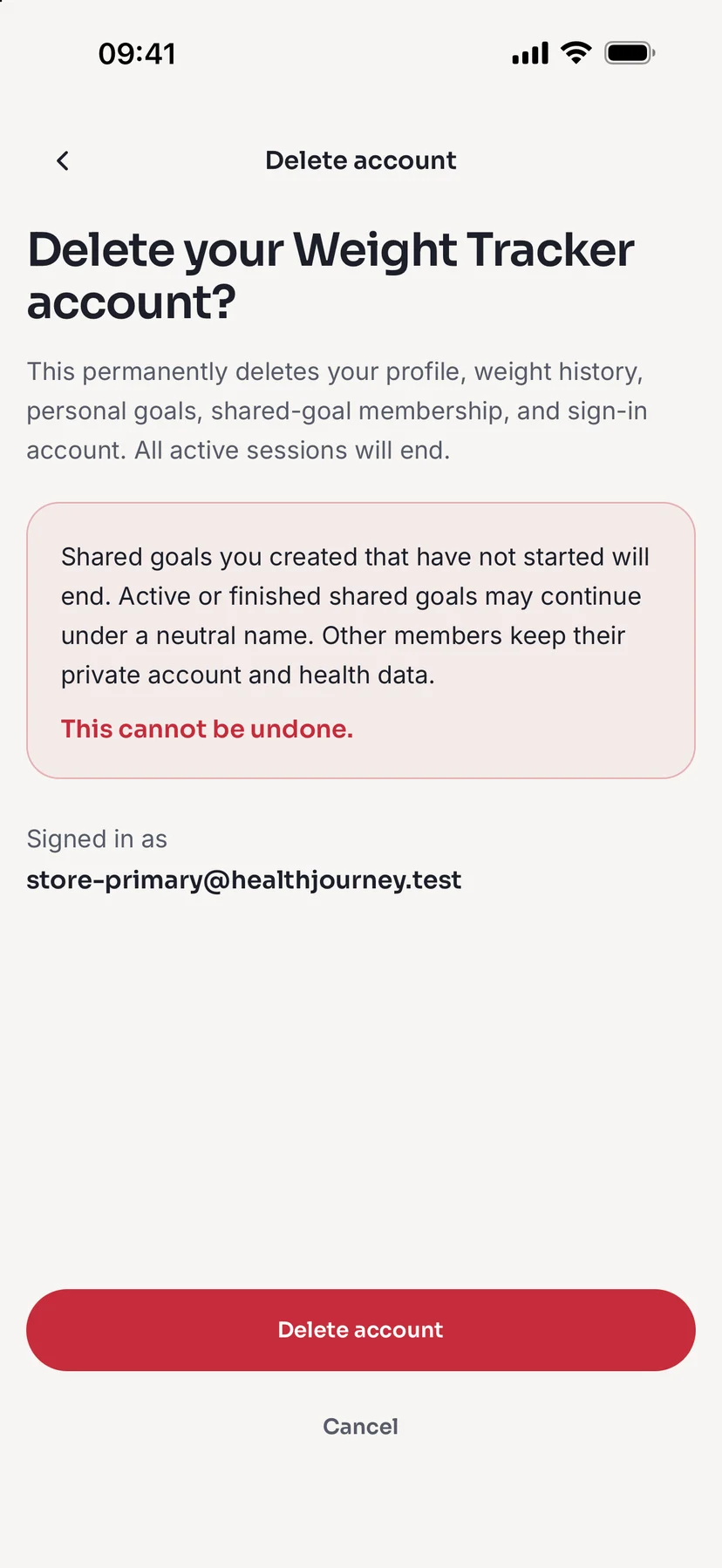
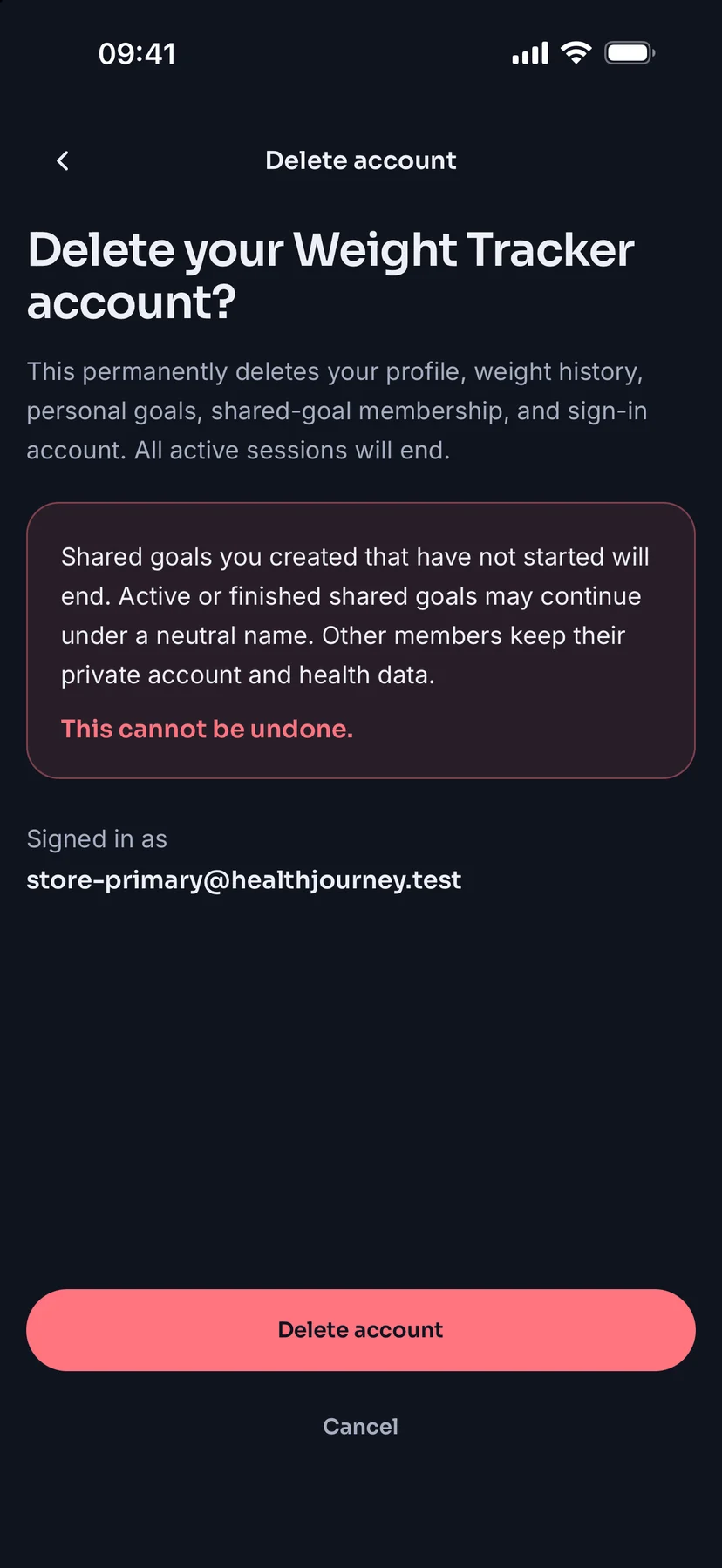
Delete account shows what goes and which account is signed in.
Once the request is accepted, you are signed out. Your data is usually gone within minutes, and deletion is always completed within 30 days. The app keeps a private receipt on your device to check the status and confirms when deletion is finished, so keep it installed until then. This cannot be undone.
Shared Goals you created. If they have not started, they end. Active or finished ones may continue under a neutral name. Other members keep their own private account and health data.
Removing the app alone does not delete your account. If you signed in with Apple, deletion also revokes Weight Tracker’s Sign in with Apple access. Deleting your account does not remove your Google or Apple account or the original records in Apple Health. The Privacy Policy explains the few records that remain after deletion and how backups rotate.
Exporting your data
There is no export option in the app yet. Your history stays in your account until you delete it. Depending on where you live, privacy law may give you the right to a portable copy of your data. To ask for one, contact support.
If something goes wrong
| What you see | What to do |
|---|---|
| The reset email does not arrive | Check your spam folder, and make sure you typed the email you signed up with. If you signed up with Google or Apple, use Continue with Google or Continue with Apple instead. |
| The password is not accepted | Use 8 or more characters with at least one uppercase letter and one number. The checklist under the field shows what is missing. |
| “Open the reset link on this device to continue.” | Open the email on the same phone or computer where you asked for the link. |
| “We could not confirm whether deletion finished.” | Check your connection and tap Delete account again. The retry continues the same request. |
| “For security, sign out and sign in again before deleting your account.” | Tap Log out, sign in again, and repeat the steps. |
| “Confirm with Apple to delete your account.” | Tap Delete account again and continue when Apple asks you to confirm. |
| “This account uses Sign in with Apple. Delete it from the Weight Tracker app on your iPhone.” | An account made with Apple can only be deleted in the iPhone app. Sign in there and repeat the steps. |
| “Your account deletion is taking longer than promised.” | We keep retrying it. If you need help, contact support, but do not send your private deletion receipt. |
| My weights look different after switching units | Only the display changed. Every entry is converted for display, and switching back shows the original values. |
Questions
Can I sign in with Apple?
Yes. In the iPhone app, choose Continue with Apple. If you pick Hide My Email, your account uses an Apple relay address, and Apple forwards our emails to you. The web app offers email and password or Continue with Google.
What happens to my history when I switch from kilograms to pounds?
Your whole history, your goals, and your widgets switch to the new unit. Entries are stored precisely, so switching back and forth does not change them.
Can I export my weight history?
Not yet. There is no export option in the app. Depending on where you live, you may have a right to a portable copy of your data, and you can ask for one through support.
Does deleting the app delete my account?
No. Removing the app leaves your account and data in place. To delete them, use You → Account → Delete account first.
How long does account deletion take?
You are signed out as soon as the request is accepted. Your data is usually gone within minutes, and deletion is always completed within 30 days. The app confirms when deletion is finished.