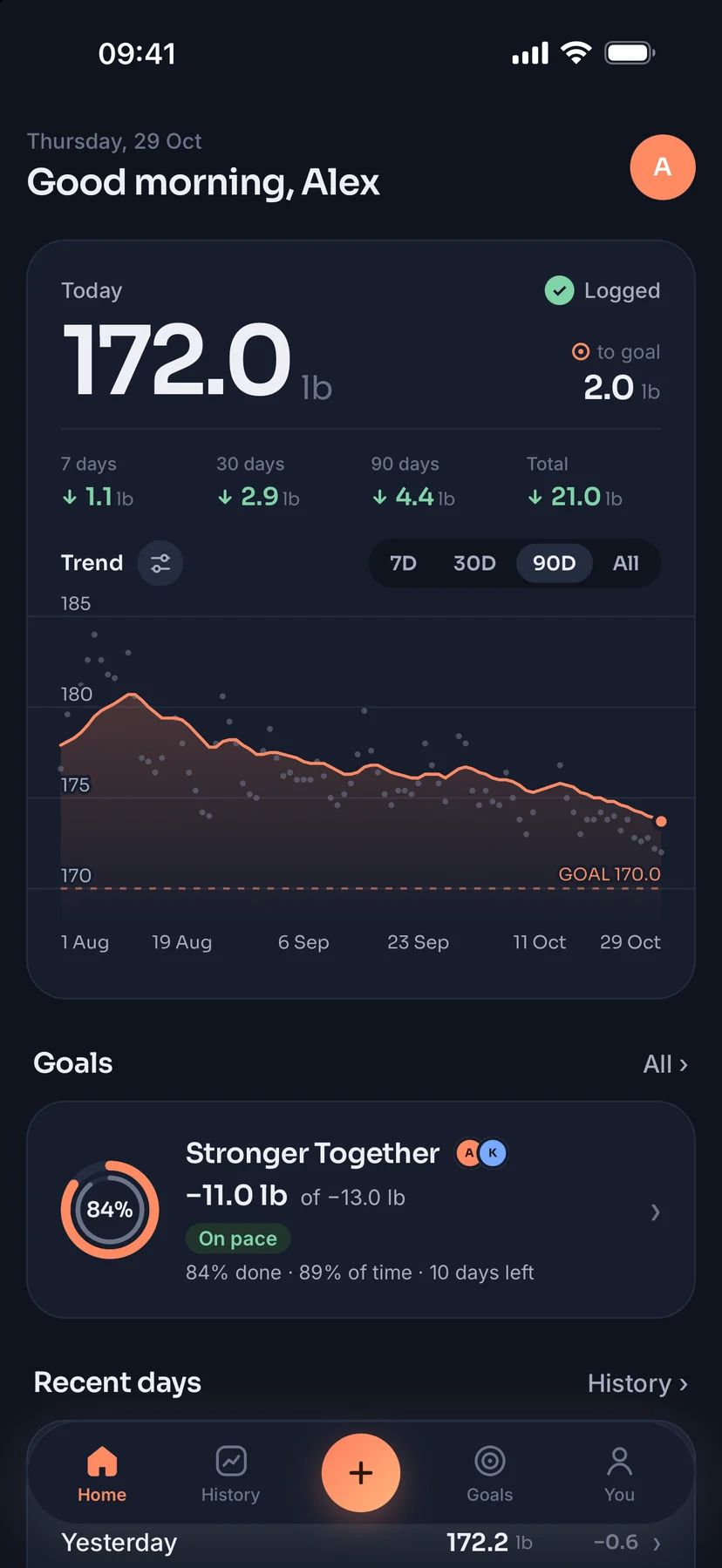
Log a weight
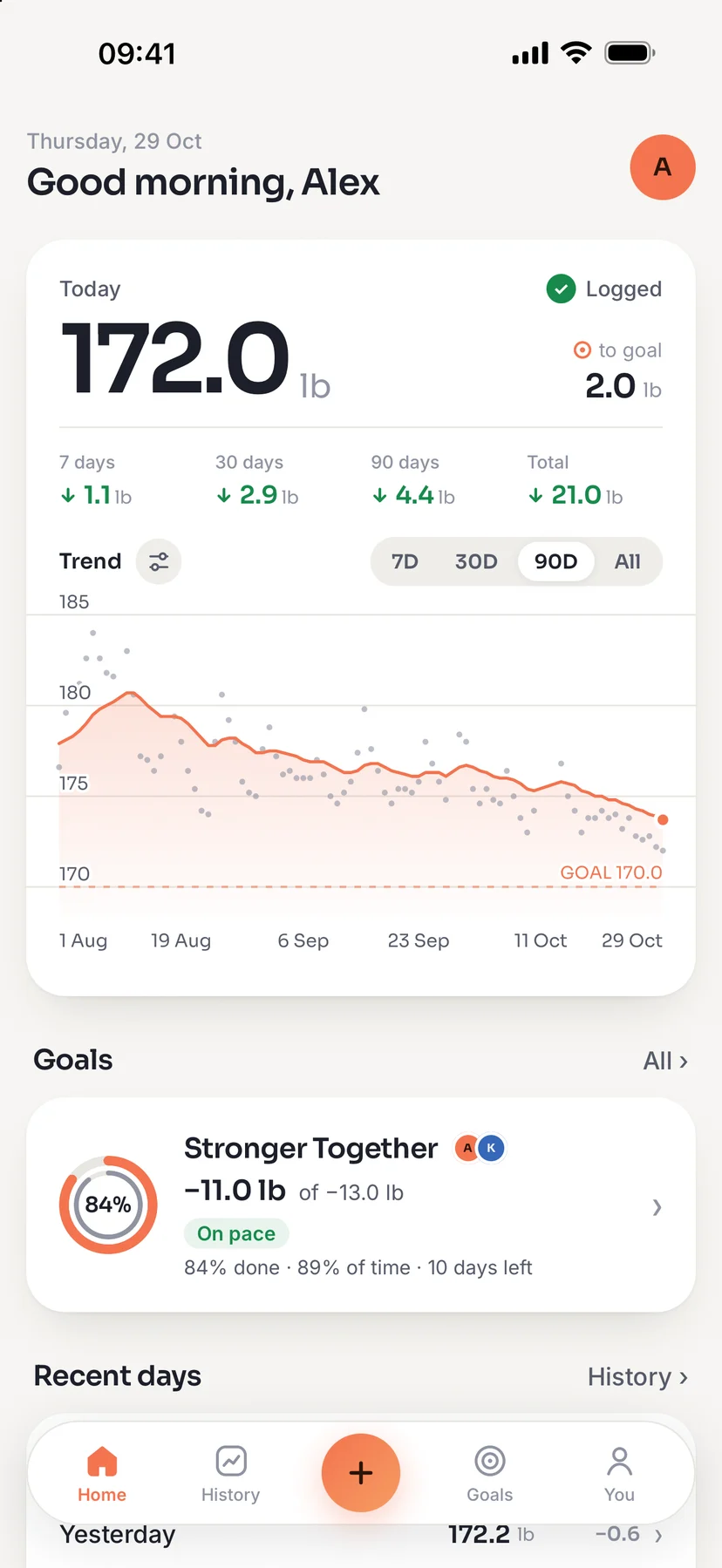
- Tap the round + button in the middle of the tab bar, between History and Goals. The Log weight sheet opens.
- The sheet opens at your most recent weigh-in. Drag the ruler, or tap − and + to move 0.1 at a time.
- Check the date and time in the top corner. It shows Today and the current time, for example Today, 07:30, unless you change it.
- Tap the save button. It shows the weight it will save, for example Save 172.8 lb, and a message confirms it, for example Logged 172.8 lb.
The confirmation also says what the entry changed. In your first days it counts toward your trend, for example Day 2 of 5 toward your first trend. If the day already had a weight, it says whether the day keeps your first weigh-in or now averages several, depending on your daily value. A second weigh-in on the same day is saved like any other.
The sheet uses your display unit, kilograms or pounds. You can also open it from the reminder notification and from the Quick Log widget. See widgets and reminders.
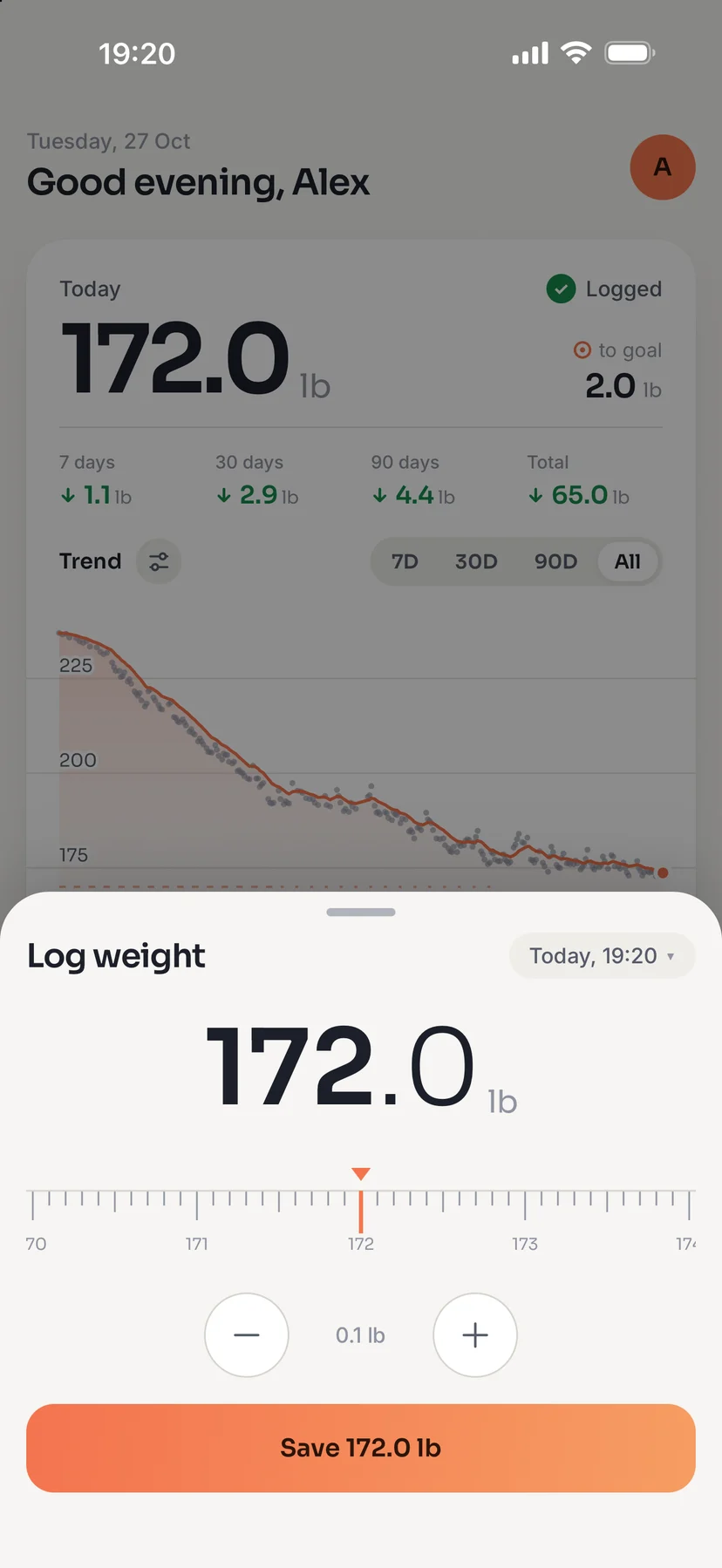
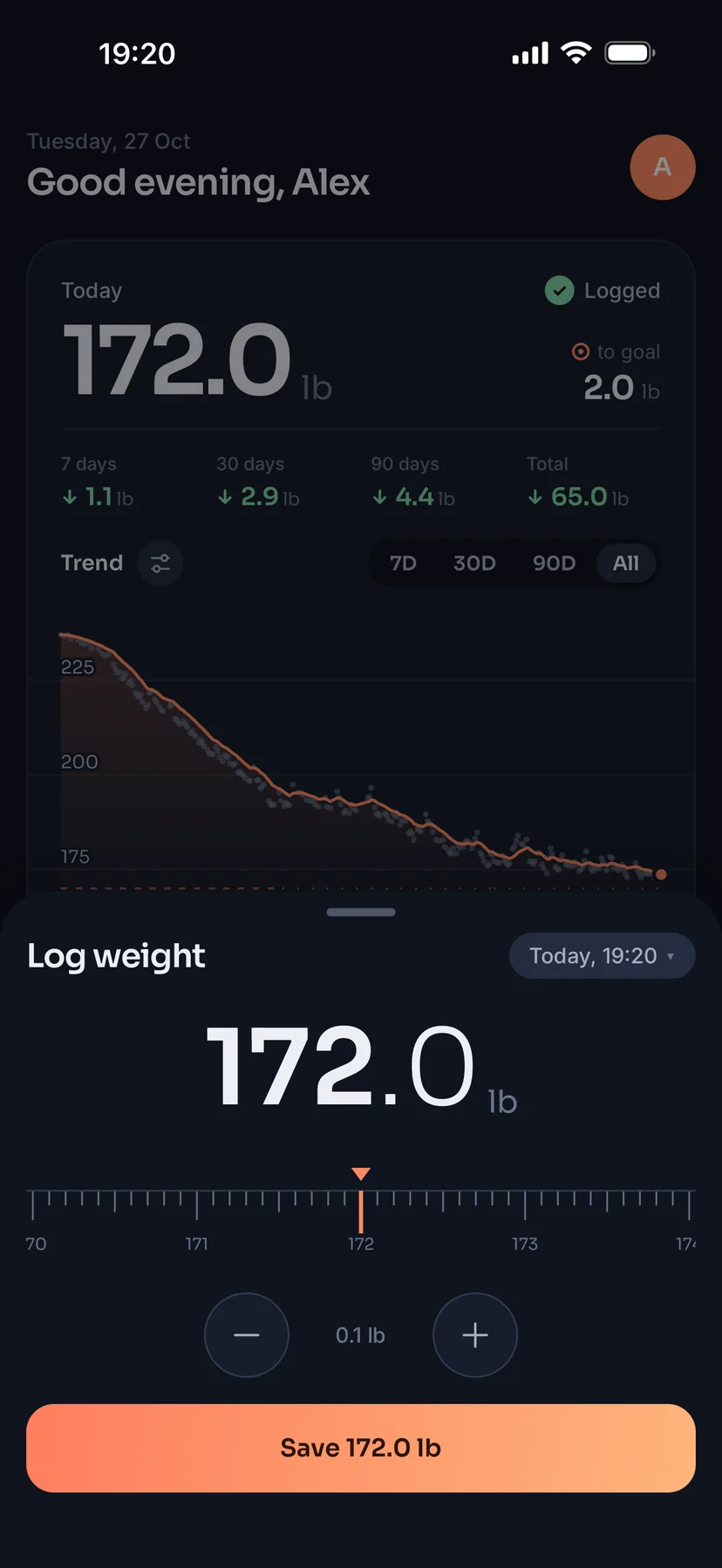
The Log weight sheet opens at your latest weigh-in.
Log a weight for an earlier day or time
Forgot to log yesterday’s weigh-in? Set the date and time before you save.
- In the Log weight sheet, tap the date and time at the top.
- In Date & time, pick the day and the time you weighed yourself.
- Tap Done. Use current time resets the picker to now, and ‹ Back leaves without changing anything.
- Set the weight and tap the save button.
You cannot log a weight in the future. If the time you pick is later than now, the app uses the current time instead. Each entry also records your phone’s time zone, so a weigh-in while traveling lands on the day you actually stepped on the scale.
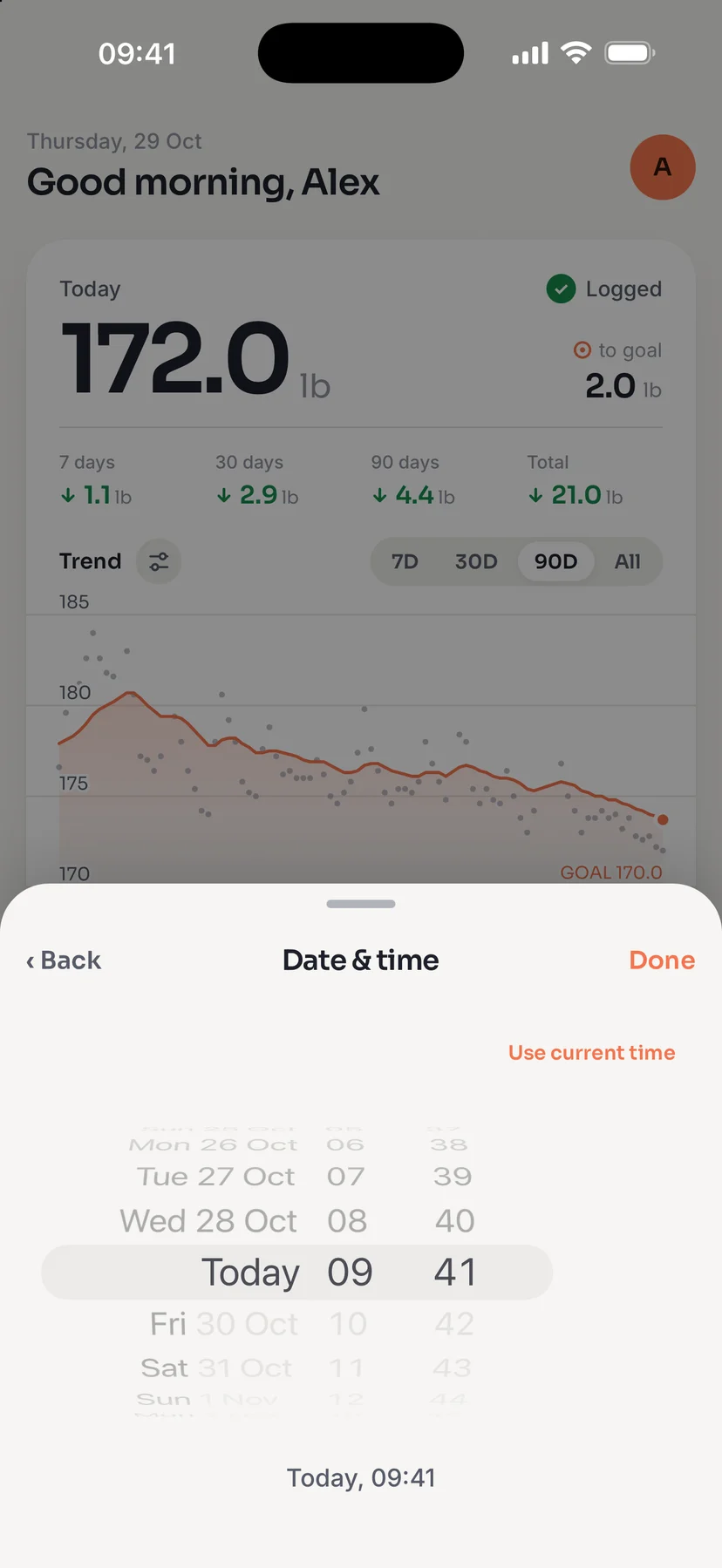
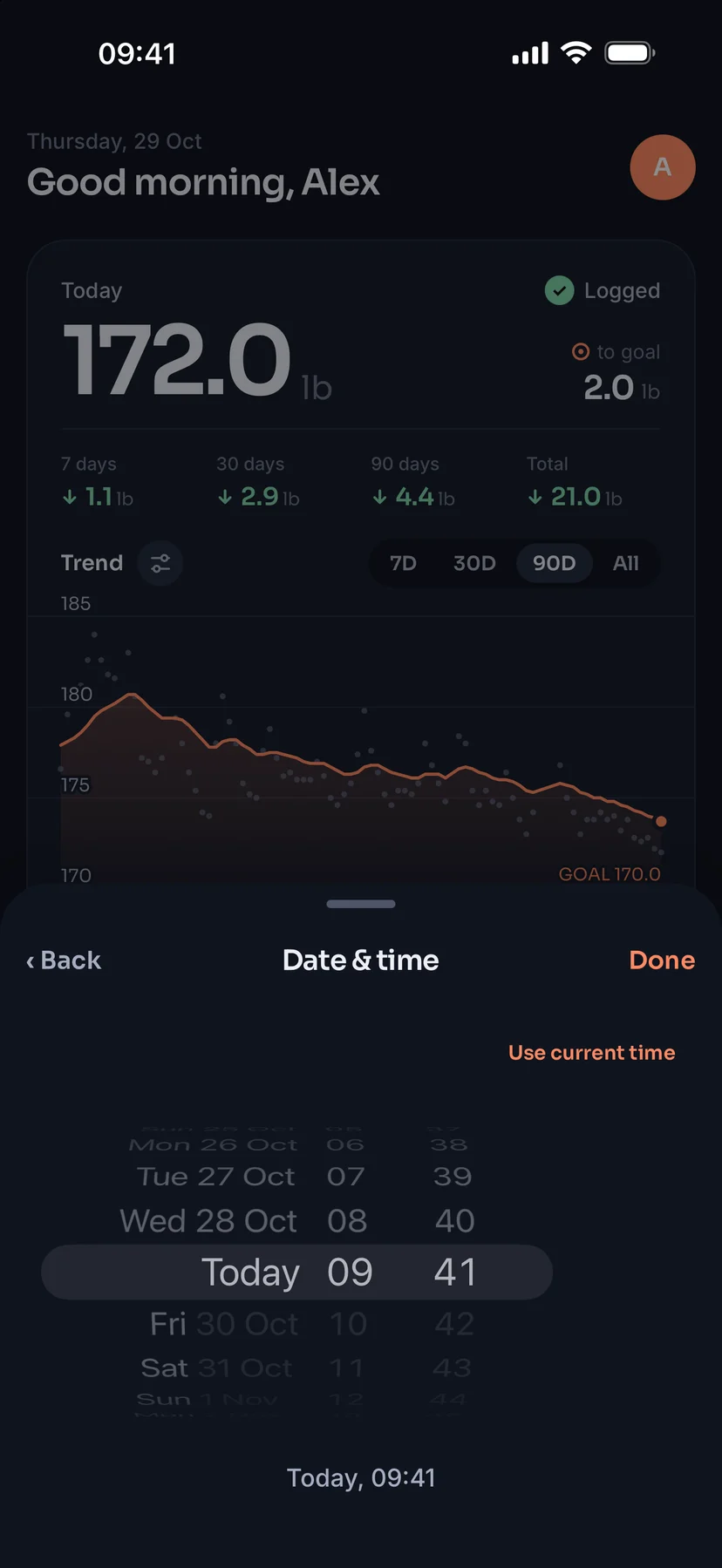
Tap the date and time to log for an earlier day.
Edit or delete an entry
- Open History. Days are grouped by month, newest first.
- Tap a day. If it has one weight you typed in, Edit weight opens straight away. If it has several, the day opens to list each weigh-in with its time, and Counts marks the one that sets the day’s value.
- To change a weight, tap the pencil next to it. In Edit weight, adjust the number and tap the save button, for example Save 172.0 lb.
- To remove a weight, tap the trash icon next to it, or Delete weigh-in in Edit weight. Then tap Delete in the Delete this weigh-in? dialog.
Deleting is permanent. There is no undo, so if you delete the wrong weigh-in, log it again with the same date and time.
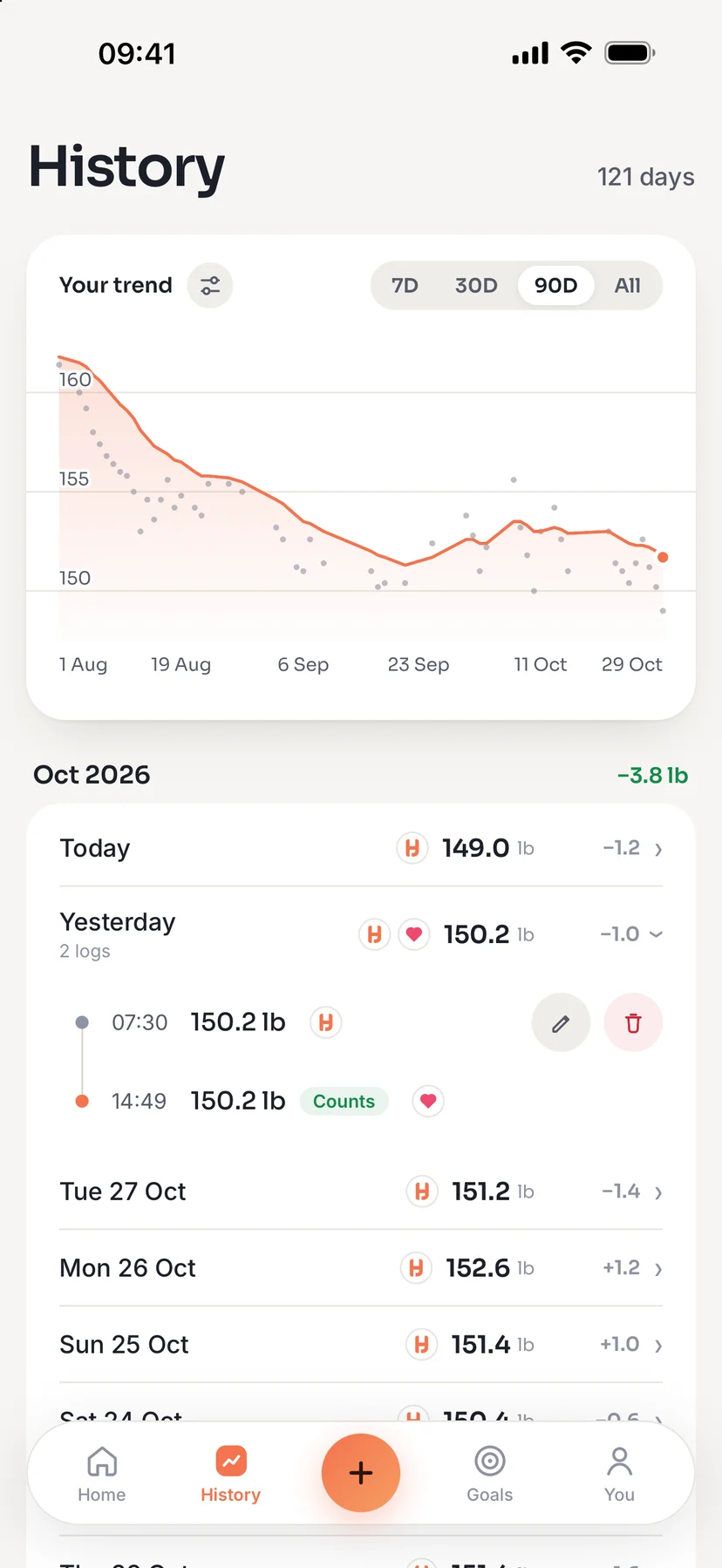
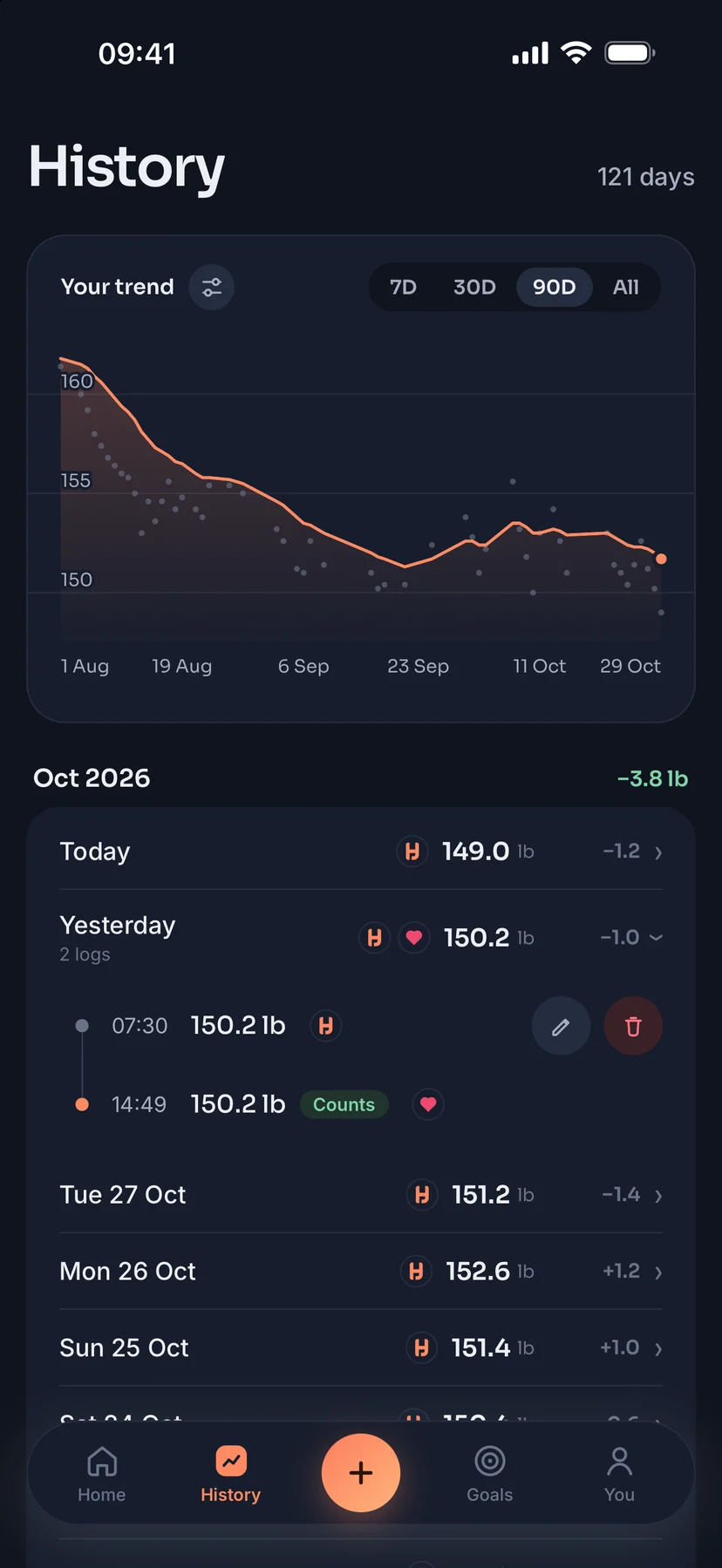
A day with several weigh-ins lists each one. Only typed-in weights have a pencil and trash.
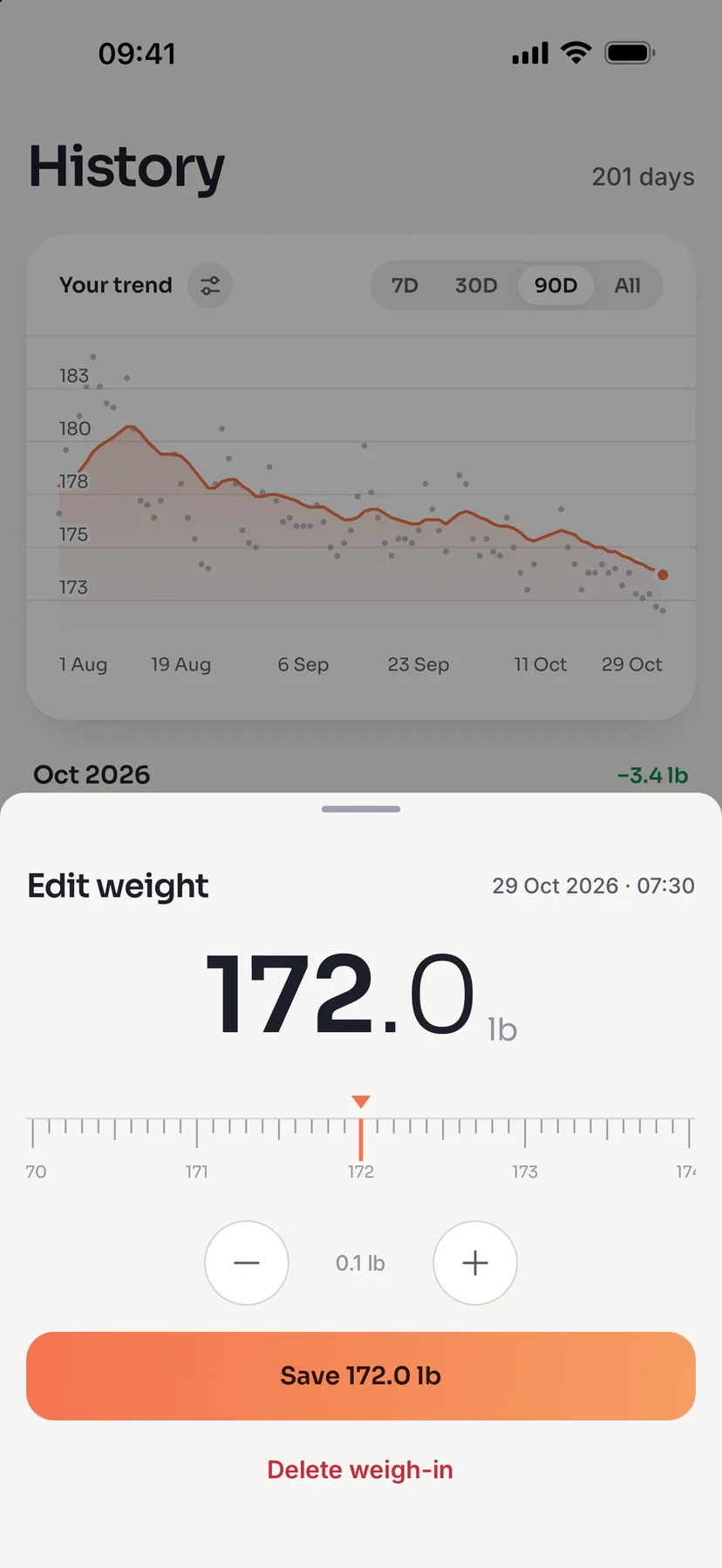
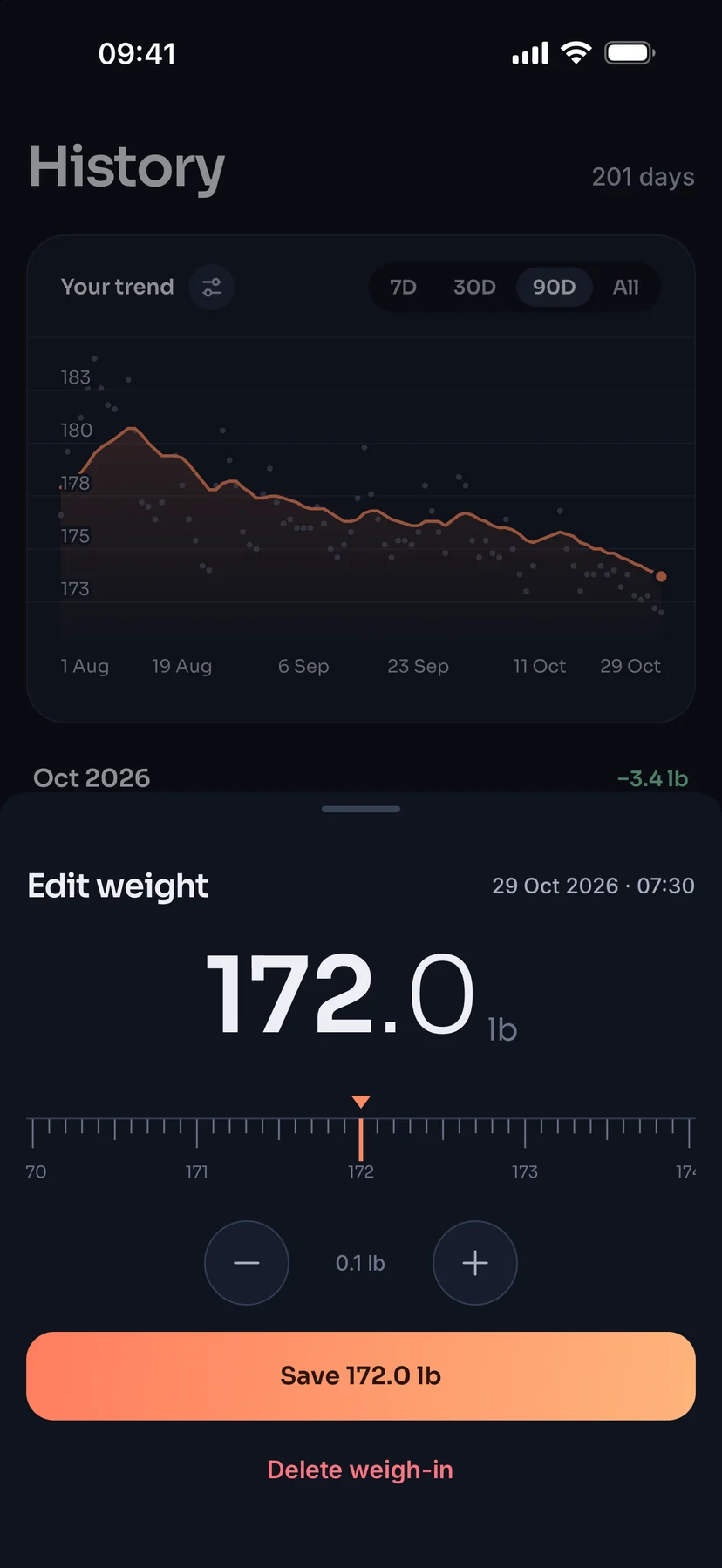
In Edit weight, change the number or delete the weigh-in.
What you can and cannot change
Entries you log yourself can be corrected. Entries imported from Apple Health stay exactly as Apple Health has them.
| Manual entry | Imported entry | |
|---|---|---|
| Weight | Yes. Open the day in History and edit it. | No. Change it in Apple Health or the app that recorded it. |
| Date and time | Not after saving. Delete the entry and log it again with the right time. | No. It keeps the time Apple Health recorded. |
| Delete | Yes, one weigh-in at a time. Deleting is permanent. | No. Delete it in Apple Health, or disconnect and choose Delete imported weights. |
| Source label | Entered manually in Weight Tracker. | Imported from Apple Health, shown by the heart icon. |
The import guide covers syncing and disconnecting.
How entries become your daily weight
History and Home show one number per day. If a day has several entries, your daily weight setting picks which one counts: First of the day, Latest of the day, or Day average. Change it in You → Measurements → Daily weight. Every entry is kept whichever you choose, and the first, latest, or average guide works through an example.
Editing or deleting an entry updates that day’s value straight away, and with it your charts, comparisons, and goal progress. If the entry falls on the first day of a goal, the goal’s starting weight updates too, until the goal’s result is final. After five logged days, Home and History show your trend chart with 7D, 30D, 90D, and All. Each range appears once your history covers that many days.
If something looks wrong
| What you see | What to do |
|---|---|
| An entry has no pencil or trash icon | It was imported from Apple Health, so it is read-only here. Change it in Apple Health or the app that recorded it. |
| I saved a weight at the wrong time | The time of a saved entry cannot be changed. Delete it, then log it again and set the date and time before saving. |
| The time jumped back to now | Weights cannot be logged in the future. A time later than now is replaced with the current time when you tap Done. |
| A day shows a different number from my entry | The day uses your daily value: First of the day, Latest of the day, or Day average. Check You → Measurements → Daily weight. |
| The same weigh-in appears twice | You probably typed in a weight your scale also sent to Apple Health. Both count toward the day until you delete the one you typed. |
| The 30D or 90D button is missing | Each range appears once your history covers that many days. All is always there. |
| “Weight log unavailable” | The app could not load your latest weight, and nothing was saved. Check your connection and tap Try again. |
Questions
Can I log more than one weight in a day?
Yes. Log as many as you like. Your daily weight setting decides whether the day shows the first, latest, or average entry, and every entry is kept.
Can I change the time of an entry after saving it?
No. You can change the weight of a manual entry, but not its date or time. Delete the entry and log it again with the correct date and time.
Can I undo a deletion?
No. Deleting a manual entry removes it permanently, and there is no trash to restore it from. If you deleted the wrong one, log it again with the same date and time.
Why can’t I edit an imported weight?
Imported weights belong to Apple Health, and Weight Tracker never changes data there. Edit or delete the weight in Apple Health, and the next sync updates Weight Tracker to match.
Can I log in pounds?
Yes. The log sheet uses your display unit. Change it in You → Measurements → Display unit, and your whole history is shown in the new unit.
Can I log and edit weights in the web app?
Yes. Logging, backdating, and editing or deleting manual entries work the same in the web app and in the iPhone app.