History and trends

Weight loss graph: your trend and every entry behind it

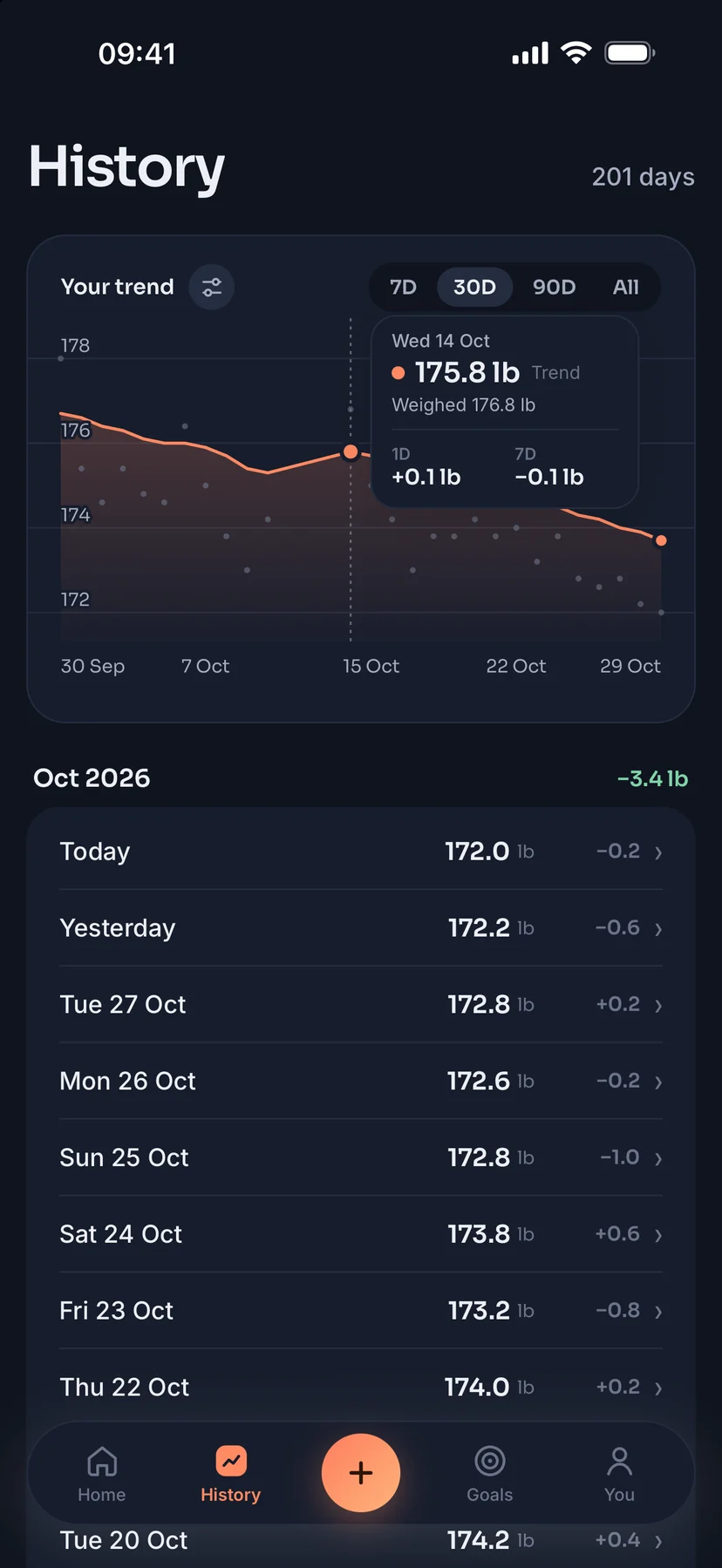
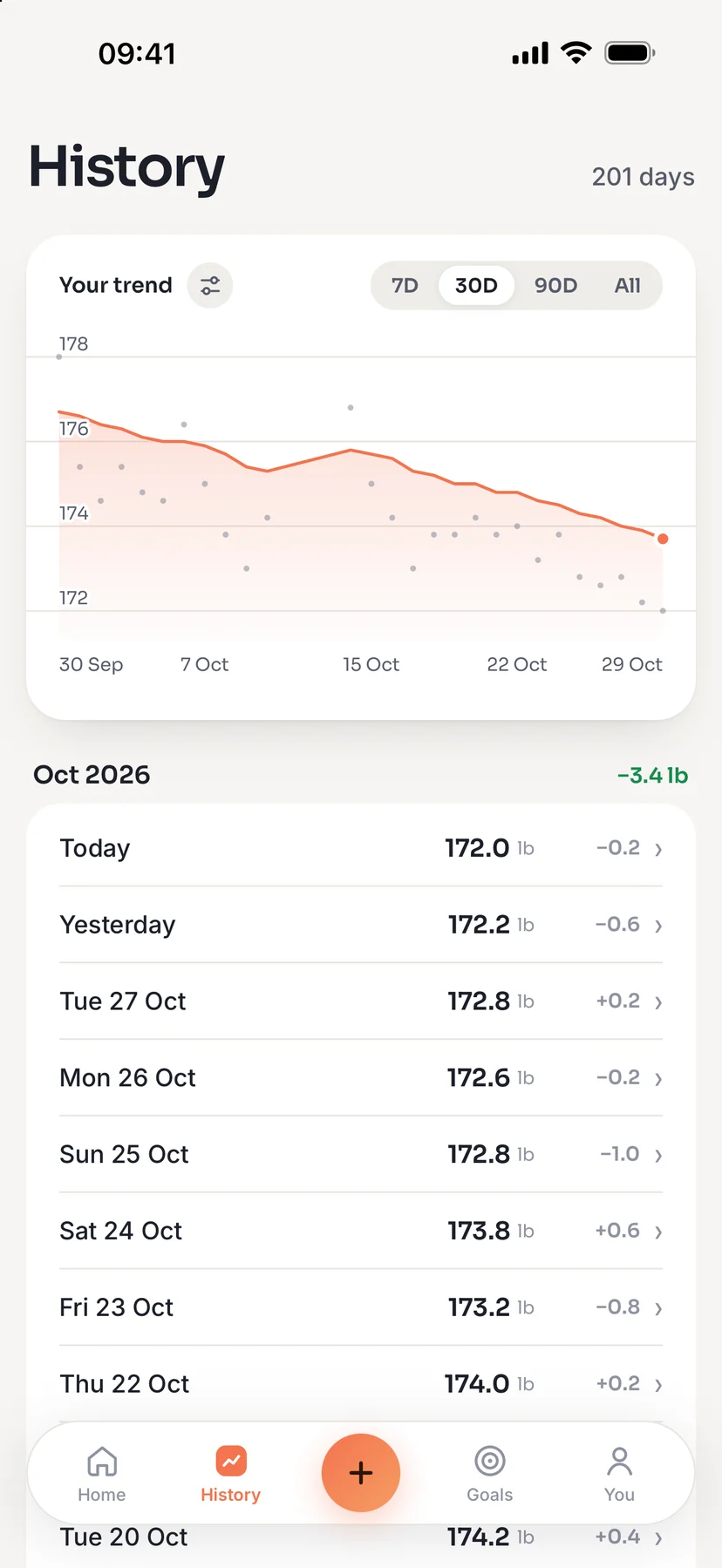
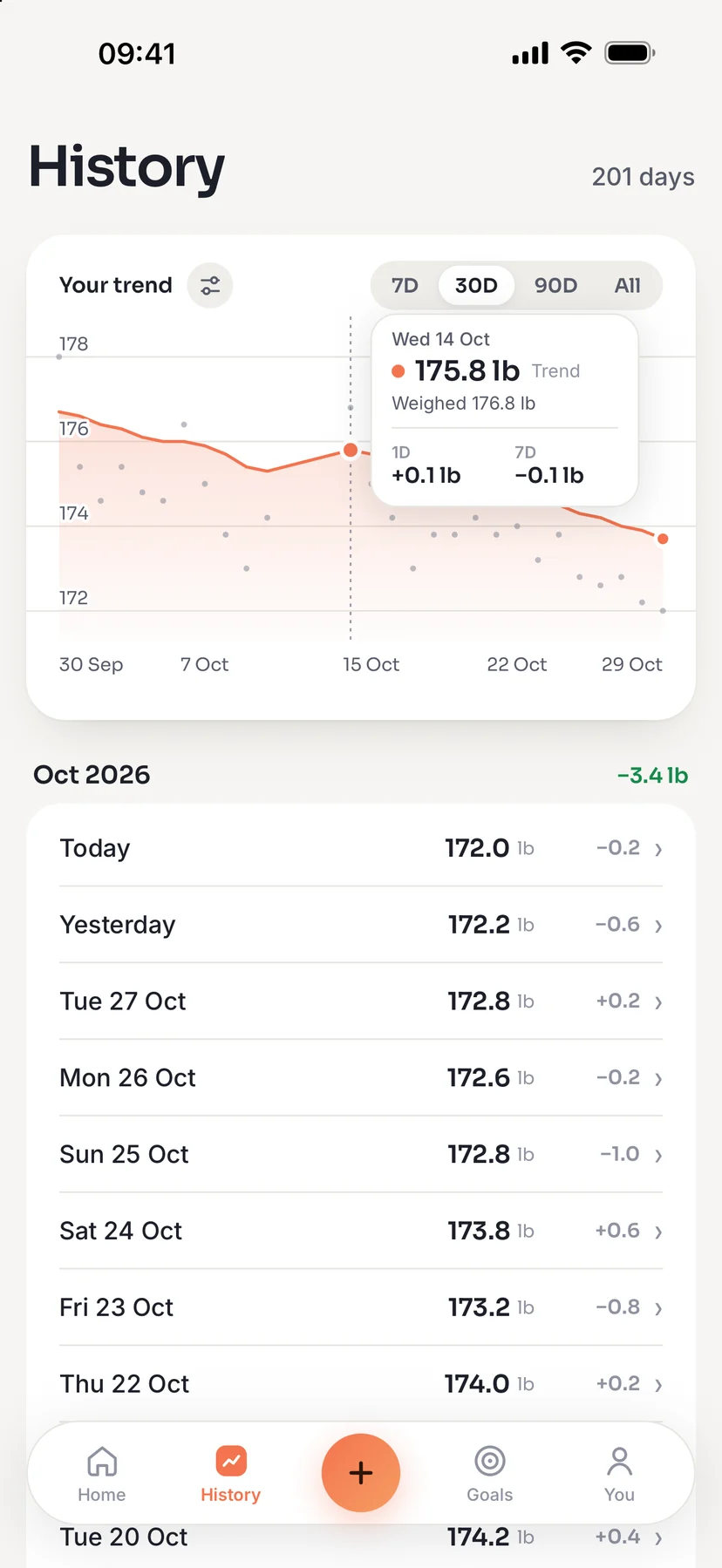
Home and History draw your weight loss graph as a smoothed trend line for the last 7, 30, or 90 days or your whole history. Below it, every day you logged opens to the weigh-ins behind it.

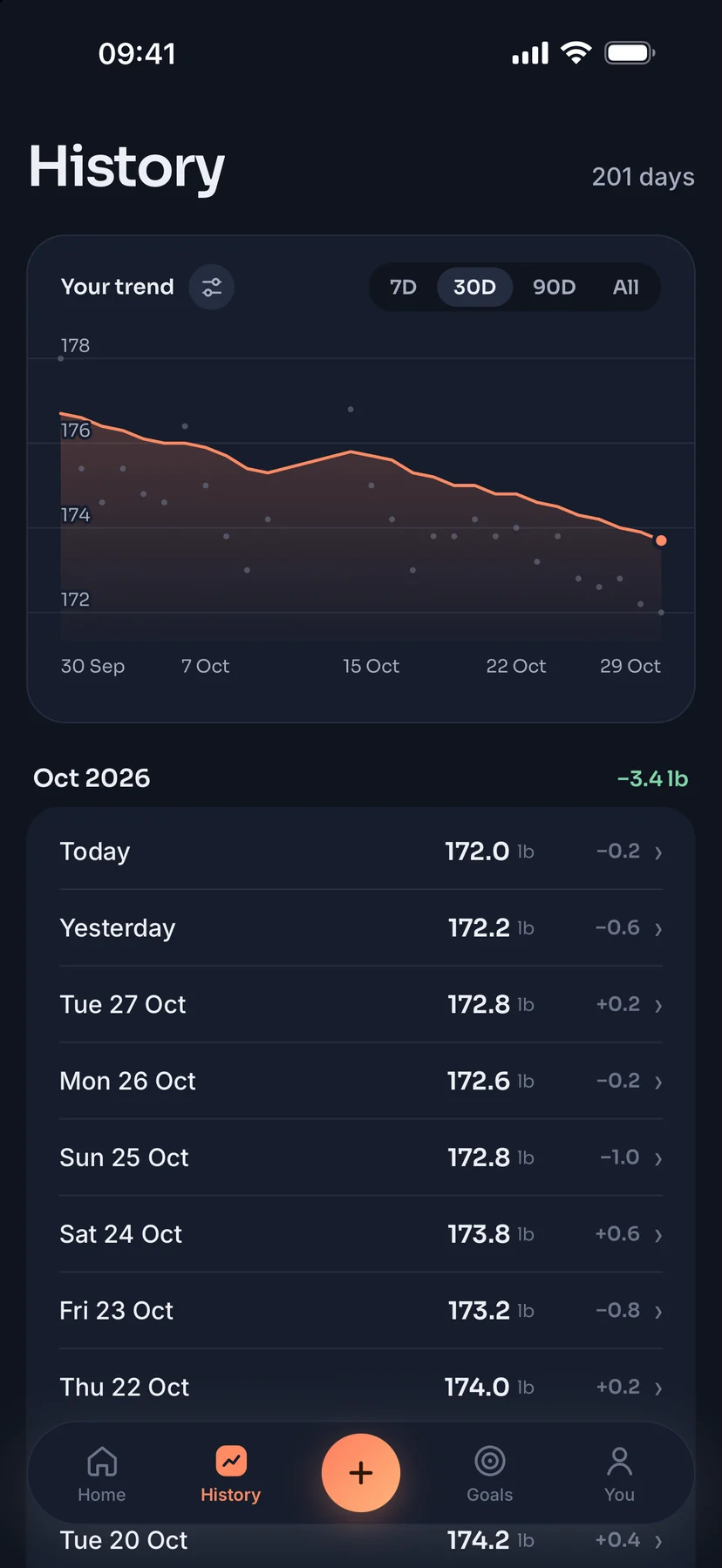
Weight Tracker History with a 30 day trend chart and October’s days listed newest first, each with its weight and change
7D to All
Ranges, up to your whole history
0.1
Weights to a tenth, in kg or lb
Every log
Each day opens to its weigh-ins
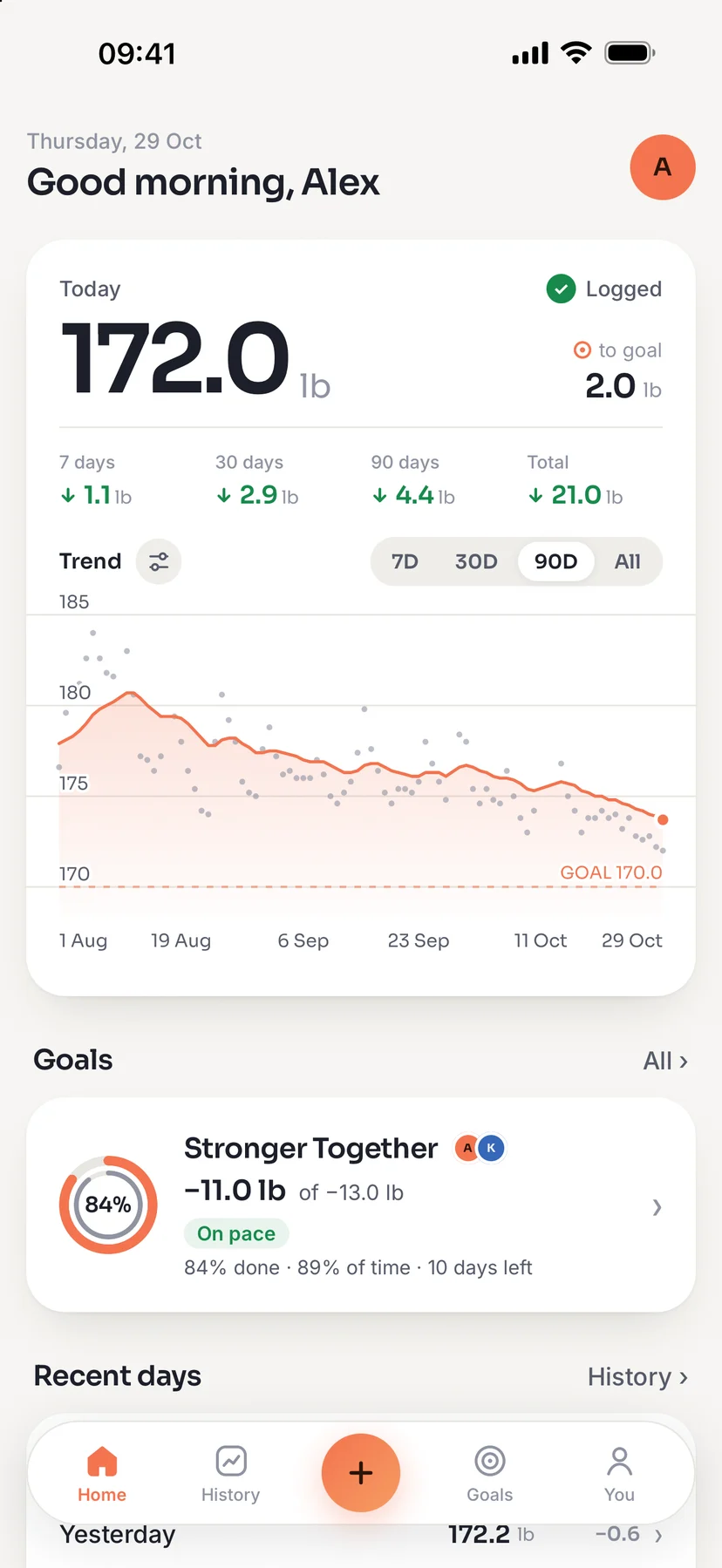
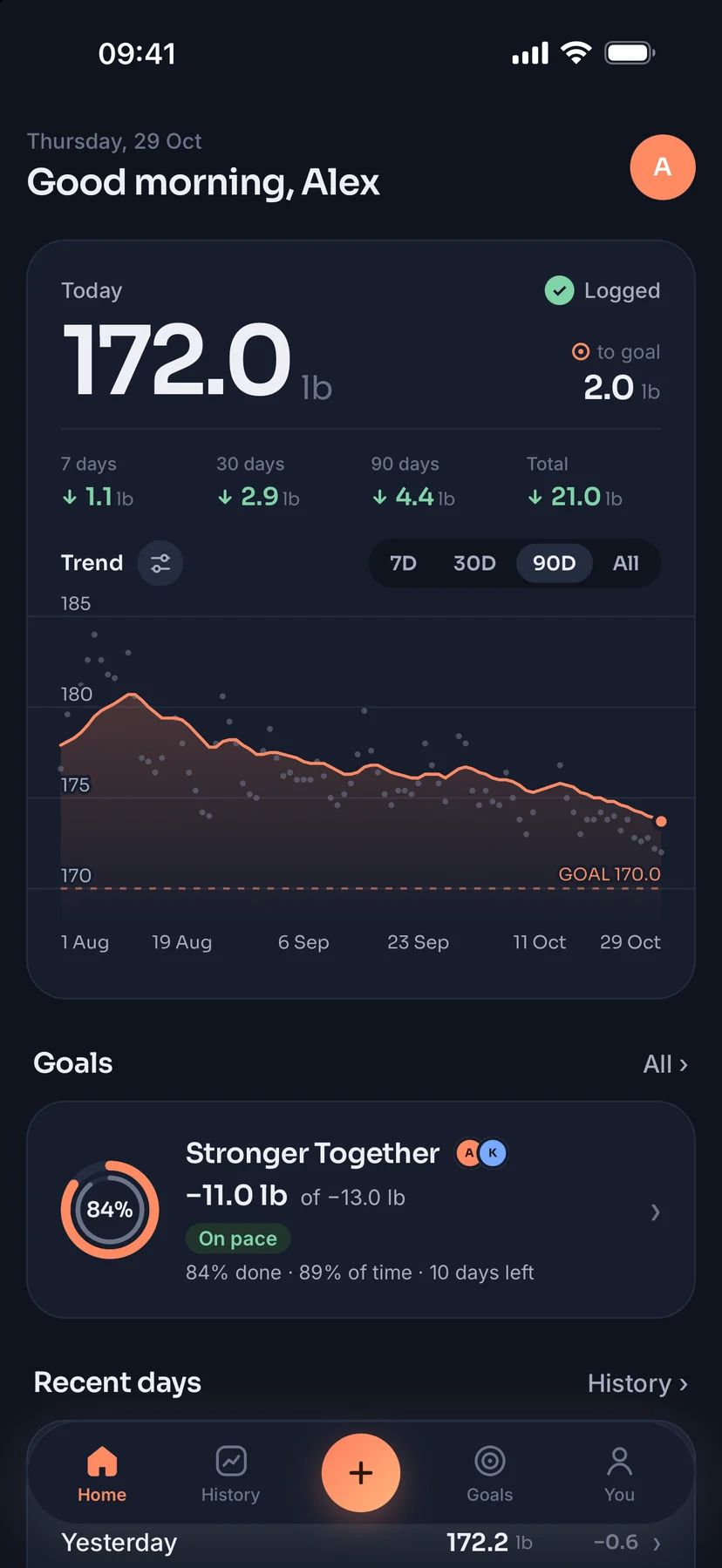
Weight Tracker Home with Alex’s weight today, 2.0 lb to goal, changes over 7, 30, and 90 days, and a 90 day trend chart with a goal line

On Home

Your trend at a glance.

Home shows your weight today, how far you are from your goal, and how your trend moved lately. The chart switches between 7, 30, and 90 days or All, with a dashed line at your goal weight.

No goal yet? Home shows how many of the last seven days you logged instead.
The numbers

What each change on Home means.

The first three follow the trend line, so a single heavy morning barely moves them. Each one shows a dash until your history is long enough.

  • 7 days

    This week

    How far your trend line moved in a week, so one heavy day barely shows.

  • 30 days

    This month

    The trend change over the last month, the clearest read on your pace.

  • 90 days

    This quarter

    The trend change over three months, for the longer view of a goal.

  • Total

    Since day one

    Your latest daily weight minus the very first one you logged in the app.

Weight Tracker History chart with a tooltip for Wed 14 Oct: trend 175.8 lb, weighed 176.8 lb, up 0.1 lb over 1 day and down 0.1 lb over 7 days

The trend line

A line that ignores one-off mornings.

Water and food move your weight from one morning to the next. The trend line smooths those swings, and a faint dot marks the weight you logged each day, so you see both at once.

Each day, the trend line moves a tenth of the way toward that day’s weight. A heavy morning nudges it a little, and a real change pulls it along within a couple of weeks. If you miss a few days, your next weigh-in catches the line up, so it never sits on an old value.

Touch the chart to read any day: its trend, what you weighed, and the change over 1 and 7 days.

Why weight moves Best time to weigh
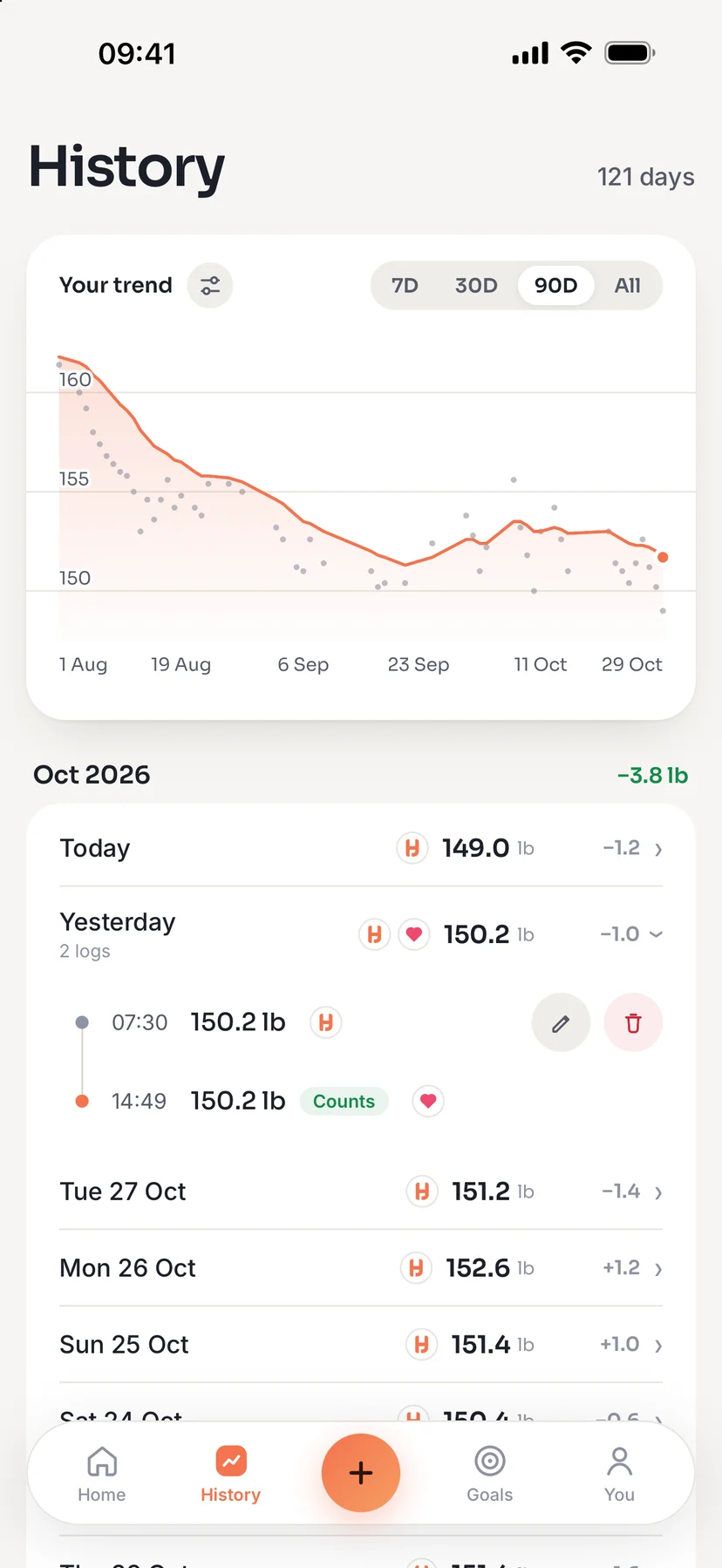
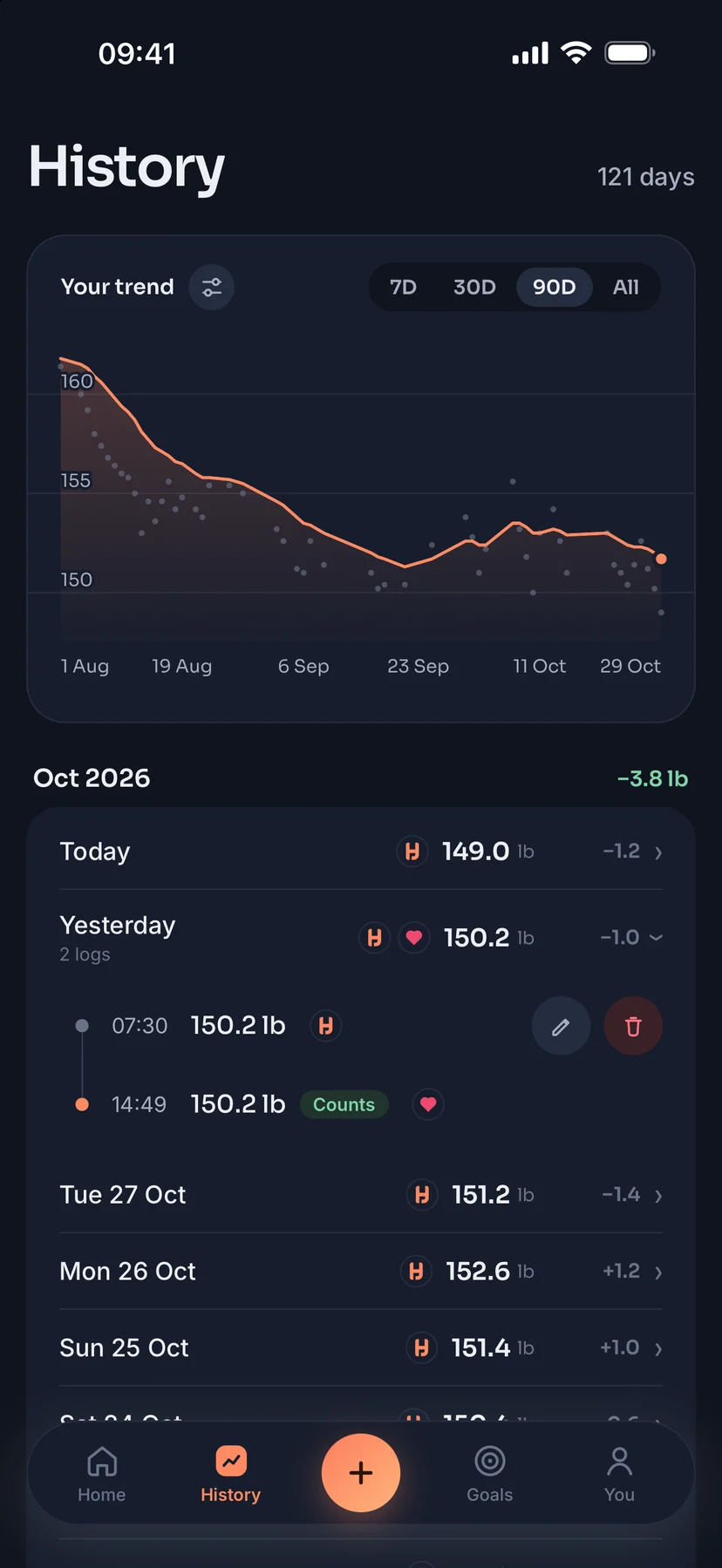
Weight Tracker History with yesterday opened to two weigh-ins, one logged in the app at 07:30 and one from Apple Health at 14:49 marked Counts

In History

Open any day to see what made it.

History lists every day you logged, newest first and grouped by month, with the change from the previous logged day. Tap a day with several weigh-ins to see each one with its time and source.

Correct or delete your own entries there. Weights from Apple Health stay read-only, with their source shown.

How first, latest, and average work Import from Apple Health

Good to know

History questions

Does the chart smooth my data?

Yes, by default. The trend line evens out day to day swings, and a faint dot marks the weight you logged each day. Turn smoothing off in the chart’s options to join each day’s value directly. In the All view of a long history, the chart draws fewer points and keeps the highs and lows.

Why don’t I see a chart yet?

Home and History draw your trend once you have five logged days. Until then, Home tells you how many more days it needs, and History already lists every day you logged.

Can I change the time of an entry?

You can correct the weight on a manual entry, but not its date or time. To move an entry, delete it and log it again with the right date and time.

Can I switch between kg and lb?

Yes, under Display unit on the You tab. Your whole history, the charts, and every comparison switch to the new unit. Weights are shown to 0.1.

Do imported weights appear in History?

Yes. Weights from Apple Health appear next to your manual entries with their source shown, and they count toward the daily value. Imported entries are read-only.

Weight Tracker Home screen showing current weight, long-term trend, and goal progress

History for iPhone

See your trend in your first week.

Log a weight each morning or bring it in from Apple Health, and your trend line appears after five logged days.