
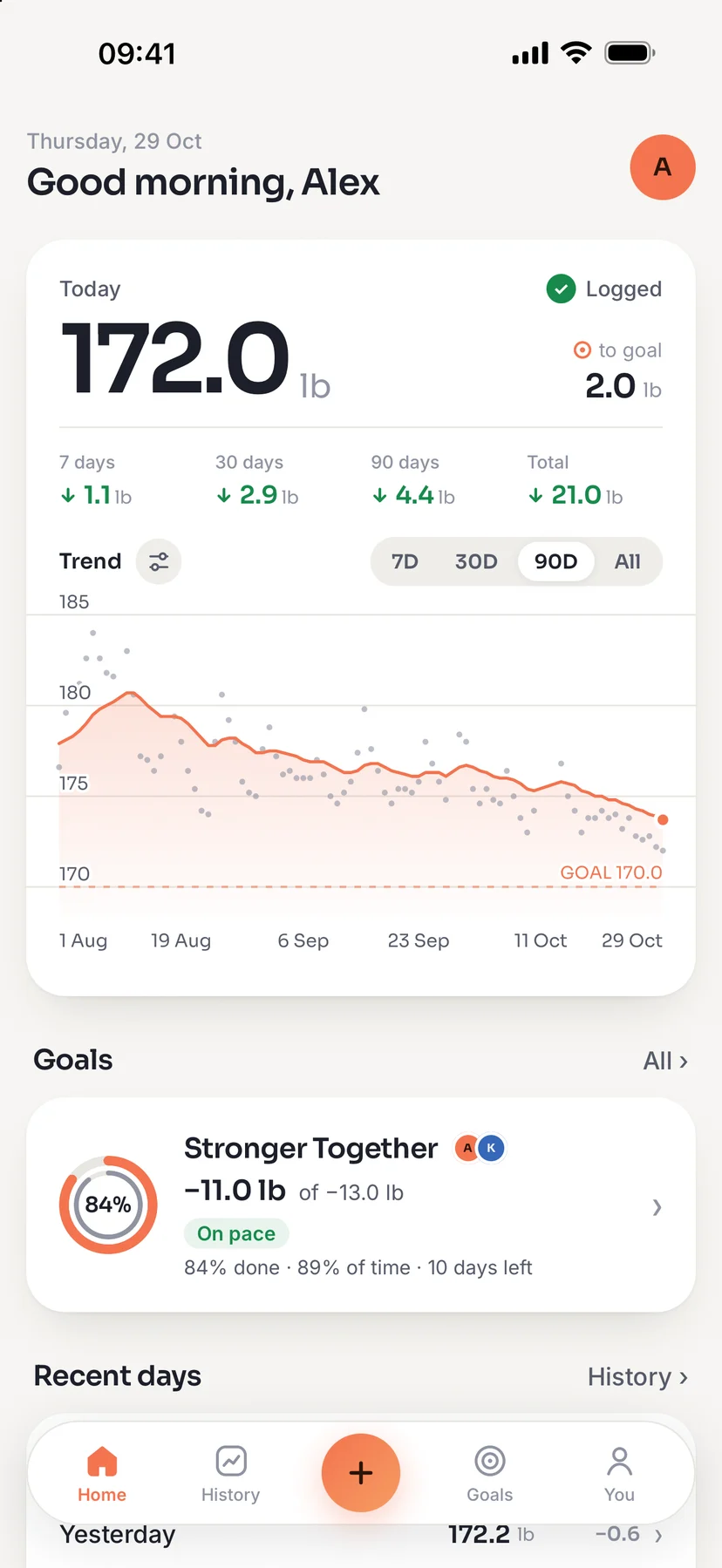
Weight Tracker for iPhone
Every month, on one screen.
Weight Tracker remembers every weigh-in, shows how your trend moved over 30 or 90 days, and can remind you once a day. Free, with no calorie counting.
One page a month: write the date in each box and your weight on the line. At the end of the month, compare your first week with your last, not two single mornings.
Free, with no sign-up and no email address.
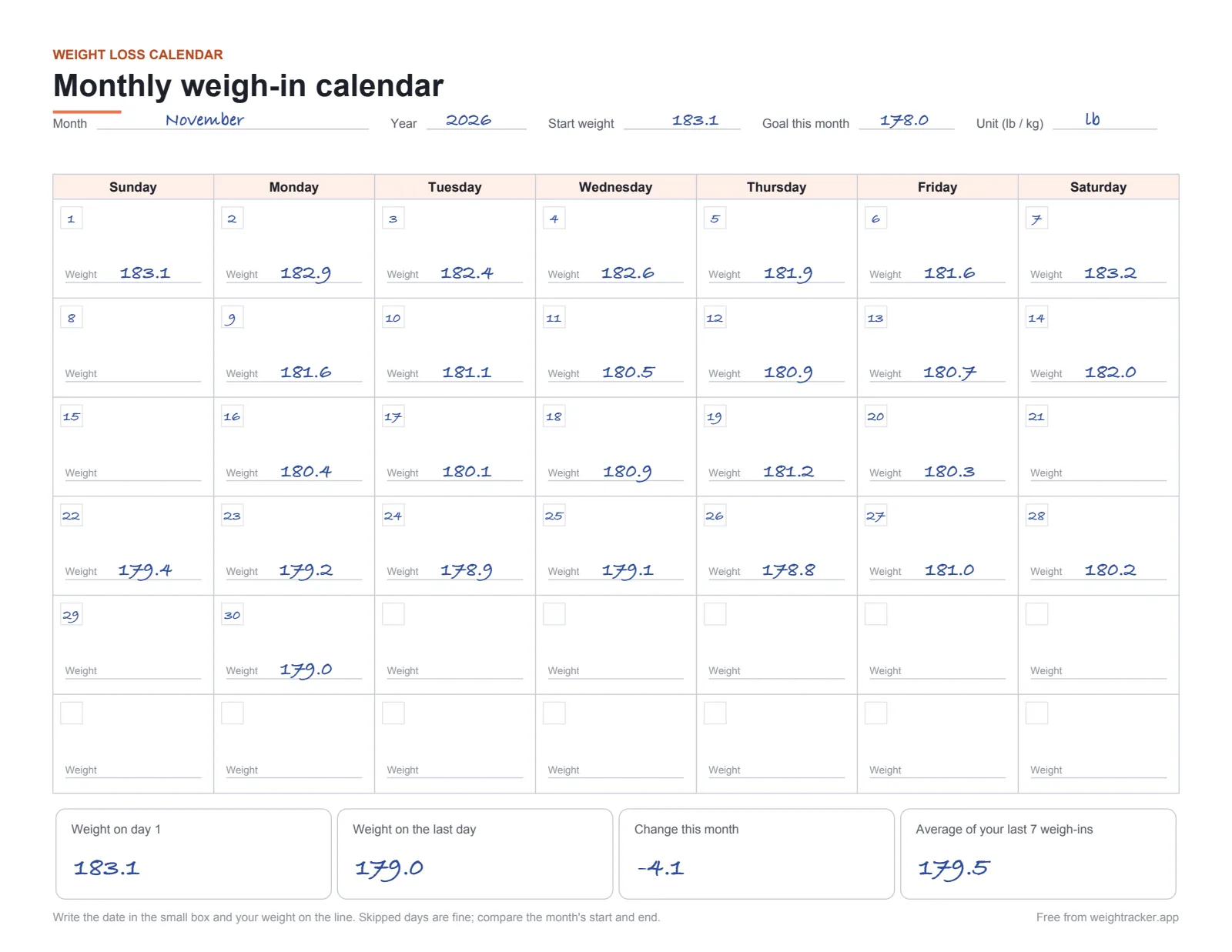
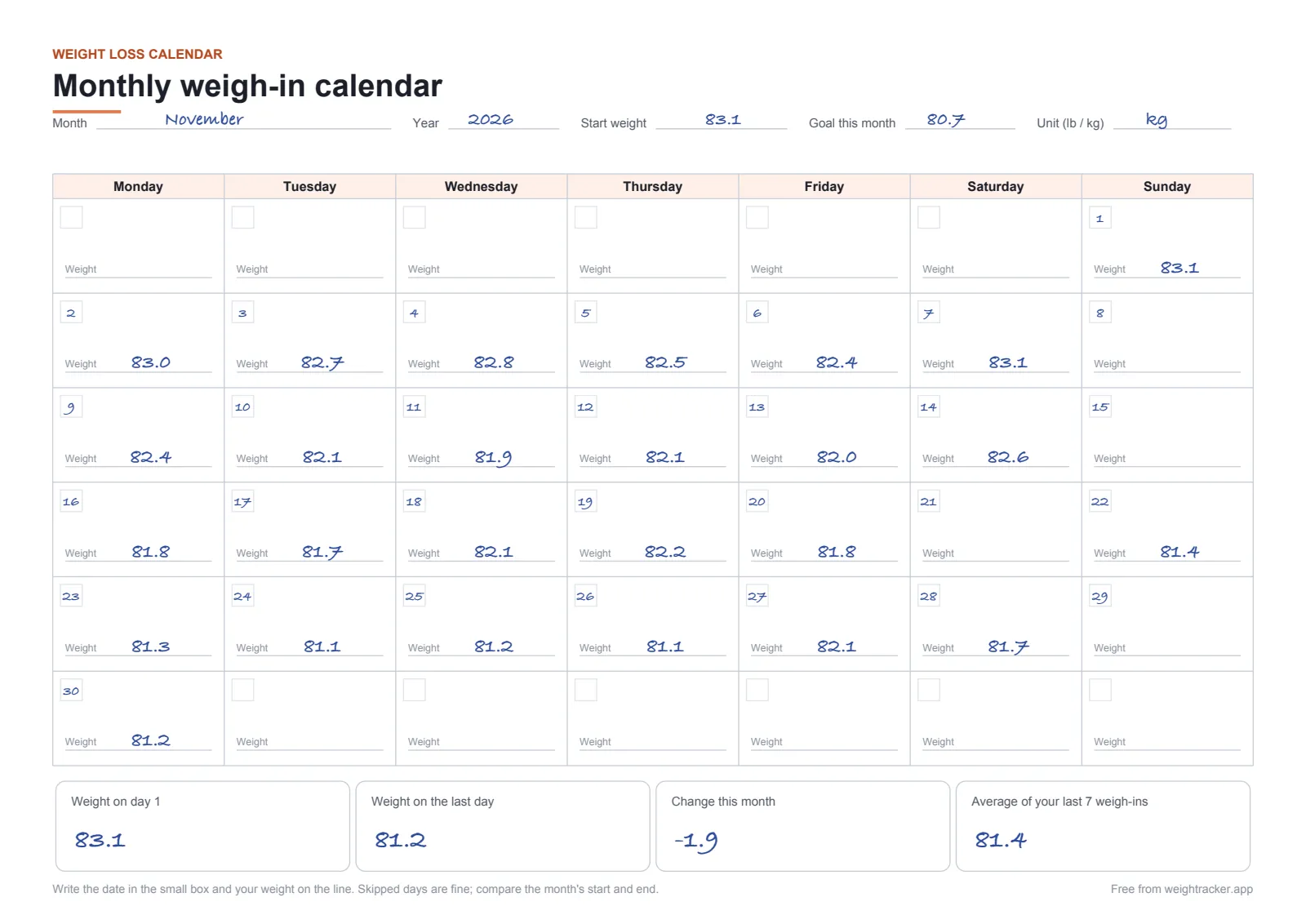
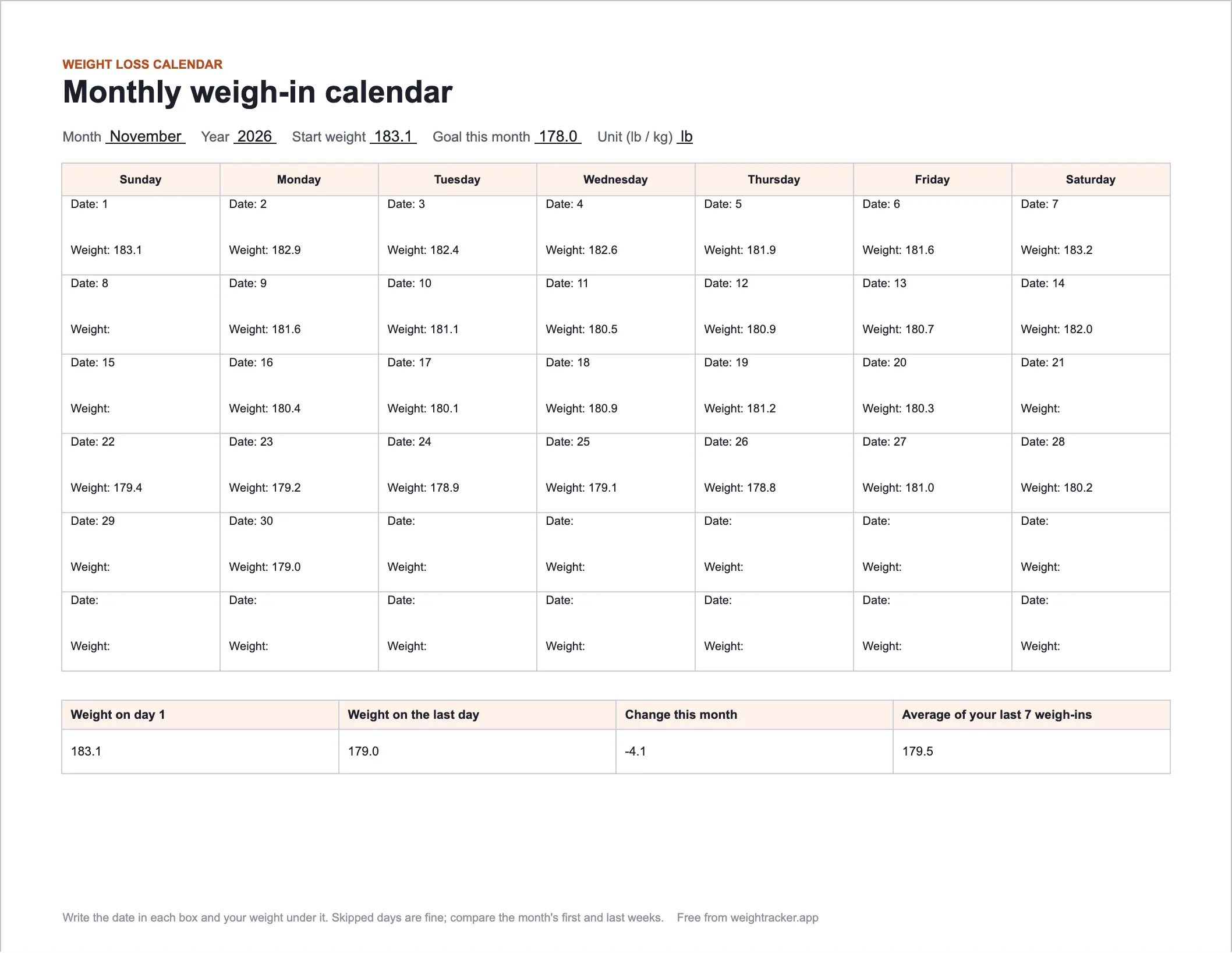
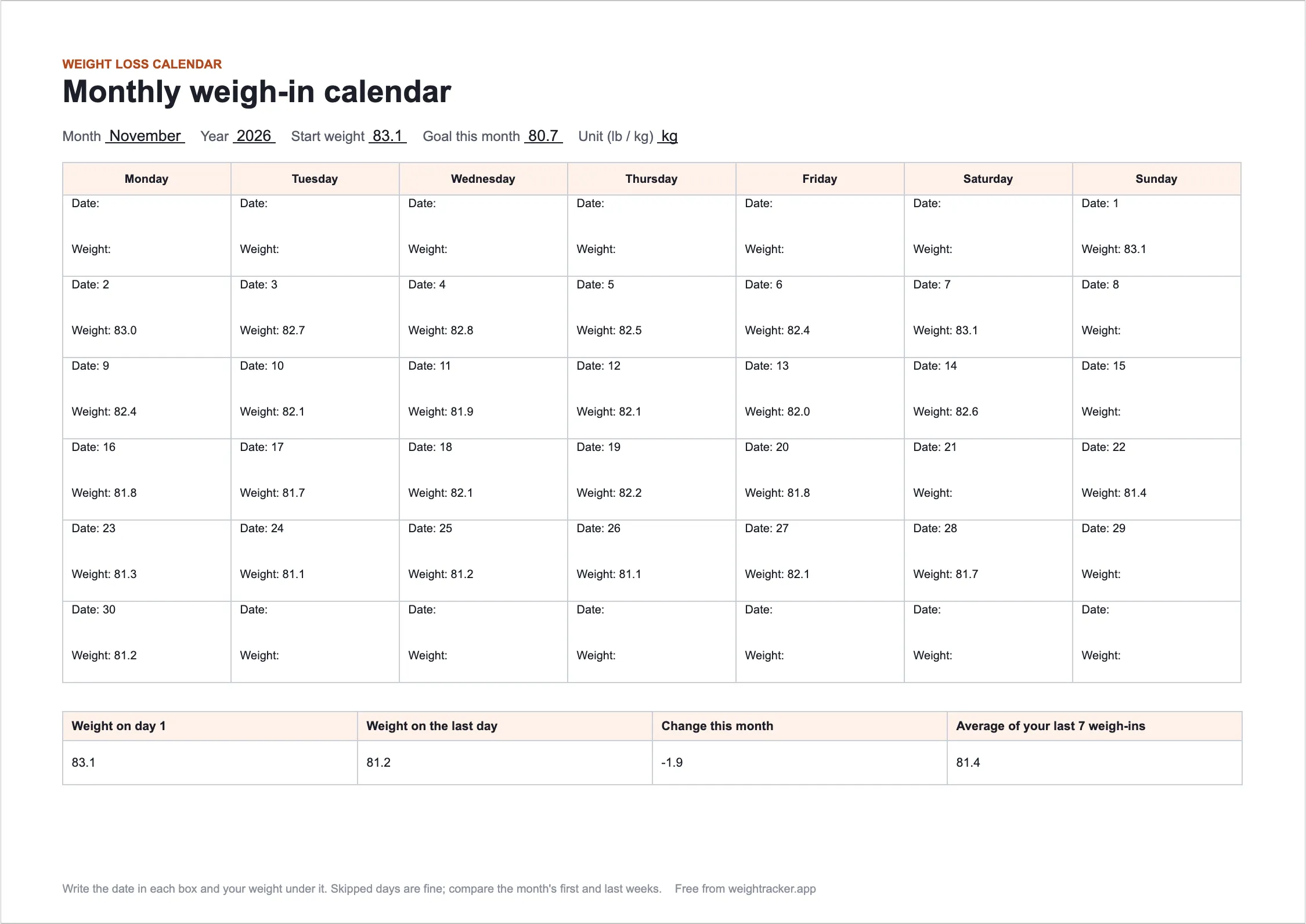
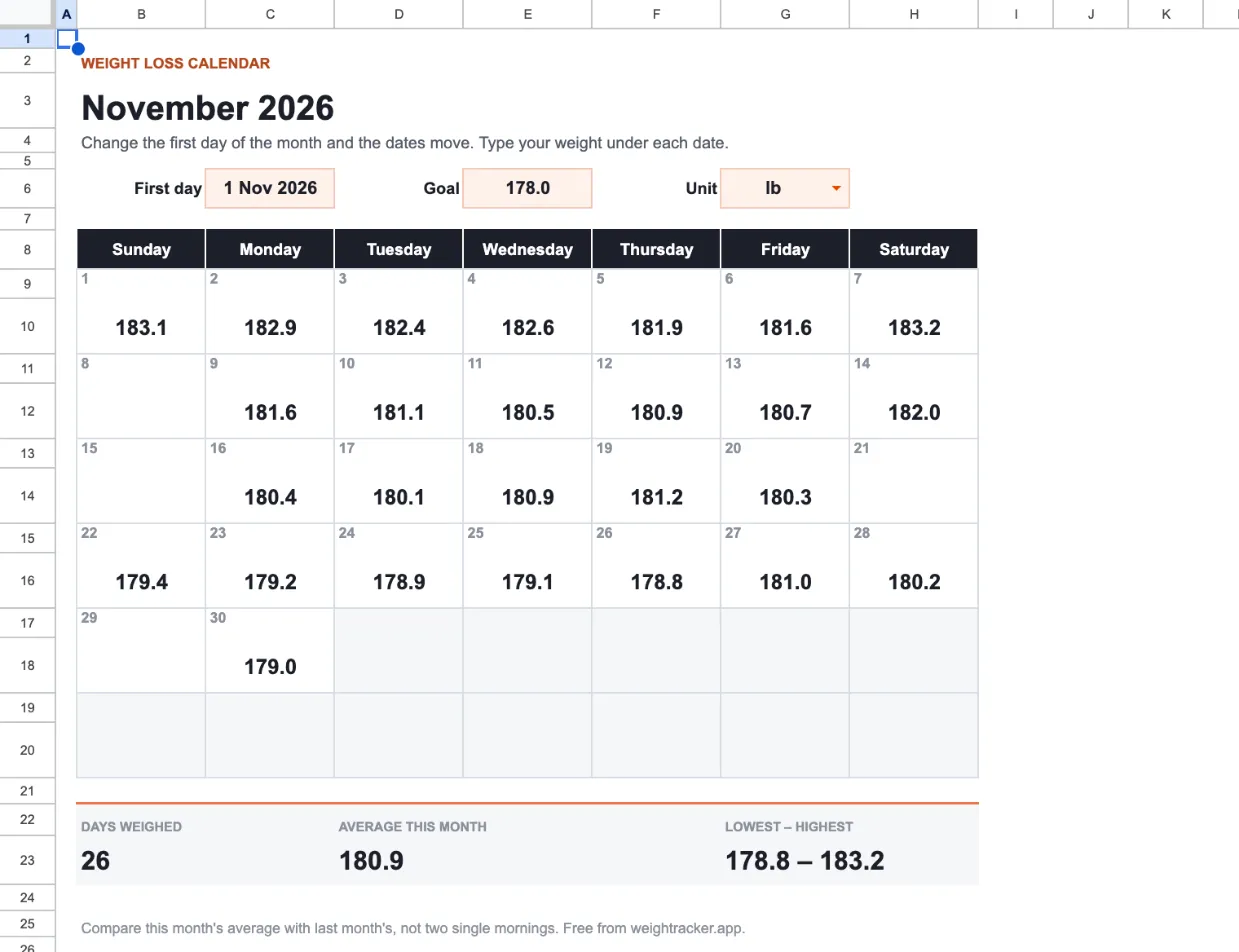
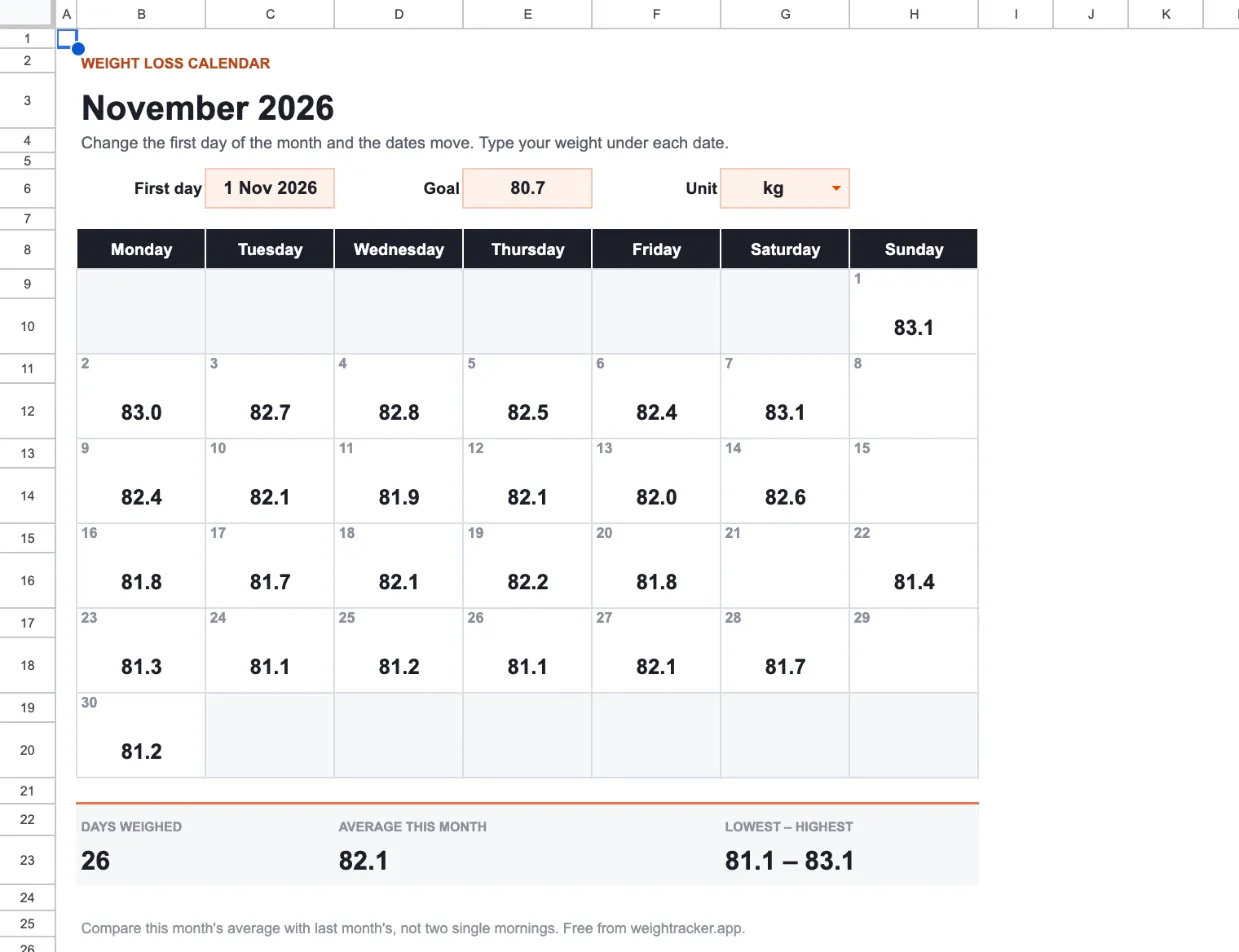
What is on the page
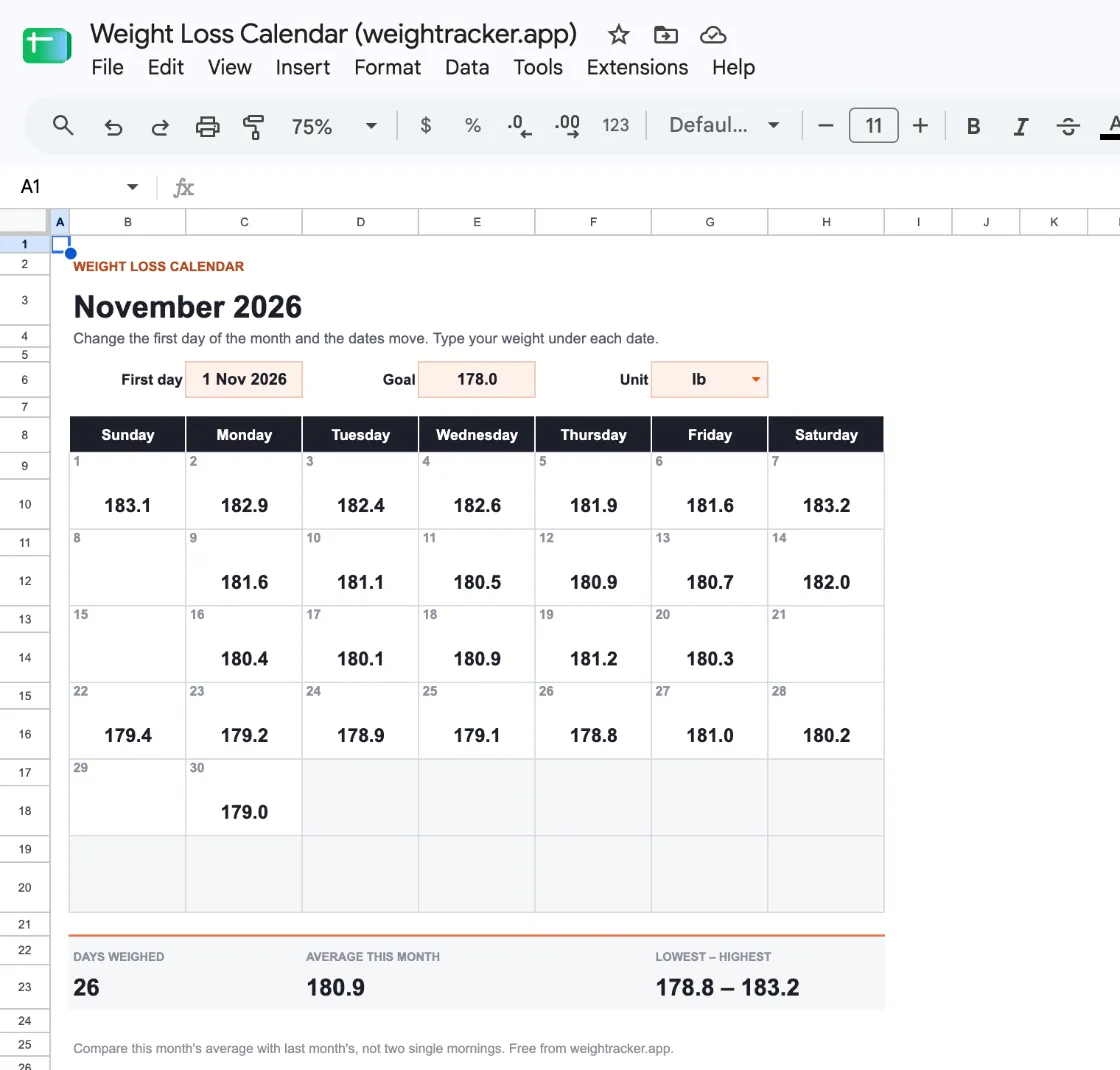
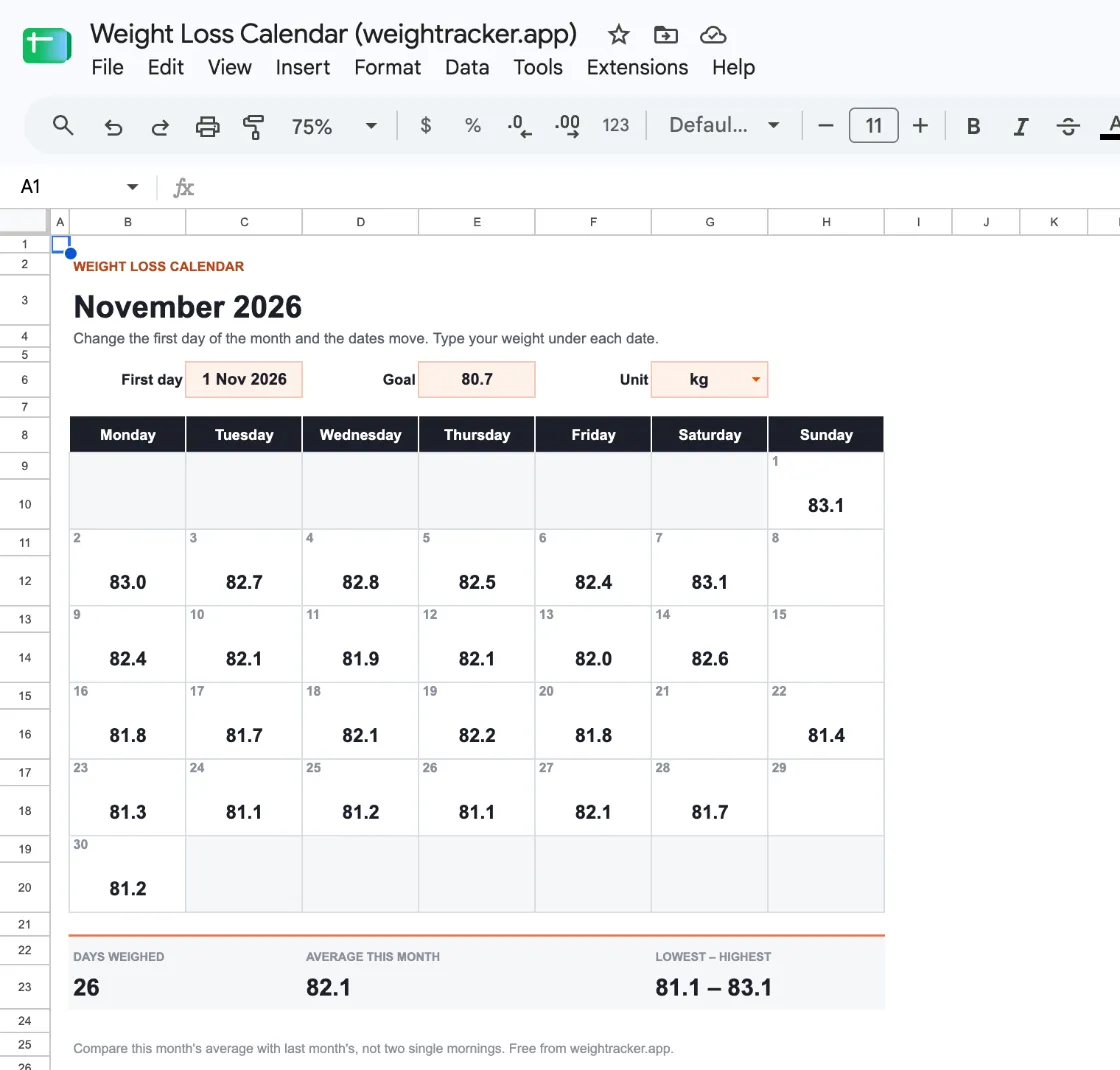
One landscape page. Undated, so the same sheet works for any month of any year.
Space for the month and year, your start weight, a goal for the month, and whether you weigh in pounds or kilograms.
Six weeks of boxes, each with a small corner for the date and a line for your weight. Six rows fit every month, even one that starts on a Saturday.
Your weight on day 1 and on the last day, the change, and the average of your last seven weigh-ins.
How to use it
A few seconds each morning, and five minutes at the end of the month for the summary.
Setting the month’s goal
The goal at the top is for this month only. At the CDC’s gradual pace of 1 to 2 lb a week, a month comes to about 4.3 to 8.7 lb. The NHS suggests 0.5 to 1 kg a week, about 2.2 to 4.3 kg a month.
| Start of month | Goal, slower | Goal, faster | Share of start |
|---|---|---|---|
| 150 lb | 145.7 | 141.3 | 2.9–5.8% |
| 180 lb | 175.7 | 171.3 | 2.4–4.8% |
| 220 lb | 215.7 | 211.3 | 2.0–3.9% |
| 260 lb | 255.7 | 251.3 | 1.7–3.3% |
| Start of month | Goal, slower | Goal, faster | Share of start |
|---|---|---|---|
| 70 kg | 67.8 | 65.7 | 3.1–6.2% |
| 85 kg | 82.8 | 80.7 | 2.5–5.1% |
| 100 kg | 97.8 | 95.7 | 2.2–4.3% |
| 115 kg | 112.8 | 110.7 | 1.9–3.8% |
The summary compares your first and last week, whose averages sit a little over three weeks apart, so at 1 to 2 lb a week expect roughly 3 to 7 lb between them. Slower still counts. For a bigger goal with a date, use the weight loss planner; for what a month can realistically hold, see how much weight you can lose in a month.
Worked example
On day 1 this person weighed 165.8 lb and on the last day 165.0 lb, a change of just -0.8 lb. That looks like a slow month.
The averages tell a different story. The first week averages 165.2 lb and the last week 163.1 lb: a drop of 2.1 lb. The last morning simply happened to be a heavier one; Cleveland Clinic puts a normal daily swing at about 5 to 6 pounds.
2.1 lb is below the roughly 3 to 7 lb the goal tables above suggest between those two weeks, so this was a slower month. It was still a real loss, which the single days hid.
| Day | First week | Last week |
|---|---|---|
| 1 | 165.8 | 163.2 |
| 2 | 164.6 | 162.4 |
| 3 | 165.4 | 163.0 |
| 4 | 166.2 | 162.6 |
| 5 | 165.0 | 162.2 |
| 6 | 164.4 | 163.4 |
| 7 | 165.2 | 165.0 |
| Average | 165.2 | 163.1 |
Ways to use it
The grid is plain on purpose, so it works for more than a straight weight loss month.
Getting started
Weigh most mornings for one month before setting a bigger goal. The summary then tells you your real starting pace.
Habits
Add a small mark in a day’s box for a workout, a walk, or an early night. Keep the line for the number so the summary stays easy.
Weekly weigh-ins
Circle the same weekday and weigh only then. Compare the first circled day with the last, and look across several months, not one.
Together
Each person keeps their own calendar and shares the change as a percentage. The weight loss challenge guide has fair rules.
After a goal
Write a range on the goal line, such as 158 to 162 lb, and check the monthly average stays inside it.
The fridge test
A calendar on the fridge or the bathroom door gets filled in. One in a drawer usually does not.
Month after month
Each summary gives you two weekly averages. Keep the last one from every month in a list, on the back of the first sheet or in your phone, and you have a slow, steady view of the whole year.
In this made-up run, the first month is the worked example above. The next two keep falling, then the fourth barely moves: 0.1 lb between its first and last week.
One flat month after steady ones is worth noticing, not panicking over. It is the three to four flat weeks the weight loss plateau guide uses as a rule of thumb, so that is the place to look next. If every month is slower than the last, that is often normal as weight falls; the weight loss planner can ease the pace for you.
| Month | First week | Last week | Change |
|---|---|---|---|
| Month 1 | 165.2 | 163.1 | -2.1 |
| Month 2 | 162.8 | 161.2 | -1.6 |
| Month 3 | 161.0 | 159.9 | -1.1 |
| Month 4flat | 159.8 | 159.7 | -0.1 |
Missed days
Printing
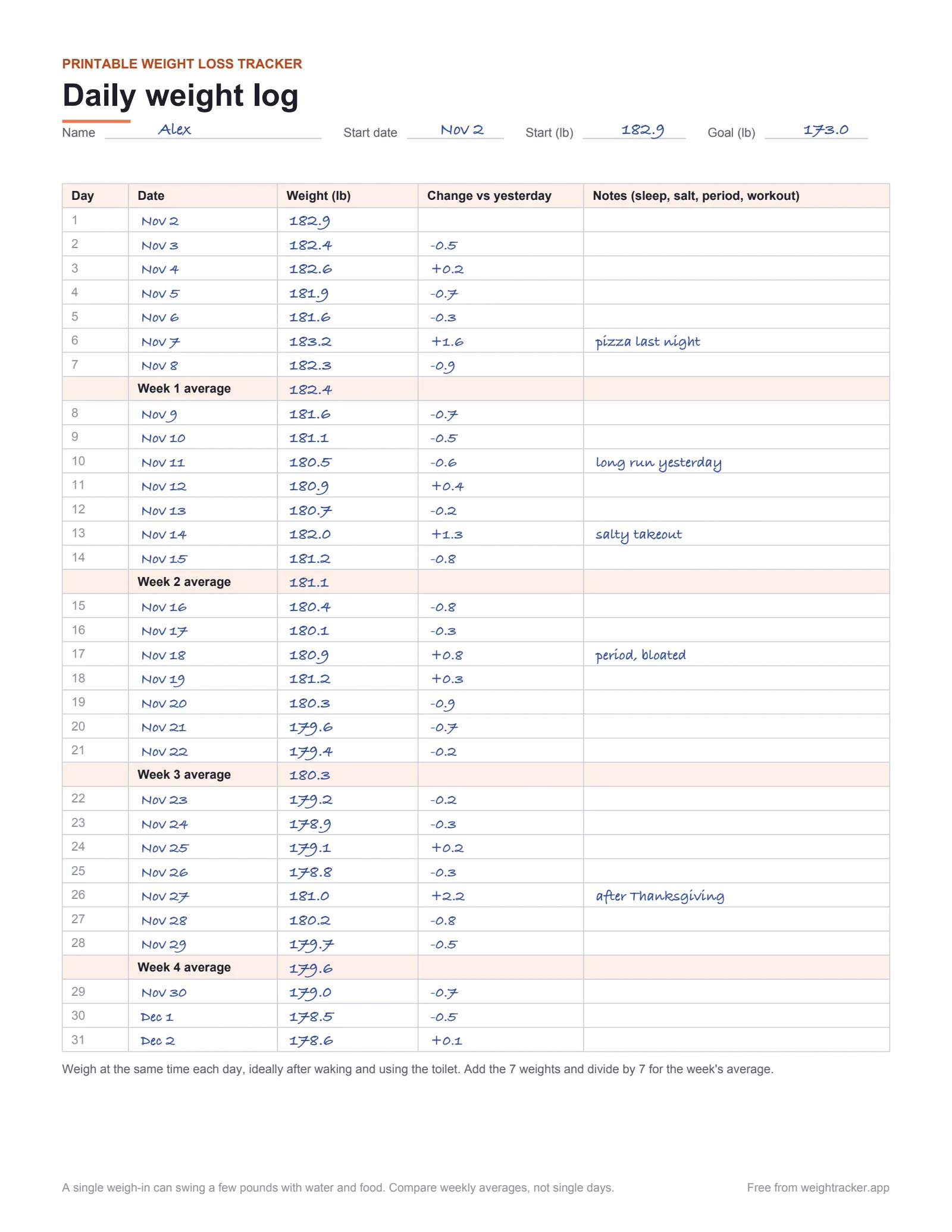 PDF · Word · Google Docs
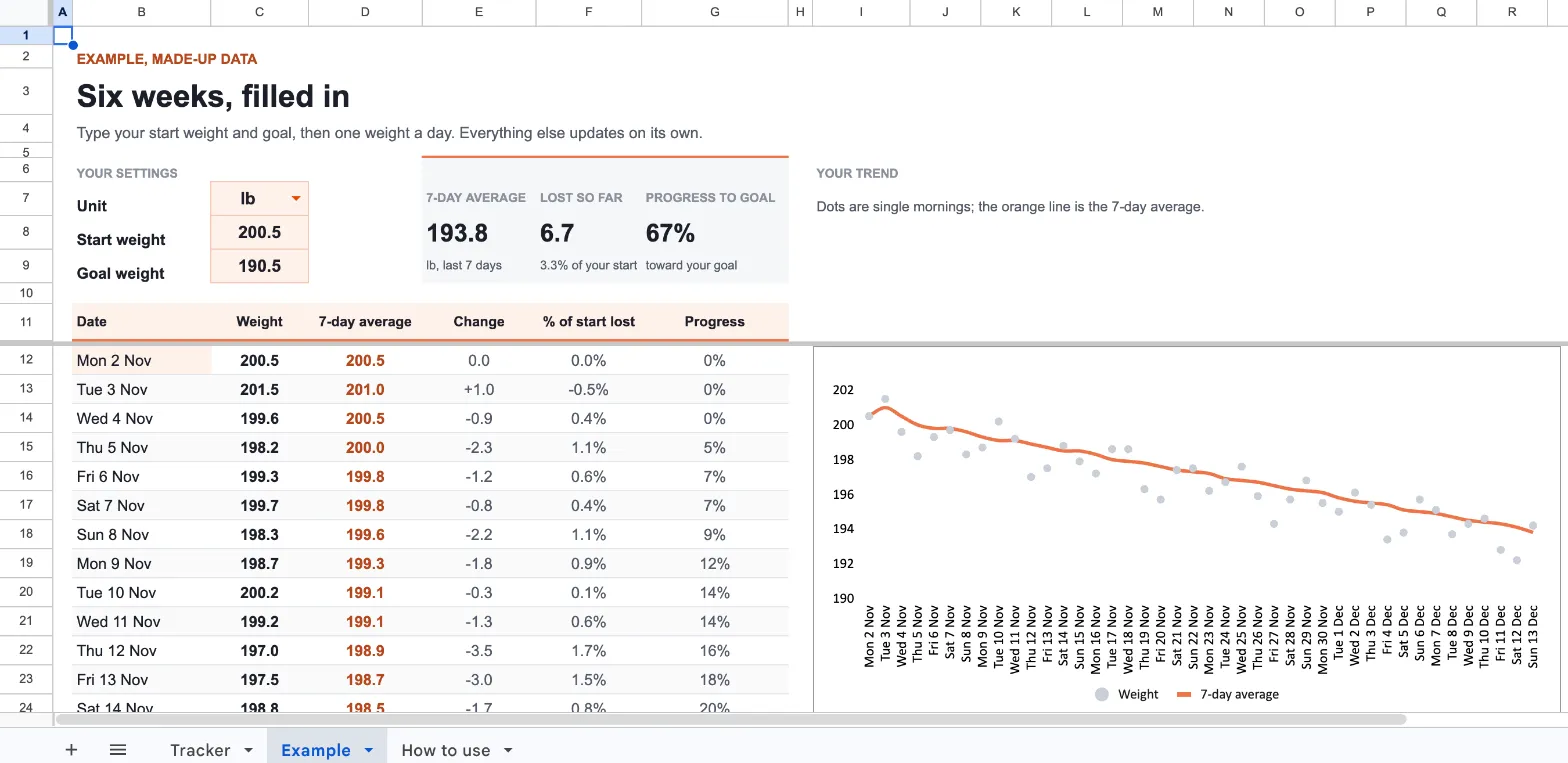 Google Sheets · Excel
Work out a percentage, a goal date, or a healthy range without the arithmetic.
Good to know
For general information, not medical advice. A doctor can help you choose goals that are right for you.
Any. It is undated: write the month and year at the top and the date in each day’s box, starting on the right weekday. Six rows fit every month, including ones that start late in the week.
Whichever your wall calendar uses. The Sunday-start version is US Letter, the Monday-start version is A4, and both print on either paper size with “Fit to page” in landscape.
Yes. In the Excel file and the Google Sheets copy, type the first day of the month and the dates fill themselves in. Type your weight under each date and the month’s average, lowest, and highest work themselves out. Both week starts are separate tabs. The Word version has the same grid to fill in by hand or on screen.
The CDC describes about 1 to 2 pounds a week as gradual and steady, which works out to roughly 4 to 8 pounds over a month. Many people lose more in the first weeks, mostly water. The guide to how much weight you can lose in a month goes into the details.
No. Fill in the days you weigh and leave the rest blank. More weigh-ins make the end-of-month averages steadier, but three or four a week still show the direction.
Yes. Write day 1 in the first box you start on and count forward. At the end, compare the average of your first seven weigh-ins with your last seven rather than two single mornings.
Yes. There is no sign-up and no email address. Print a page for every month you like, and share the link with anyone.
Weight Tracker for iPhone
Weight Tracker remembers every weigh-in, shows how your trend moved over 30 or 90 days, and can remind you once a day. Free, with no calorie counting.