The four goal types
All four types below land on the same weight, so you can see how each one describes it. The examples start from 200.0 lb.
| Type | What you enter | Best for | Example |
|---|---|---|---|
| Target weight | The weight you want to reach, in kg or lb. | A specific number you have in mind. | 180.0 lb |
| Lose weight | An amount to lose, under Amount to lose. | A round amount, whatever today’s weight is. | 20.0 lb from 200.0 lb |
| Lose percentage | A share of your starting weight, under Percentage to lose. | Comparing fairly with other people, or a first 5% or 10%. | 10% of 200.0 lb |
| Maintain weight | A Tolerance in kg or lb, either side of your starting weight. | Holding steady after a loss. | ±1 lb around 180.0 lb |
A goal’s starting weight is your daily weight on the first day you weigh in on or after the start date. Lose weight and Lose percentage subtract the amount from it to get the target weight, so later weigh-ins do not move the target. If you add, edit, or delete weights on that first day, or change your daily value, the starting weight and the target update to match, until the goal’s result is final.
Create a goal
- Open the Goals tab and tap New goal. If you have no goals yet, the button says Create your first goal.
- Choose Personal goal.
- Tap Target type and pick Target weight, Lose weight, Lose percentage, or Maintain weight.
- Enter the value in the row below it. A line under the card shows what that means in weight and the weekly pace it takes, based on your latest weigh-in.
- Choose the Length: 30d, 60d, or 90d. New goals start today and run 60 days. For another end date, tap Custom end date.
- Leave Show on Home on if you want the goal on your Home screen. It is on by default.
- Tap Create goal.
To start a goal on a later date, change Starts in Manage goal before you log your first weight for it. A goal with a start date in the future appears under Future until it begins.
Free toolWeight loss calculator by dateNot sure how long to give yourself? The planner shows the date a steady weekly pace would get you there, so you can pick realistic dates before you set them in the app.Open the toolFor what a steady pace usually looks like, see how much weight you can lose in a month.
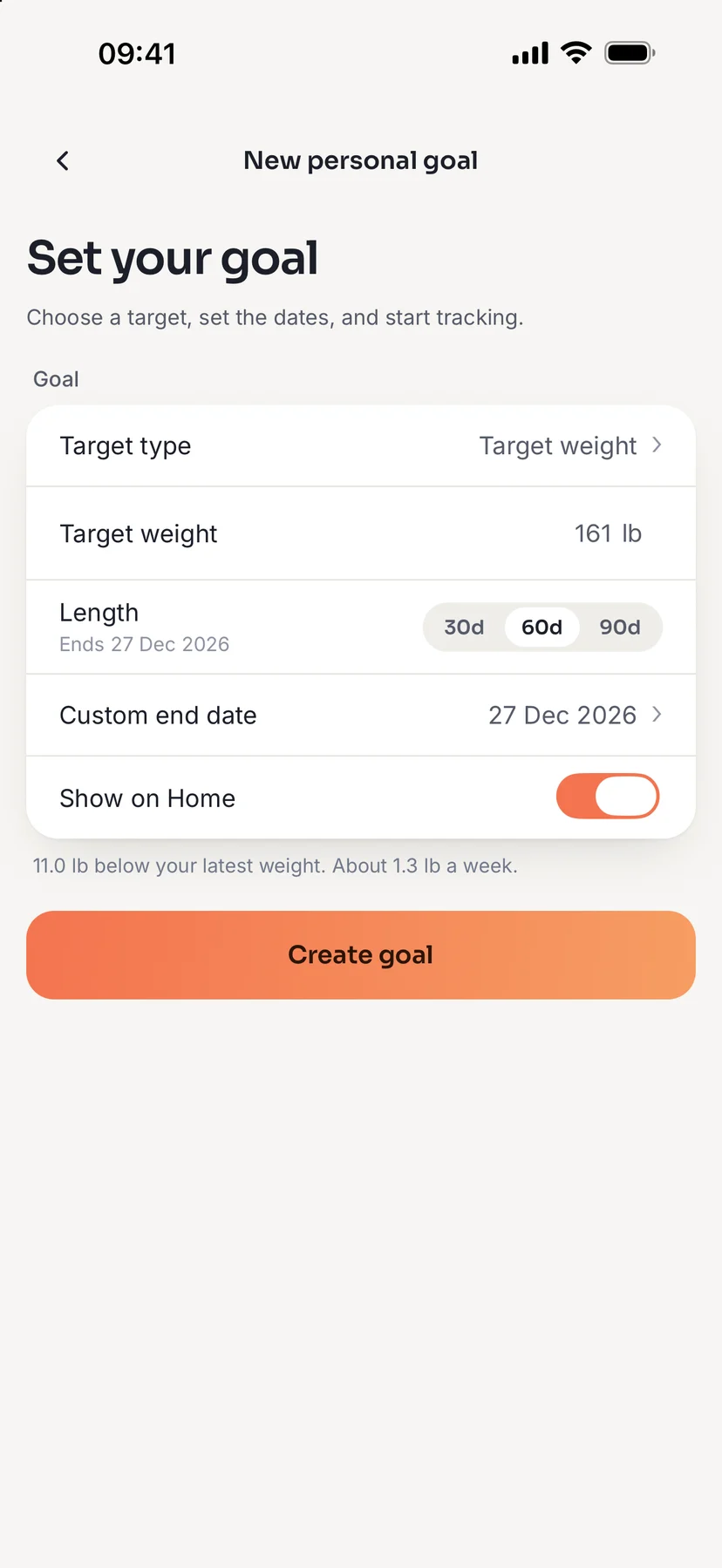
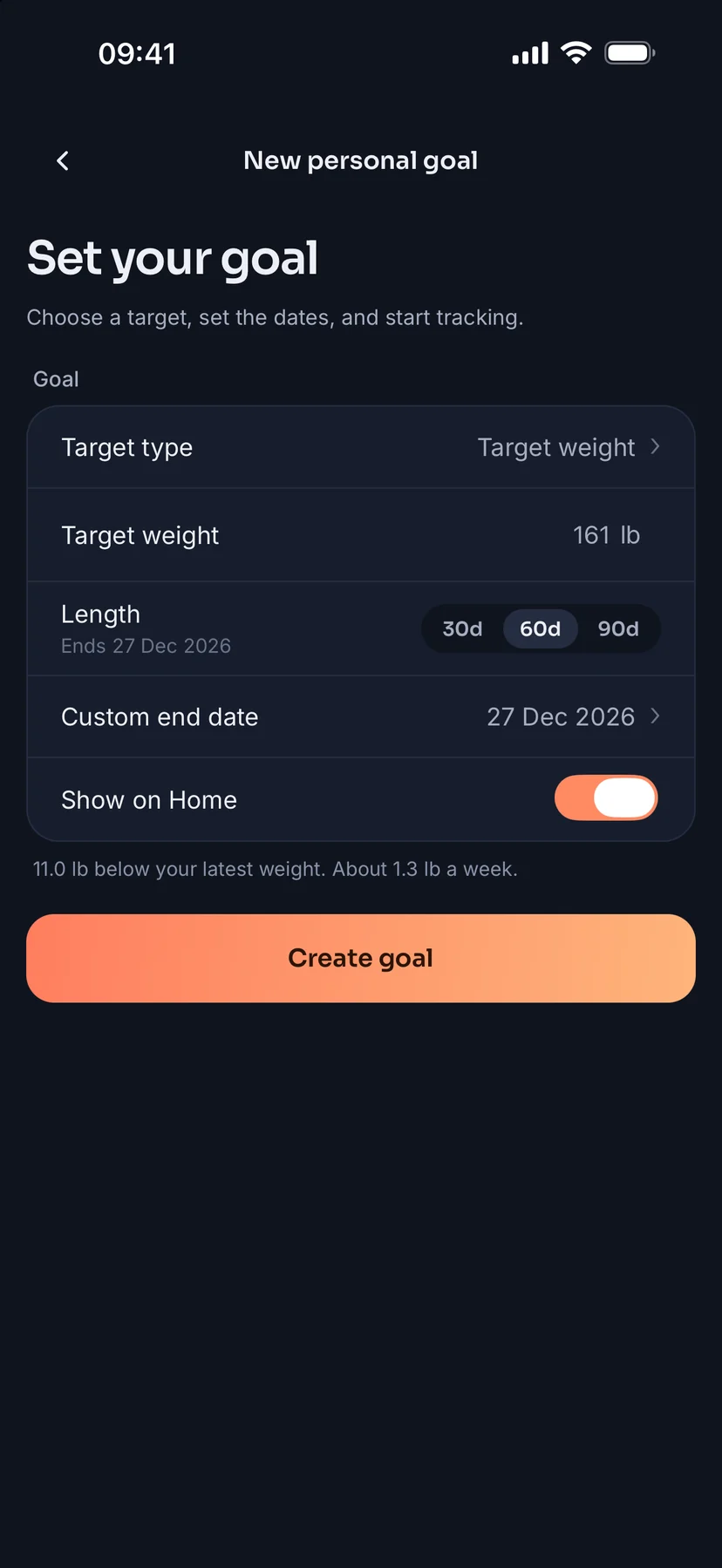
A new personal goal: type, target, and length.
How pace works
Pace compares two percentages.
- Progress. How much of the planned loss you have done so far. Losing nothing is 0%, reaching the target is 100%. Progress is rounded down, so it only reads 100% once you are actually at or below the target.
- Time elapsed. How far you are between the start and end dates.
The status comes from the gap between them, in percentage points. Take a goal from 200.0 lb to 180.0 lb over 20 weeks. On day 70 you are halfway through the dates, and you weigh 190.0 lb, so you have lost 10.0 lb of the planned 20.0 lb:
The table below runs the same day with four different weigh-ins.
| Weight on day 70 | Lost (lb) | Progress | Gap | Status |
|---|---|---|---|---|
| 188.0 lb | 12.0 | 60% | +10 | Ahead of pace |
| 190.0 lb | 10.0 | 50% | 0 | On pace |
| 193.0 lb | 7.0 | 35% | −15 | Behind pace |
| 196.0 lb | 4.0 | 20% | −30 | Needs attention |
The plan is a straight line. Being on pace means you are roughly where an even loss from start to end would put you. Real weight goes up and down from day to day, so a single Behind pace day is normal.
What each status means
Open a goal and tap Daily pace to see a colored status for each day you logged. The Progress view shows the same comparison as a chart, with your target as 100% and a dashed line for the planned progress.
| Status | Progress minus time elapsed |
|---|---|
| Ahead of pace | More than 5 points ahead |
| On pace | Within 5 points either way |
| Behind pace | 5 to 20 points behind |
| Needs attention | More than 20 points behind |
| Not logged | No weight on that day, so there is nothing to compare. |
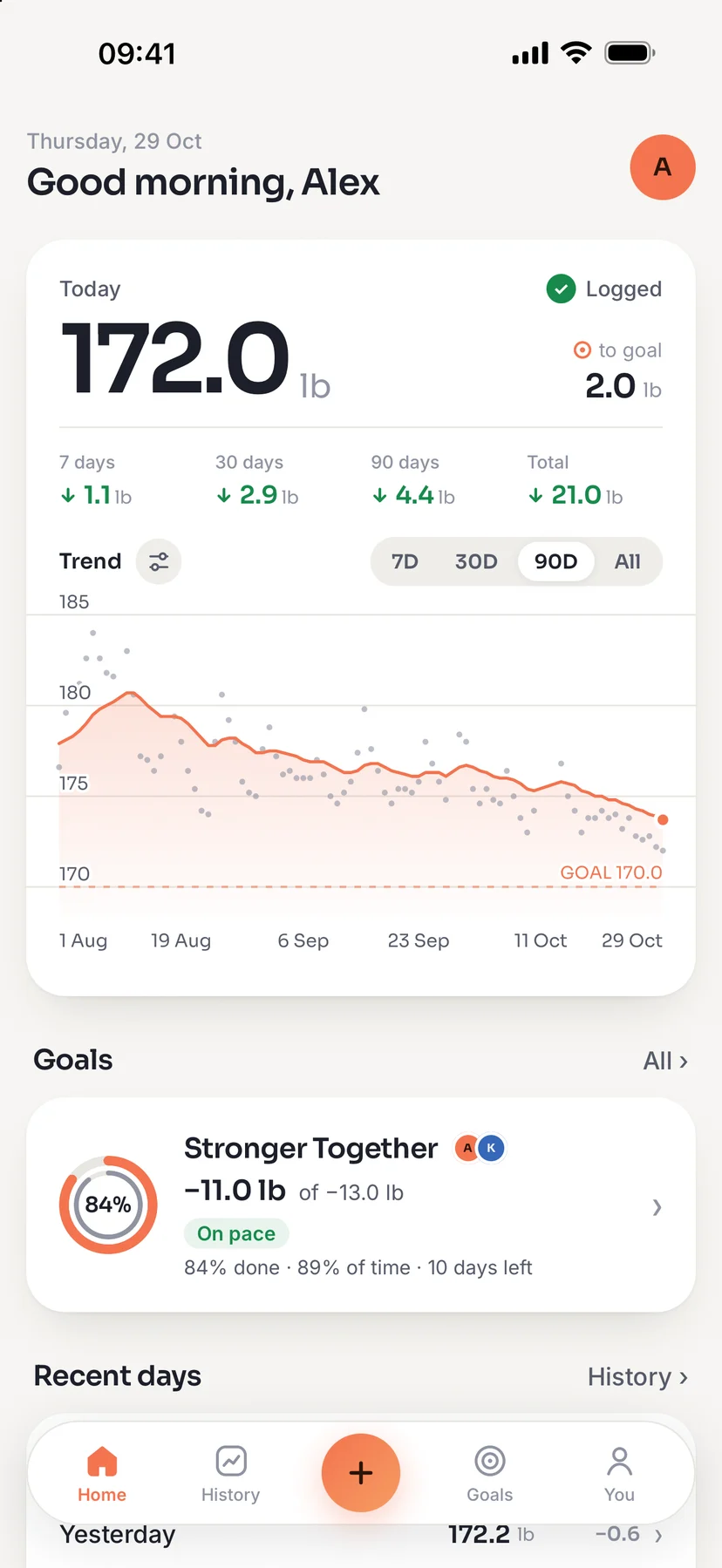
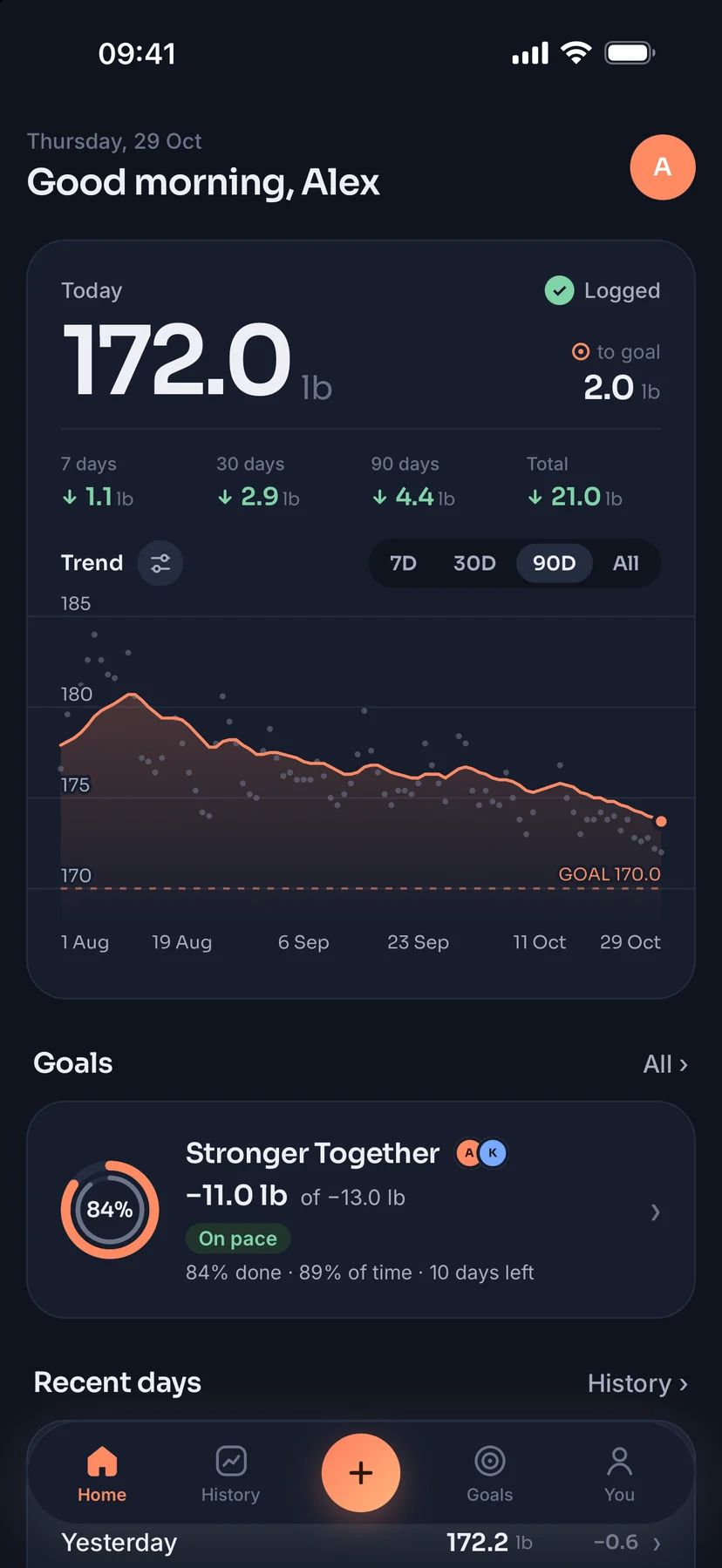
The goal card on the Goals tab and on Home also shows where the goal stands overall.
- Starts in 5d (or however many days are left) for a goal that has not begun.
- Waiting for first log once the start date has arrived but no weight has been logged since.
- Active, with the days left, while the goal is running.
- Paused for a paused goal.
- Completed or Not reached after the end date. A loss goal is completed when your latest weight from inside the goal dates is at or below the target.
- Ended without logs if you logged no weight between the start and end dates.
For three days after the end date, the result still follows your data: adding, editing, or deleting a weight from inside the goal dates, or changing your daily value, can change it. After that it is final.
Pause, edit, or delete a goal
Open the goal and tap the gear at the top right to open Manage goal.
- Until the goal has a starting weight, while it shows Starts in or Waiting for first log, you can change everything: the target type, the value, both dates, and Show on Home.
- Once your first weigh-in sets the starting weight, the target type and the start date are fixed. You can still change the target value, the end date, and Show on Home. The end date cannot move into the past.
- Pause goal keeps the goal without tracking progress. A paused goal still gets its result after the end date. Resume goal works only while the end date has not passed.
- Delete goal removes the goal and its progress for good. Your weights in History are not affected.
Goals that have ended, shown under Past, can no longer be changed.
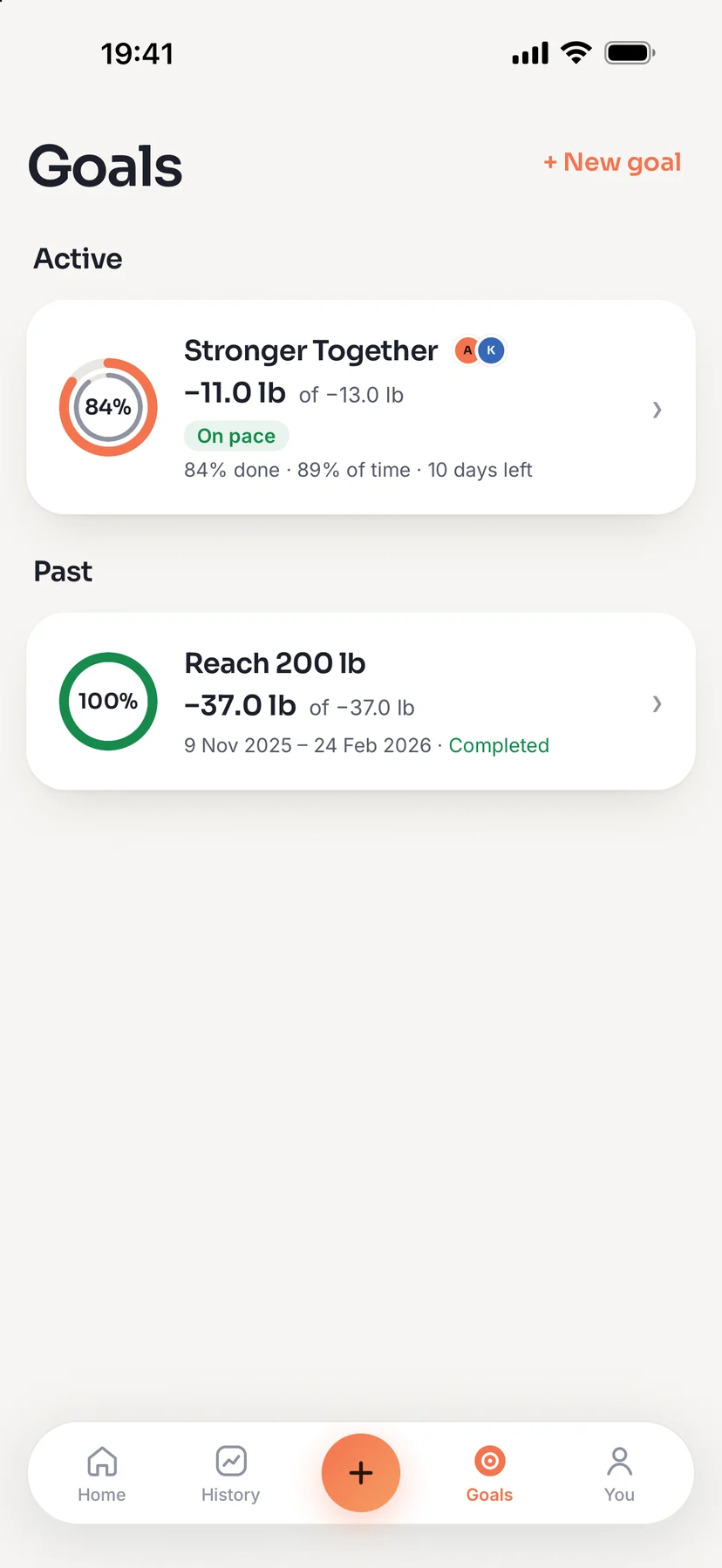
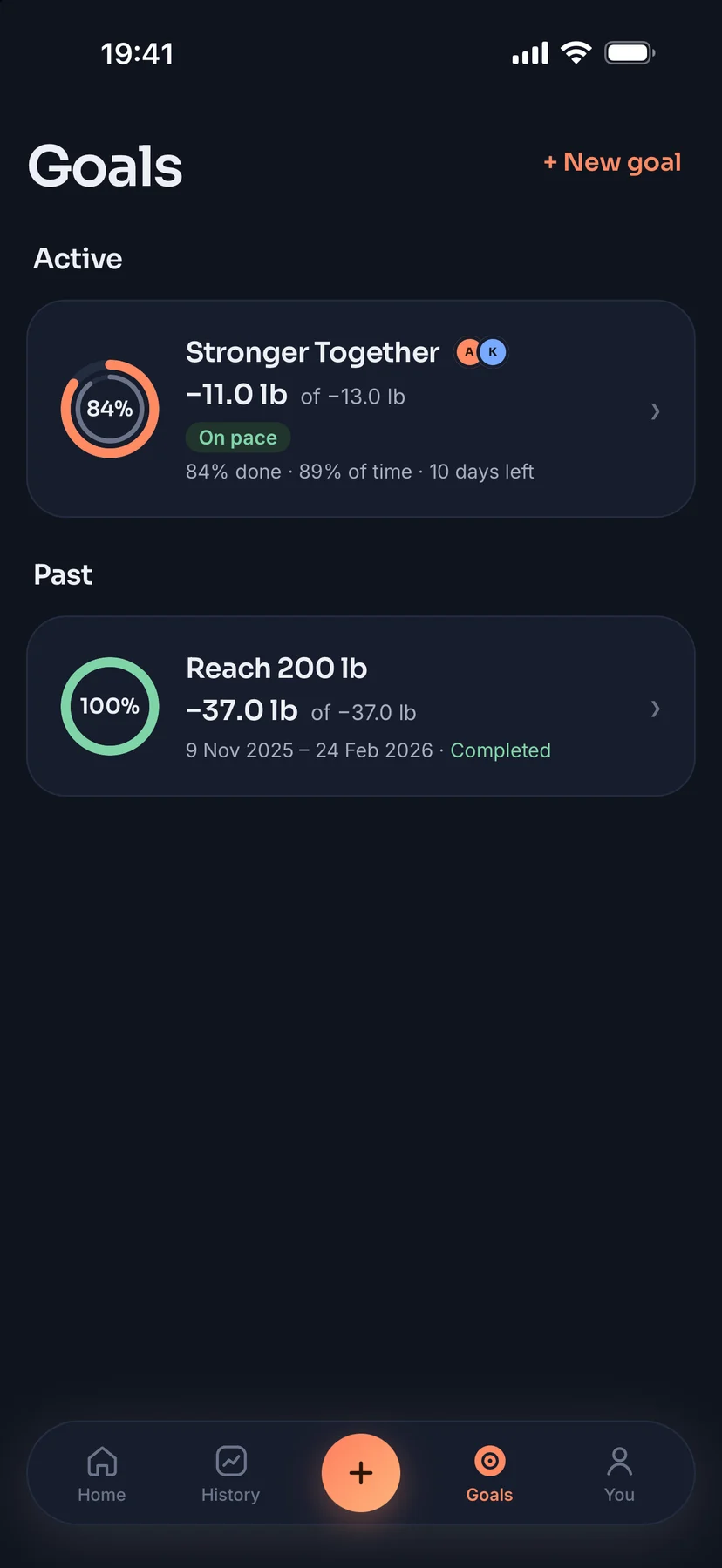
Goals groups your goals into Active, Future, and Past.
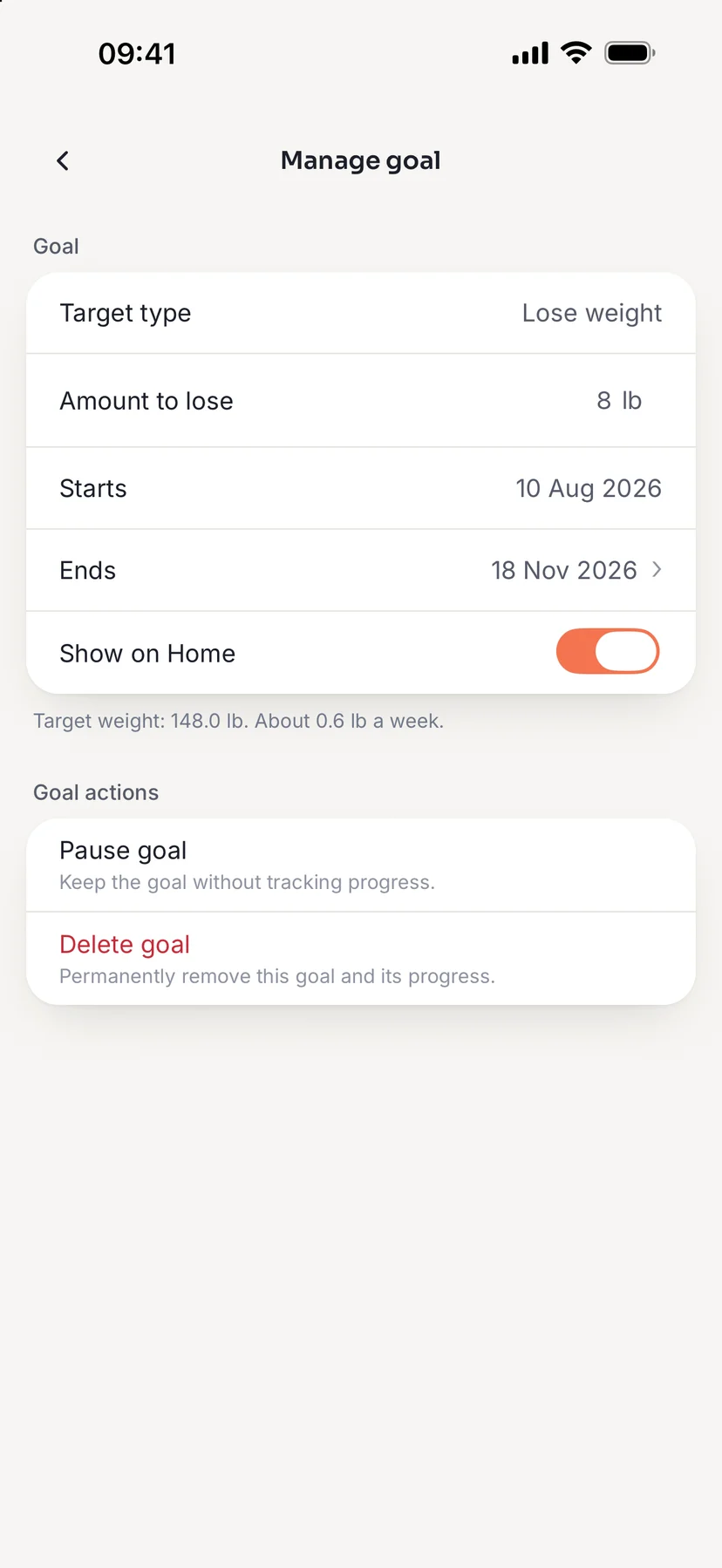
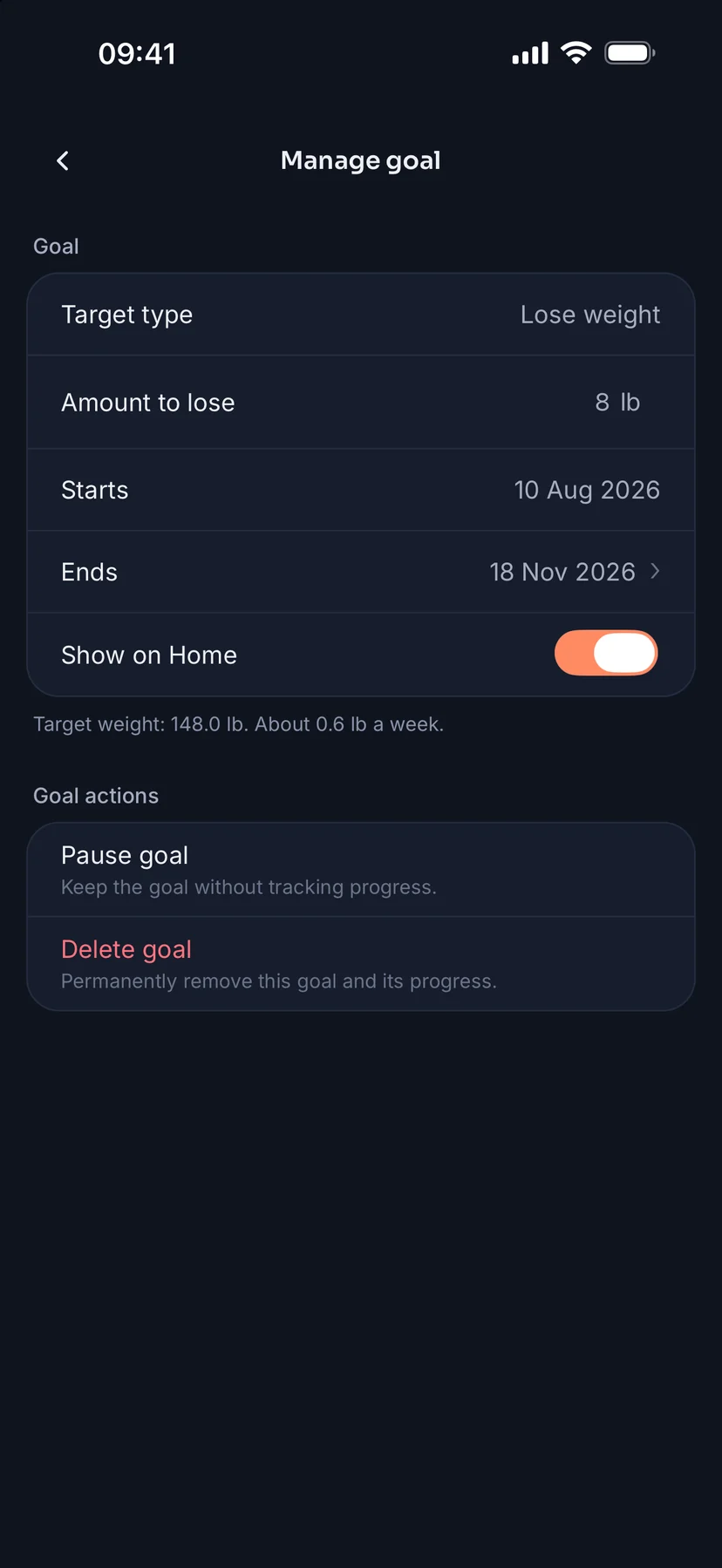
Once a goal has a starting weight, its type and start date are fixed.
Maintenance goals
Maintain weight sets a range around your starting weight. With a Tolerance of 1 lb and a starting weight of 180.0 lb, the range is 179.0 lb to 181.0 lb. The tolerance can be anything from 0.1 to 10 in your display unit.
- Instead of a percentage, the goal card shows In target range or Outside target range.
- In Daily pace, a day inside the range shows On pace and a day outside it shows Needs attention.
- The goal is completed if your latest weight from inside the goal dates is inside the range.
A maintenance goal is a good next step after a loss goal ends. To set one up for the long run, see weight maintenance. To work toward a goal with other people, see Shared Goals help. For an overview of the goal features, see personal weight goals.
Questions
What happens if I reach my target before the end date?
The goal stays active until its end date, because later weigh-ins can still move away from the target. It is checked once the end date passes, using your latest weight from inside the goal dates. For three days after the end date, the result still updates if you correct weights from those dates. Then it is final.
Why does my goal say Waiting for first log?
A goal records its starting weight from the first weight logged on or after its start date. Until you log one, there is nothing to measure progress from. Log a weight and the goal becomes active.
Can I set a goal to gain weight?
Not at the moment. Target weight, Lose weight, and Lose percentage are loss goals, so a target weight has to be below your current weight. To hold your weight where it is, use Maintain weight.
Can I have more than one goal at a time?
Yes. Your goals appear on the Goals tab, grouped into Active, Future, and Past. Turn on Show on Home for the ones you want on the Home screen. Once a goal ends, it moves to Past and leaves Home.
Does the first, latest, or average setting change my goal?
Yes, until the result is final. The starting weight, progress, and result use whichever daily value you have chosen in You → Measurements. Three days after the end date the result is final and no longer changes.