Widgets and reminders

Weight tracker widgets and daily reminders

Log or check your progress from a widget without opening the app, and choose one daily reminder that stays quiet once you have logged.

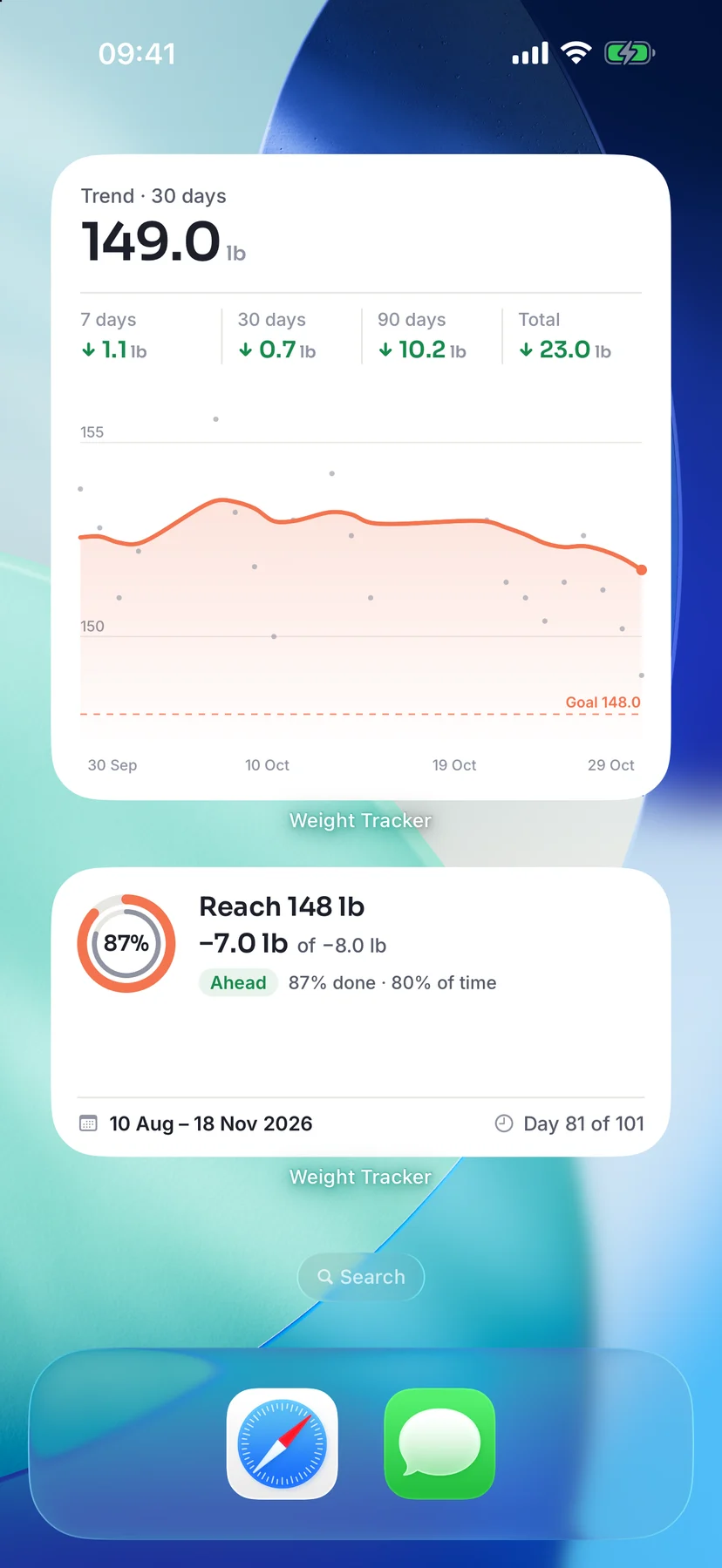
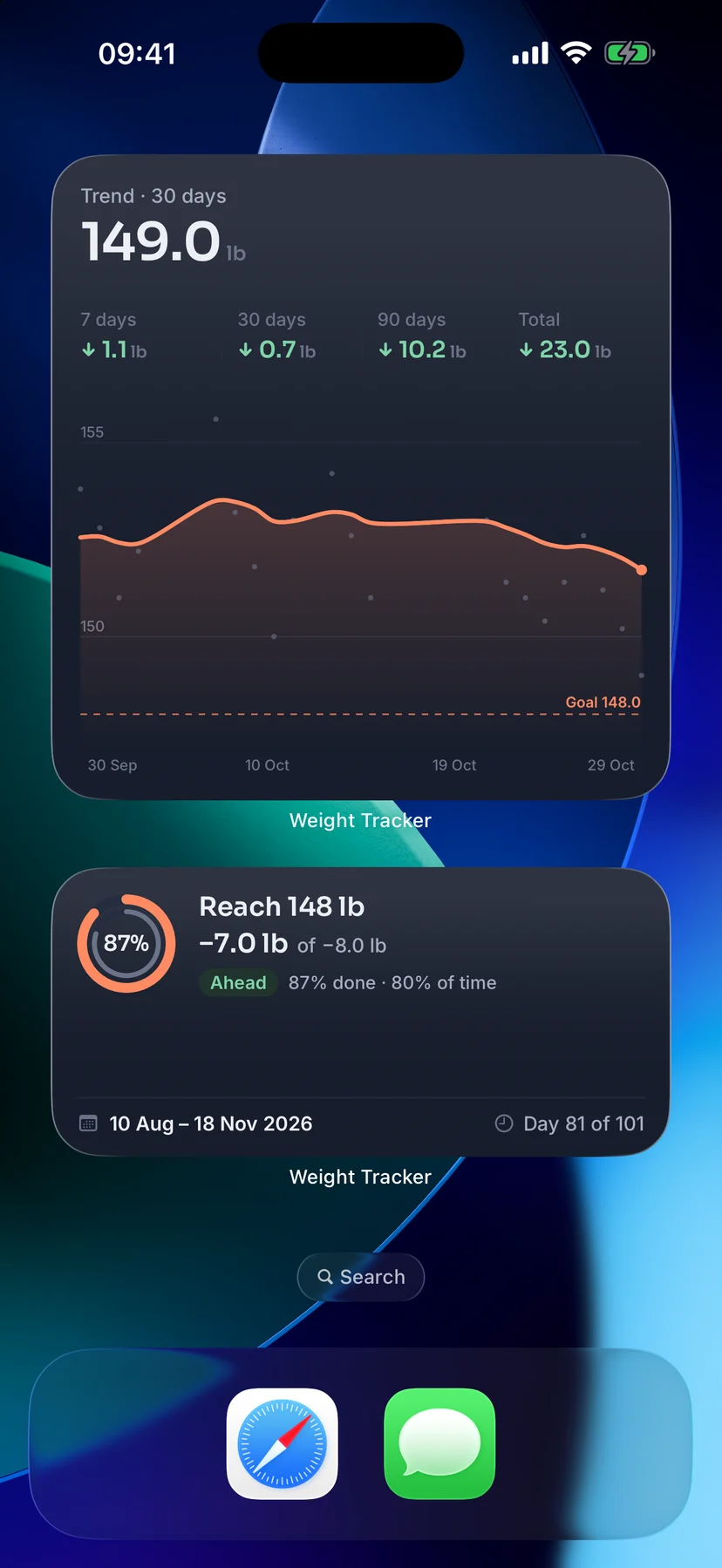
iPhone Home Screen with a large Weight Tracker Weight Trend widget at 149.0 lb over 30 days and a Goal Progress widget for Reach 148 lb at 87%, ahead
5 widgets
Log or check without the app open
1 reminder
Skipped on days you have logged
No streaks
Miss a day and nothing happens

The widgets

Pick the ones you will use.

Touch and hold the Home Screen, tap Edit, then Add Widget, and search for Weight Tracker. Weight Metric, Weight Trend, and Goal Progress let you choose what they show.

  • Quick Log

    One tap opens the log sheet, and the widget shows when today is logged.

  • Weight Metric

    Your current weight in a small widget, with an optional change you choose.

  • Weight Trend

    A 7, 30, or 90-day chart or your whole history, in any of three sizes.

  • Recent Days

    Your latest daily weights and the change for each, in medium or large.

  • Goal Progress

    One personal or Shared Goal, without showing other members’ weights.

Widgets show to anyone who sees your screen, so pick the ones you are comfortable with. Step by step: how to add the widgets and a daily reminder.

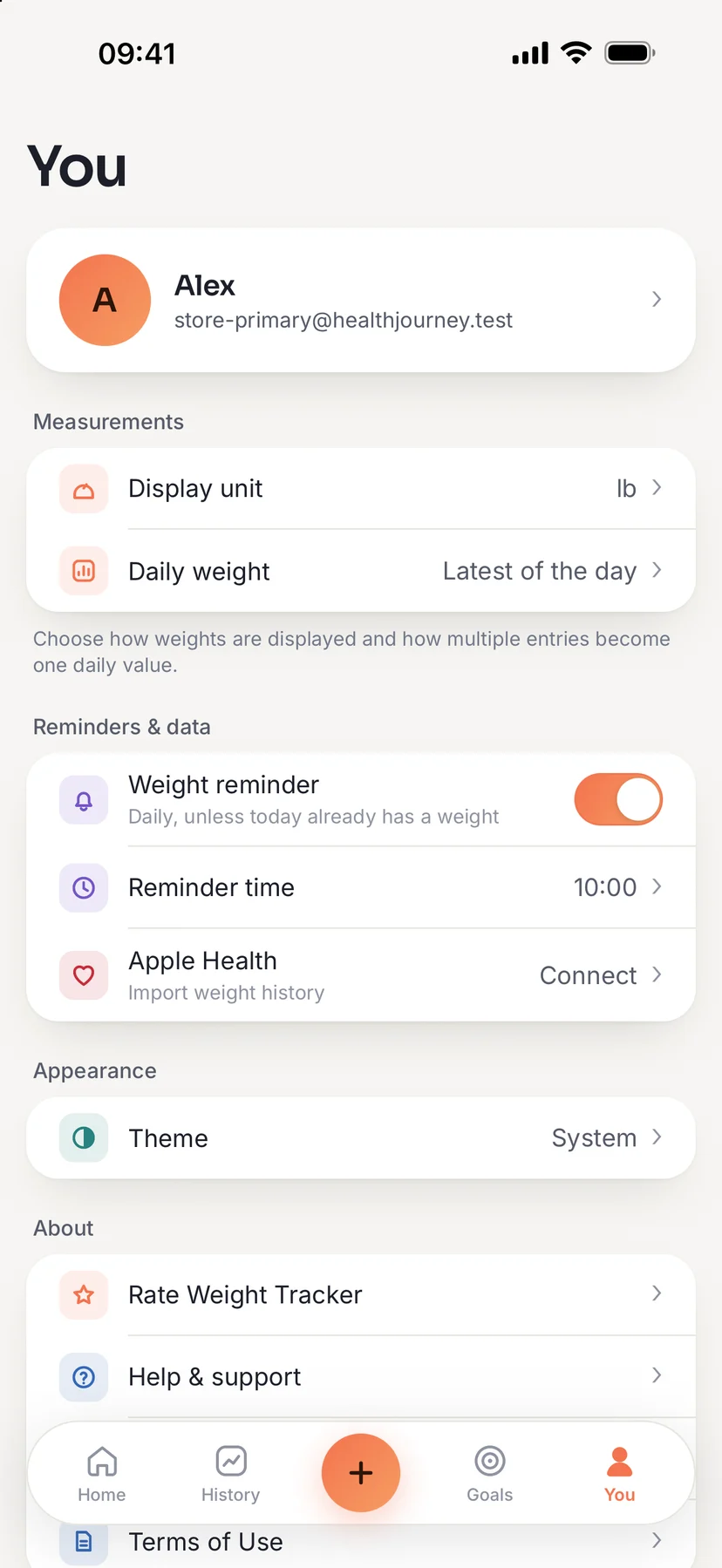
Weight Tracker You tab with Weight reminder on and the reminder time set to 10:00

Daily reminder

One reminder, at a time you pick.

Turn on Weight reminder in You and pick a time. It starts at 10:00 and is skipped on any day that already has a weight, even one from Apple Health.

The notification says Daily check-in and never includes your weight or goals.
Best time to weigh How often to weigh
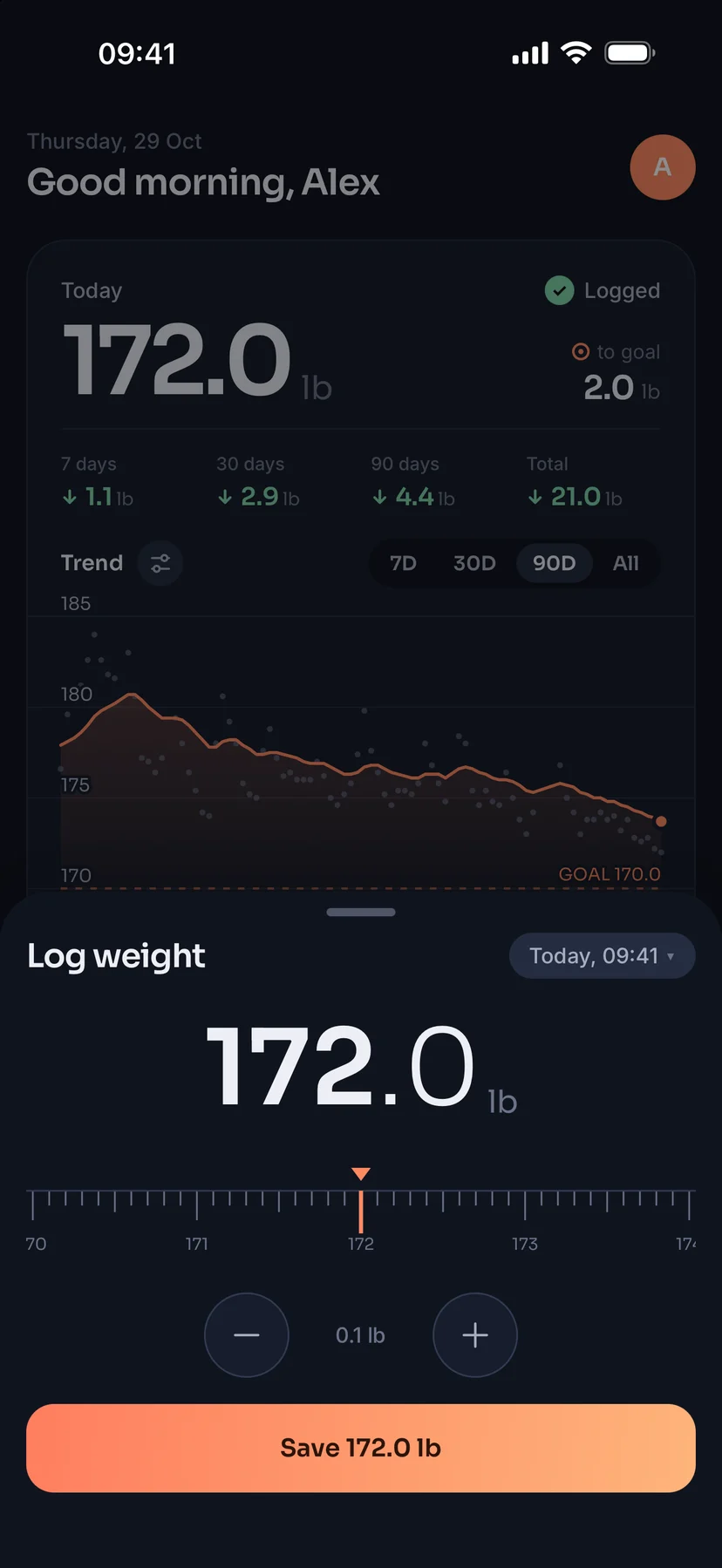
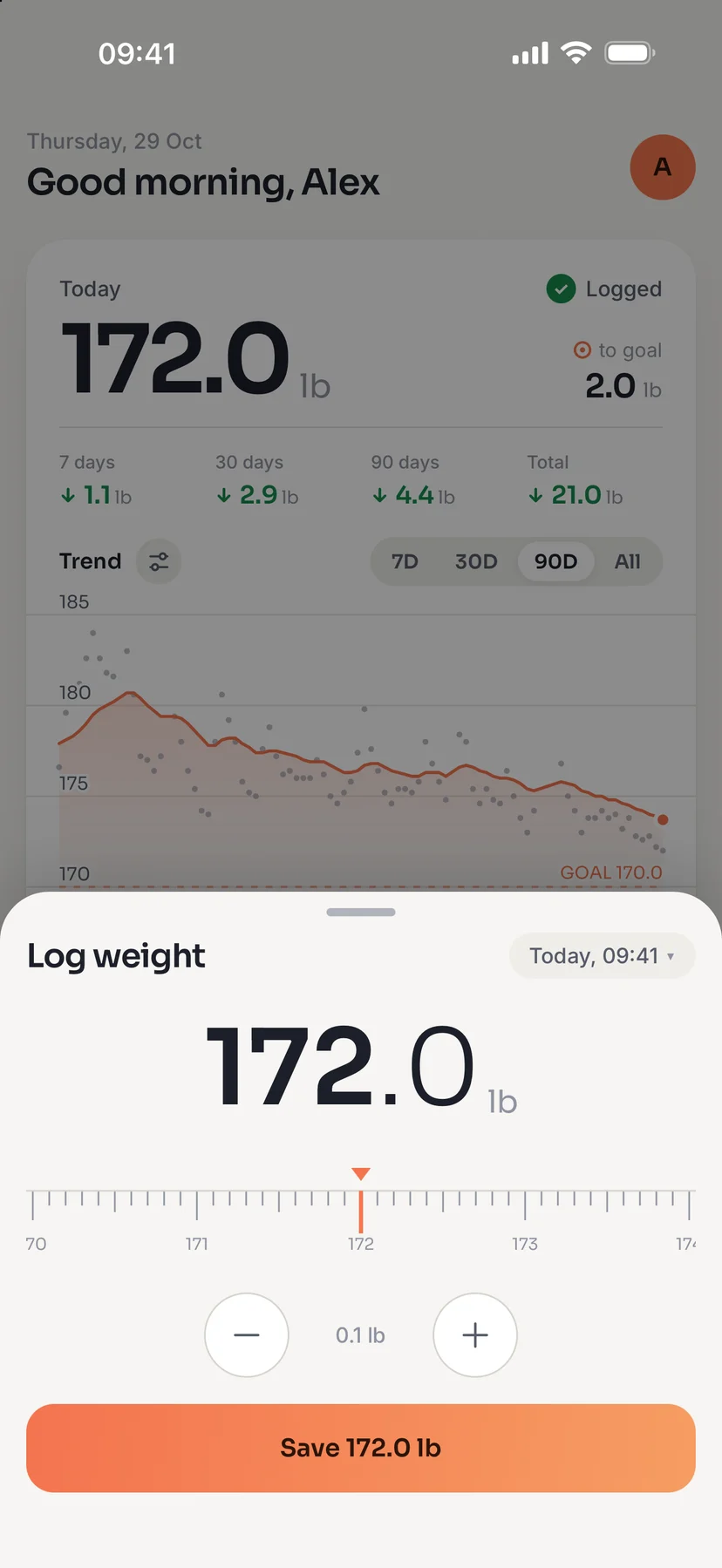
Weight Tracker Log weight sheet set to 172.0 lb with a Save button

Tap to log

One tap to the log sheet.

Tap the Quick Log widget or the reminder, and Weight Tracker opens straight to the log sheet. Set the weight, tap Save, and your widgets update.

Miss a day and nothing happens. The reminder comes back tomorrow.

Good to know

Widget and reminder questions

What happens if I miss a day?

Nothing. There are no streaks or penalties. The reminder simply comes back the next day.

Can I change the reminder time?

Yes. The reminder starts at 10:00, and you can pick any other time in You or turn it off.

Why didn’t I get a reminder today?

The reminder is skipped on days that already have a weight, including one imported from Apple Health. If notifications are blocked, the app shows a link to your iPhone settings.

Can other people see my weight on a widget?

Anyone who sees your Home Screen can see your widgets. Quick Log shows only whether you have logged today, while the others show your weight or goal progress. The reminder never includes your weight.

Do widgets and reminders work on the web?

No. Both are part of the iPhone app. Without an iPhone, you can still log and review your weight in the web app in a browser.

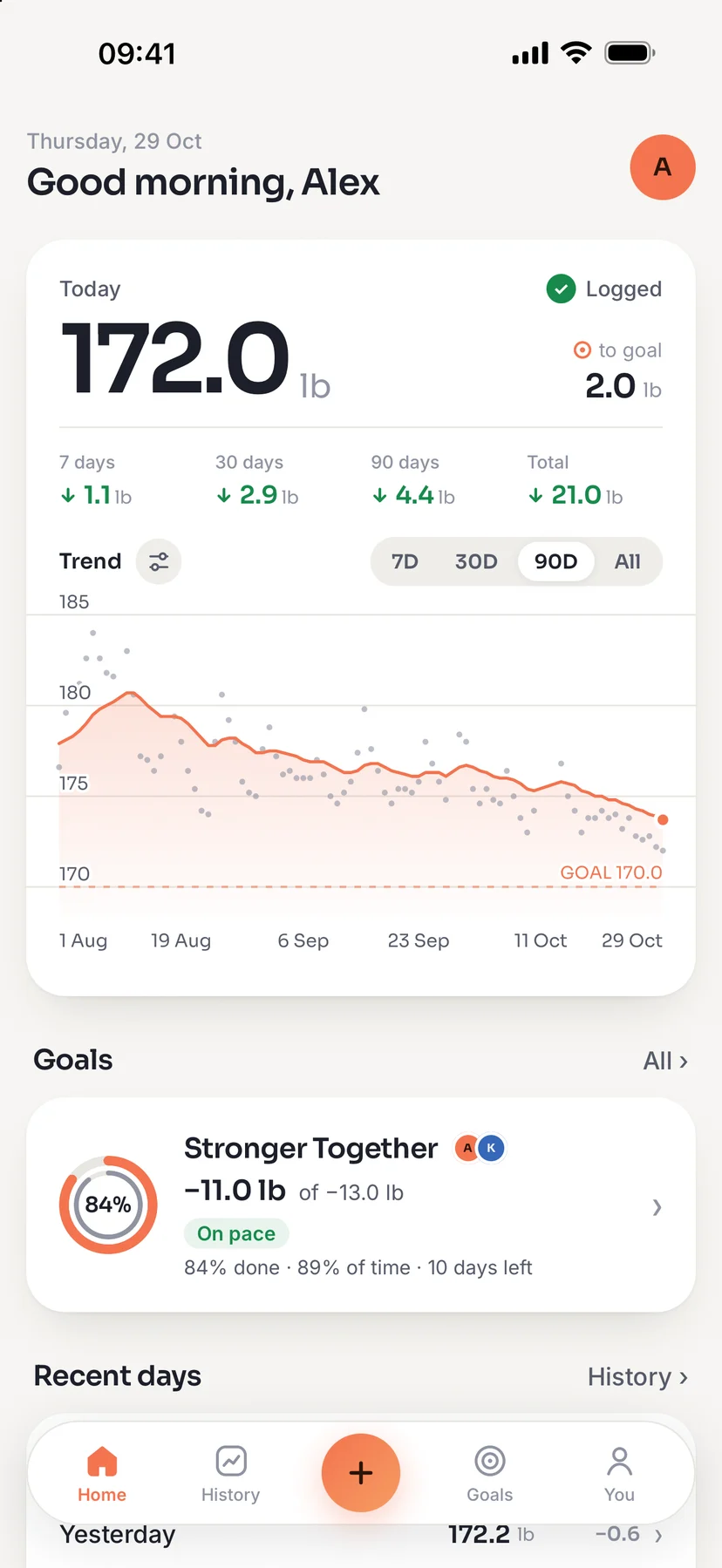
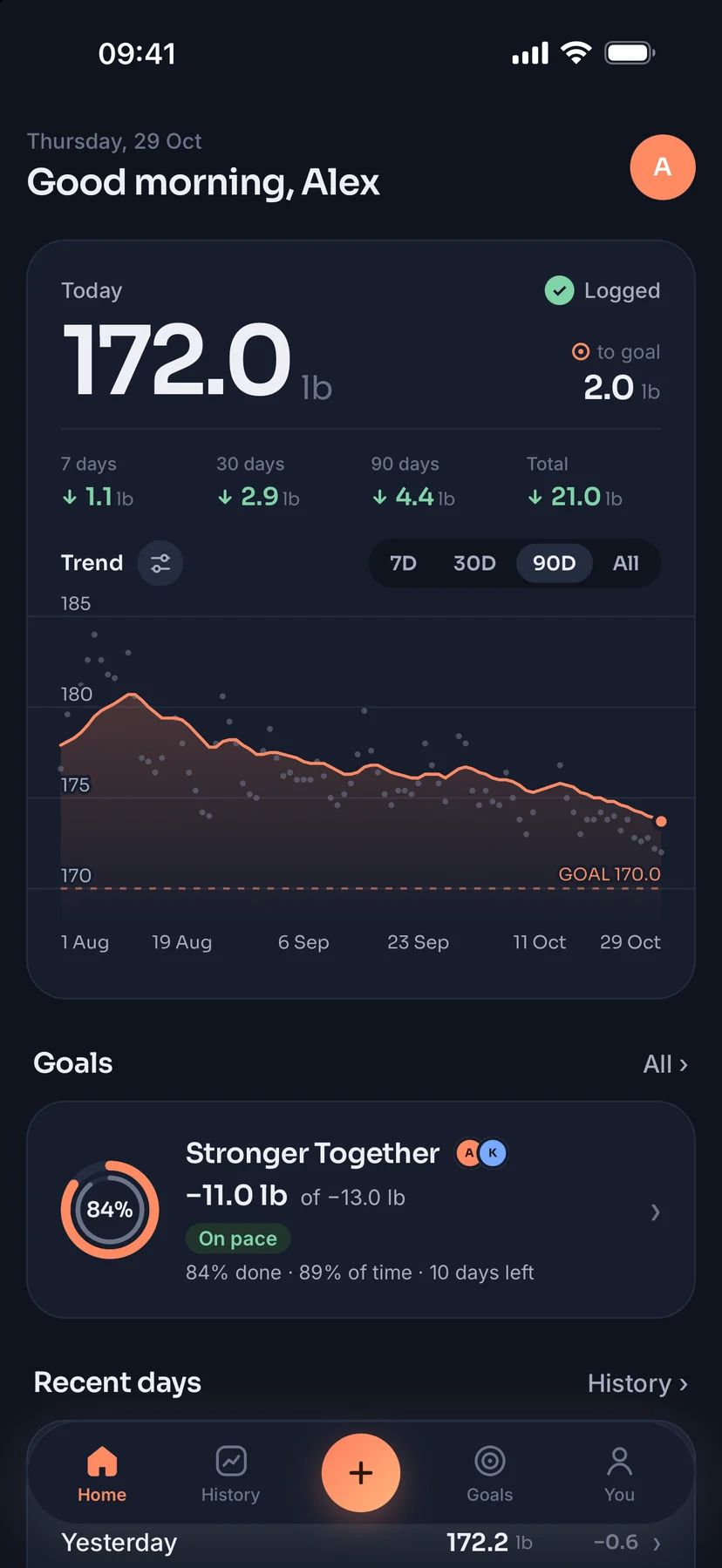
Weight Tracker Home screen showing current weight, long-term trend, and goal progress

Widgets and reminders for iPhone

Put your weight on your Home Screen.

Add the widgets you want, pick a reminder time, and log in a tap on the days you weigh.