Why two weigh-ins rarely match
Food, drink, and water retention all show up on the scale within hours. Cleveland Clinic lists them among the most common reasons weight moves during a day, and describes daily swings of a few pounds as normal.
In the sample day below, the evening reading is 1.8 lb higher than the morning one. Nothing about long-term weight changed in those fourteen hours.
Try the three options
Select First, Latest, or Average to see which number represents the day. The weights are made up for this guide.
History · Tue 15 Sep
173.0174.8174.0lb
Daily value, 3 entries
- 07:10Manual entry173.0 lb
- 13:05Manual entry174.2 lb
- 21:30Manual entry174.8 lb
Which one to choose
| Daily value | Sample day | A good fit when |
|---|---|---|
| First | 173.0 lb | You usually weigh yourself once, first thing in the morning, and the extra entries are one-offs. |
| Latest | 174.8 lb | Your routine weigh-in is the last one of the day, for example before bed. |
| Average | 174.0 lb | You weigh at different times on different days and want every entry to count. |
No option is more accurate than the others. What matters is that every day is calculated the same way, so pick the one that matches your routine and leave it.
A same-day average is not a moving average. It only combines the entries from one day. It does not blend Tuesday with Monday or Wednesday.
What the choice changes
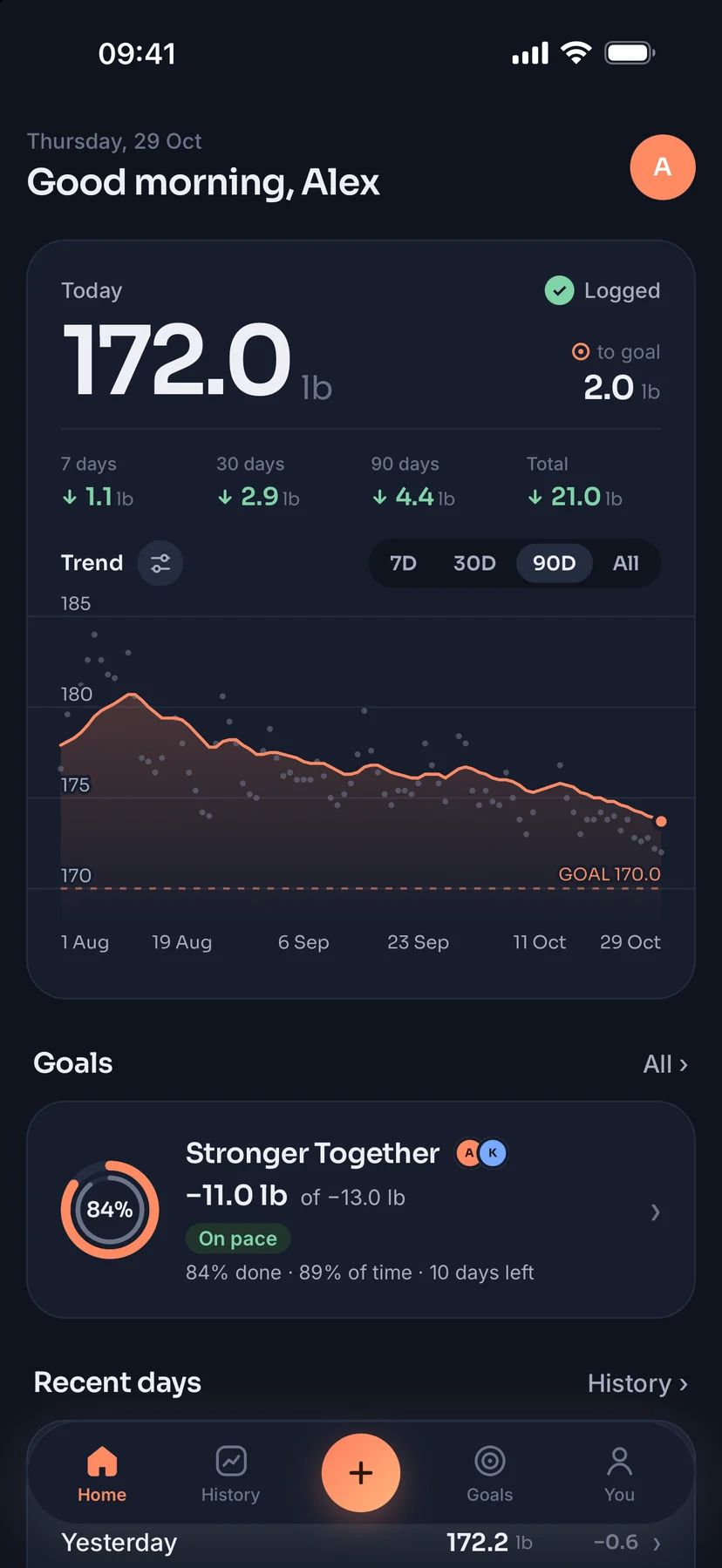
In Weight Tracker, the daily value is the number used almost everywhere a day appears:
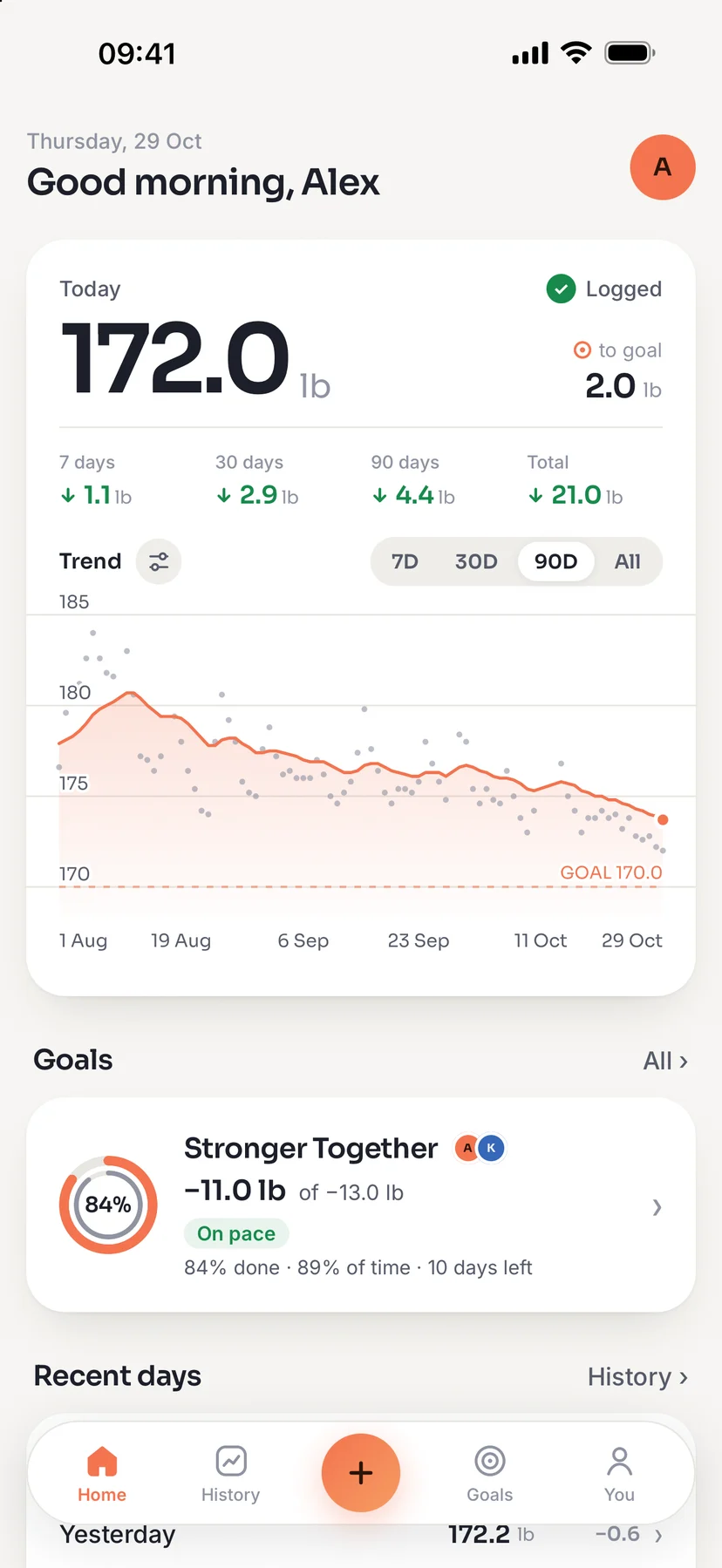
- History and Home. Each day’s row, the trend chart, and the 7, 30, and 90-day changes on Home.
- Personal goals. The starting weight, your current progress, and the result when a goal reaches its end date.
- Shared Goals. Your progress, change, and pace, as other members see them. Each member’s own setting applies to their numbers.
- Widgets. The weights and changes on your home screen.
Reminders are the exception: they only check whether you logged anything that day.
Switching later is safe. Every first, latest, and average value is stored for every day, so changing the setting only changes which one is shown, and no entry is ever deleted. Goals follow the switch too: a goal’s starting weight, progress, and result are worked out again with the new setting, so they can move a little. Only a goal whose result is final, three days after its end date, keeps the result it already has.
Logging by hand and importing from a scale? If you type in a weight that your smart scale also sends through Apple Health, both entries count. That matters most for the average, so pick one way to record each weigh-in.
Set it in Weight Tracker
Open You → Measurements → Daily weight and choose First of the day, Latest of the day, or Day average. New accounts start with First of the day. If one day’s value looks different from an entry you remember, check this setting first.
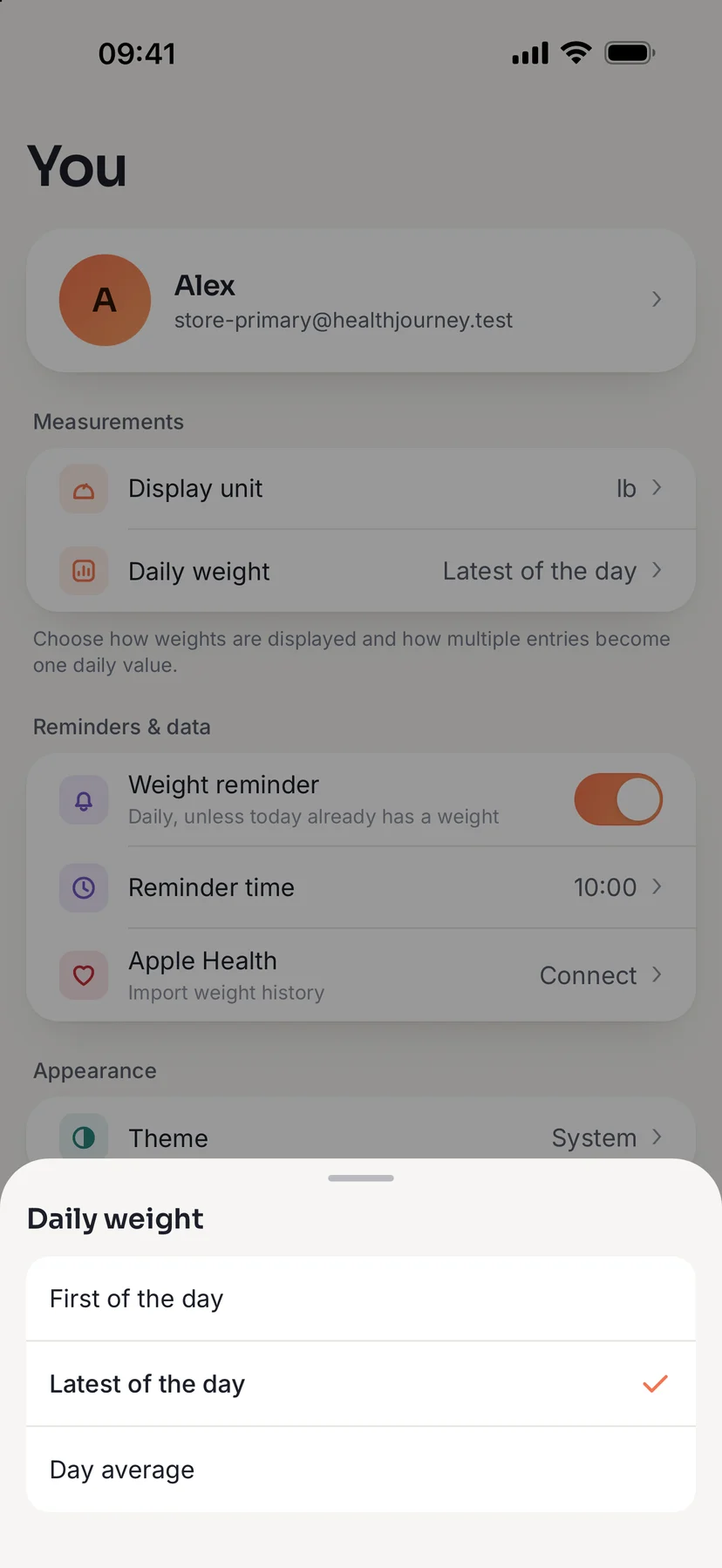
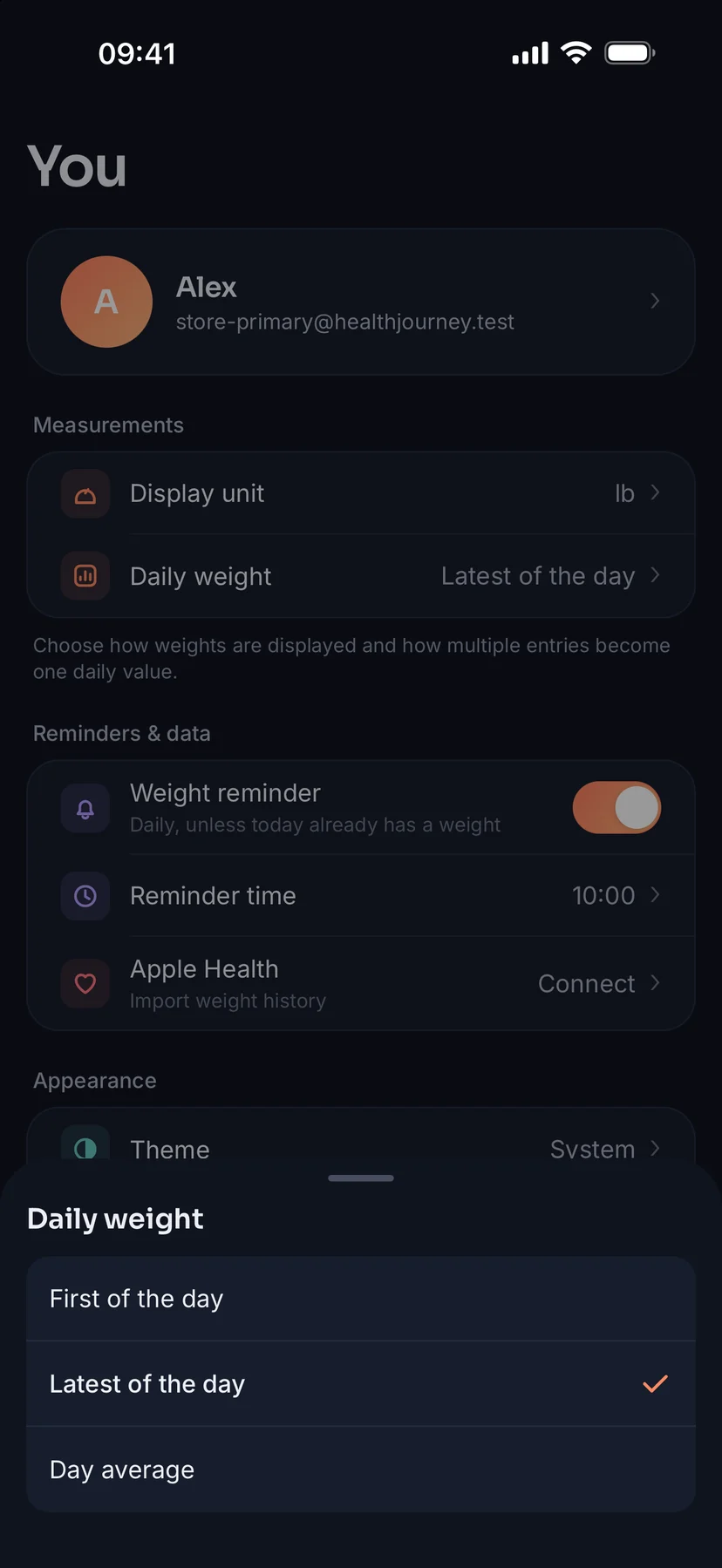
Daily weight, under Measurements in the You tab.
Sources
- Cleveland Clinic. 7 possible reasons why your weight fluctuates. 26 July 2024.
This guide is general information, not medical advice.