Health app import

Smart scale app: your scale and weight history in one place

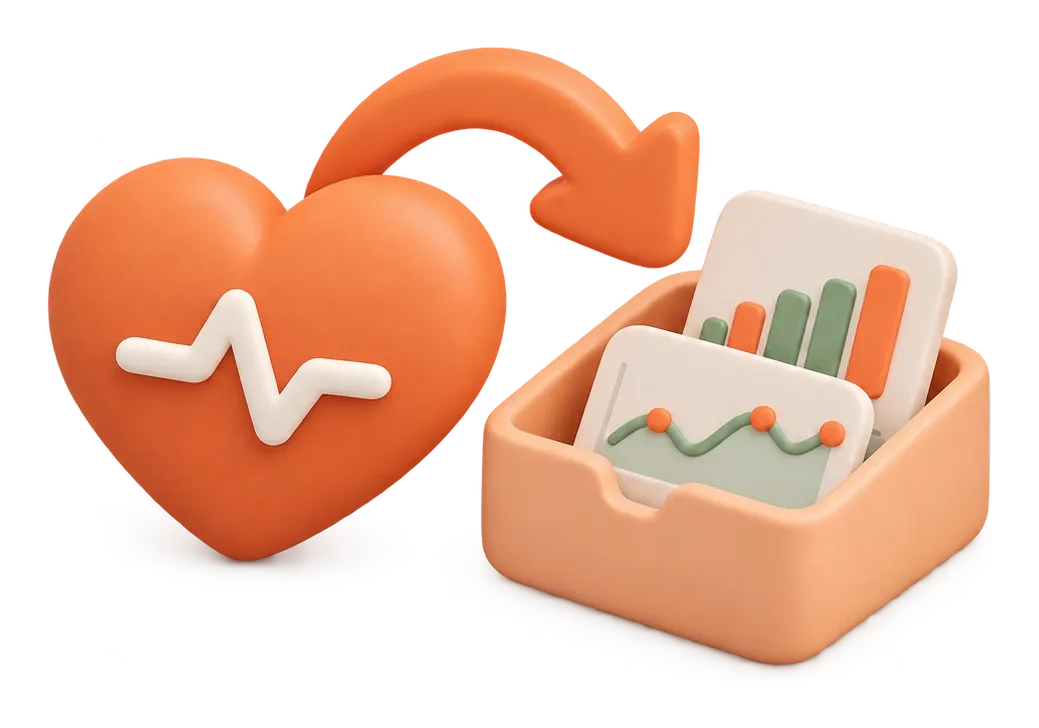
Weight Tracker reads weight from Apple Health on iPhone, so your past weigh-ins and new smart scale readings arrive without retyping.

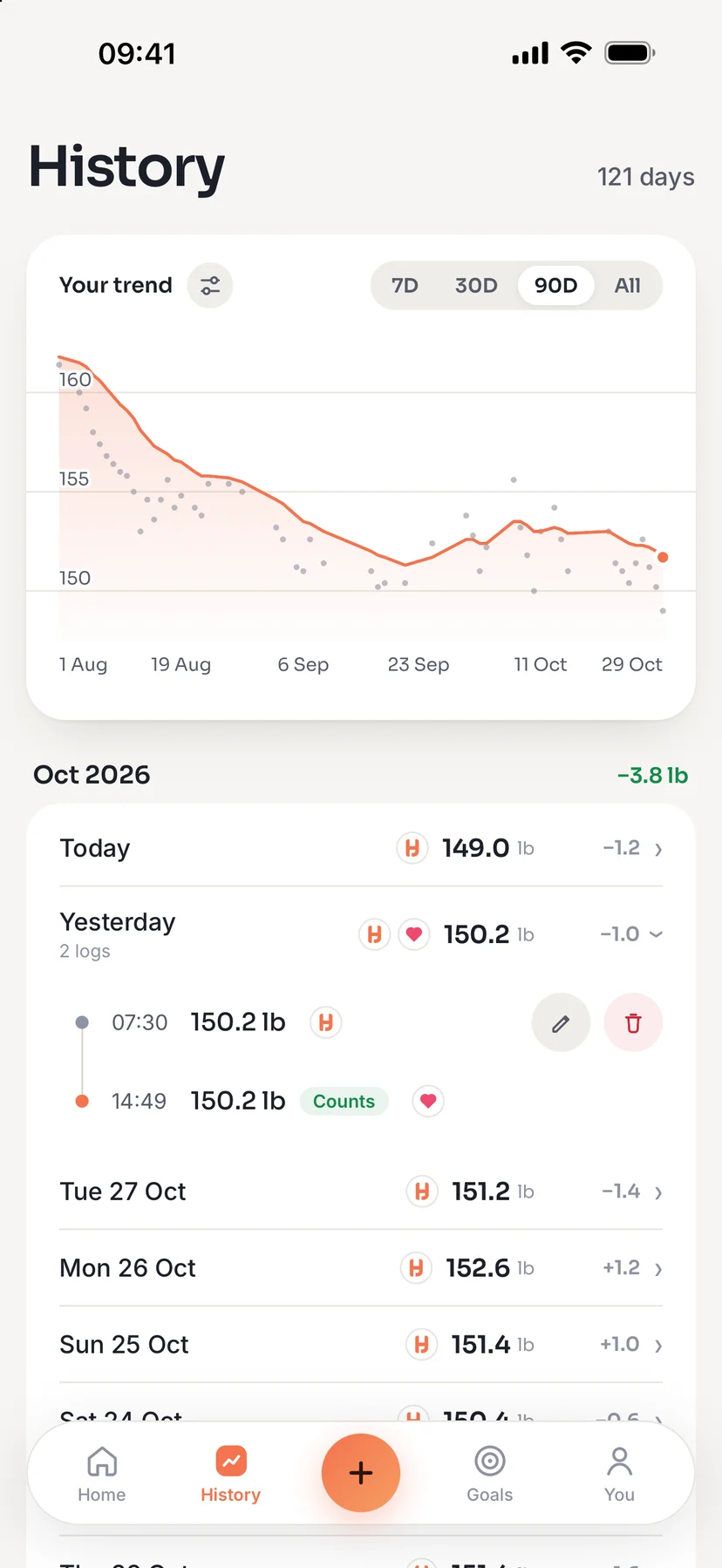
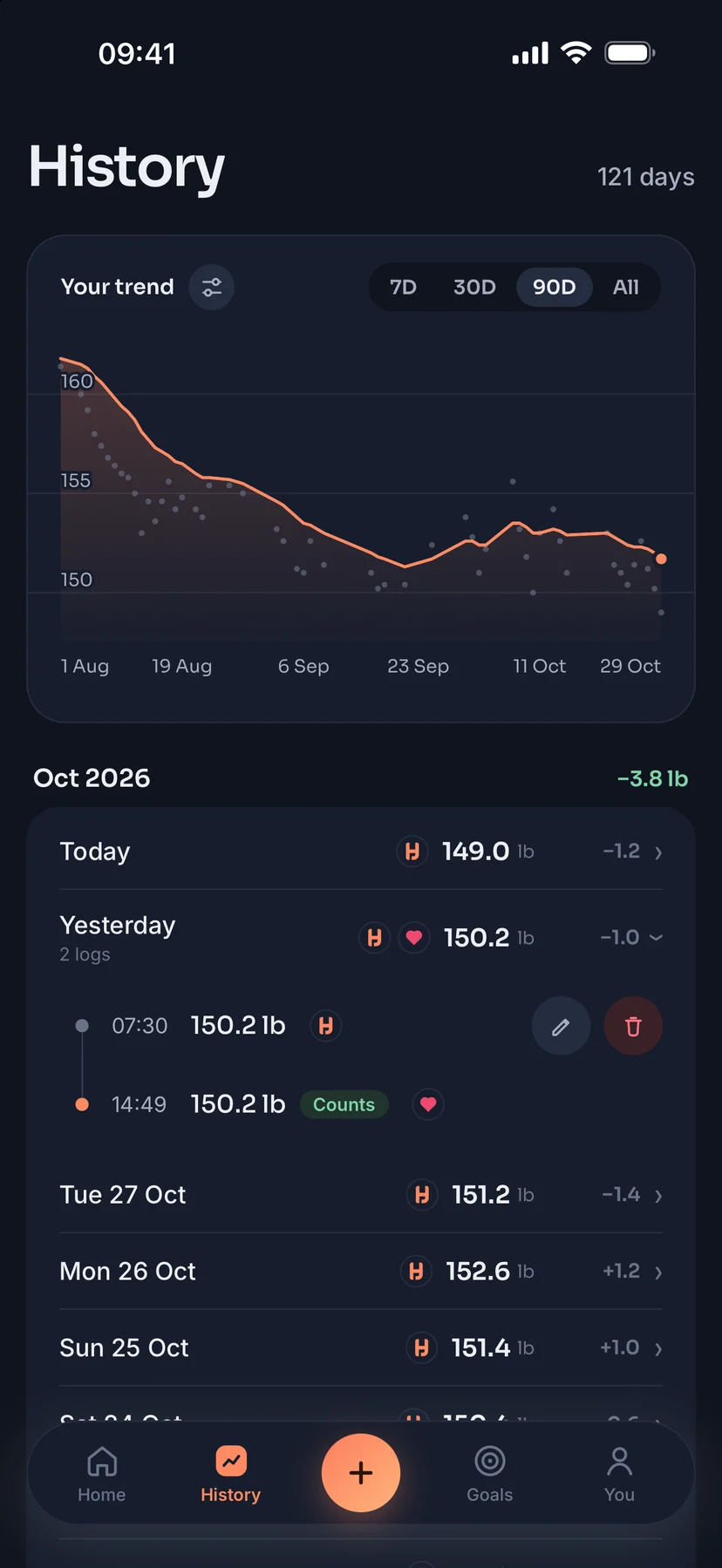
Weight Tracker History with 121 days of weights, where a reading imported from Apple Health shows a heart beside it
Read-only
Weight is read and never written
Your choice
All history, or from a date you pick
Labelled
Each entry marked with its source

How it works

Connect Apple Health in four steps.

There are no direct scale connections. If your scale’s app saves weight to Apple Health, Weight Tracker can read it from there.

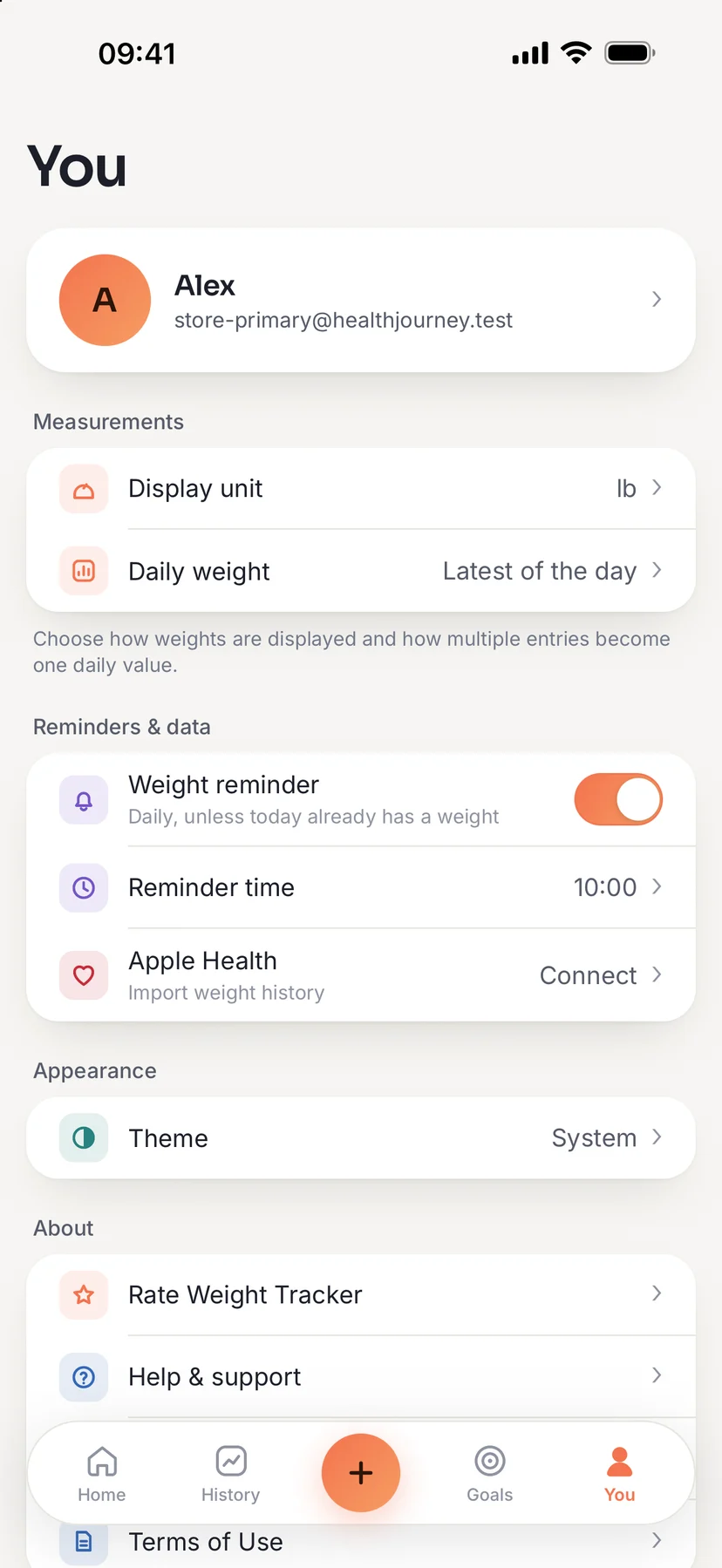
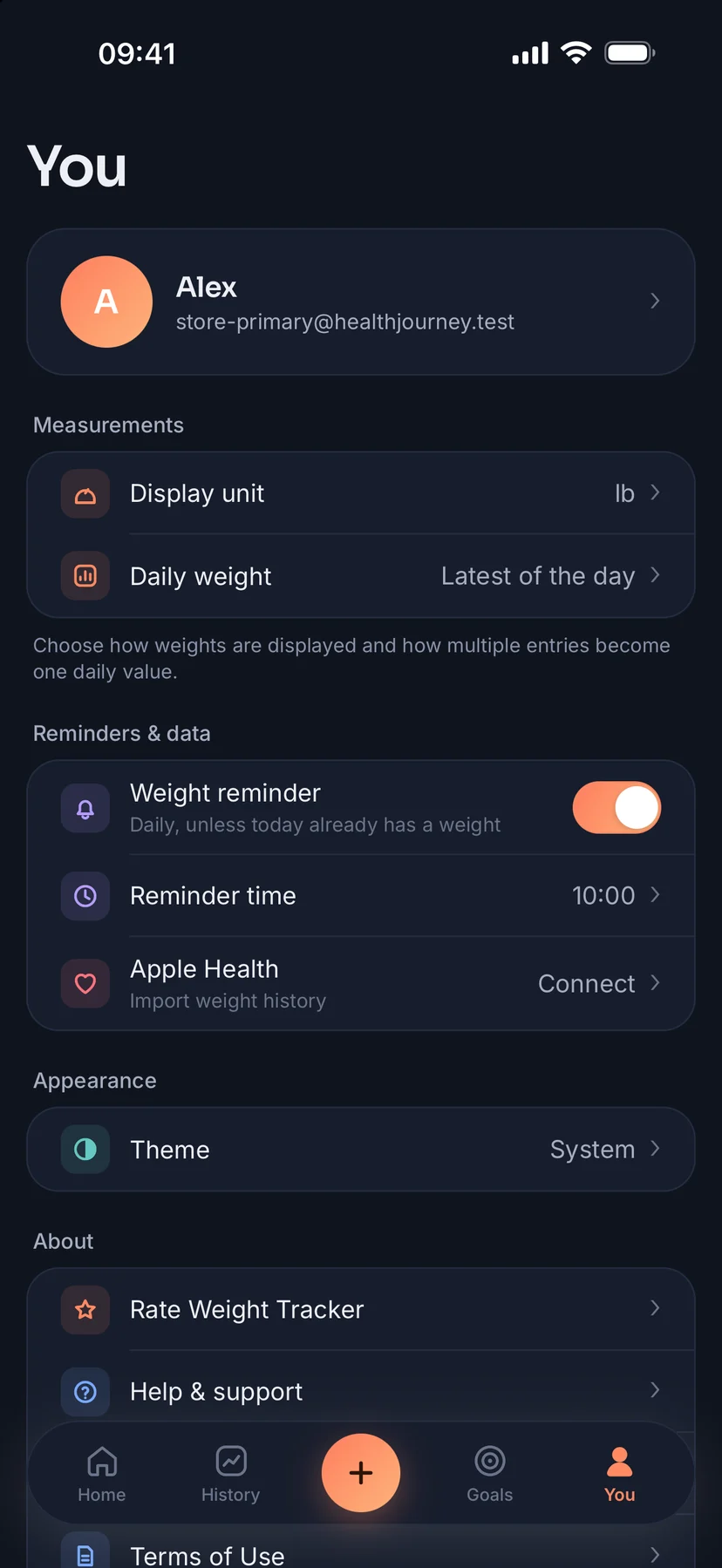
  • Weight Tracker You tab with an Apple Health row under Reminders and data, ready to connect
    Weight Tracker You tab with an Apple Health row under Reminders and data, ready to connect
    01

    Connect

    In the You tab, tap Apple Health, then Connect.

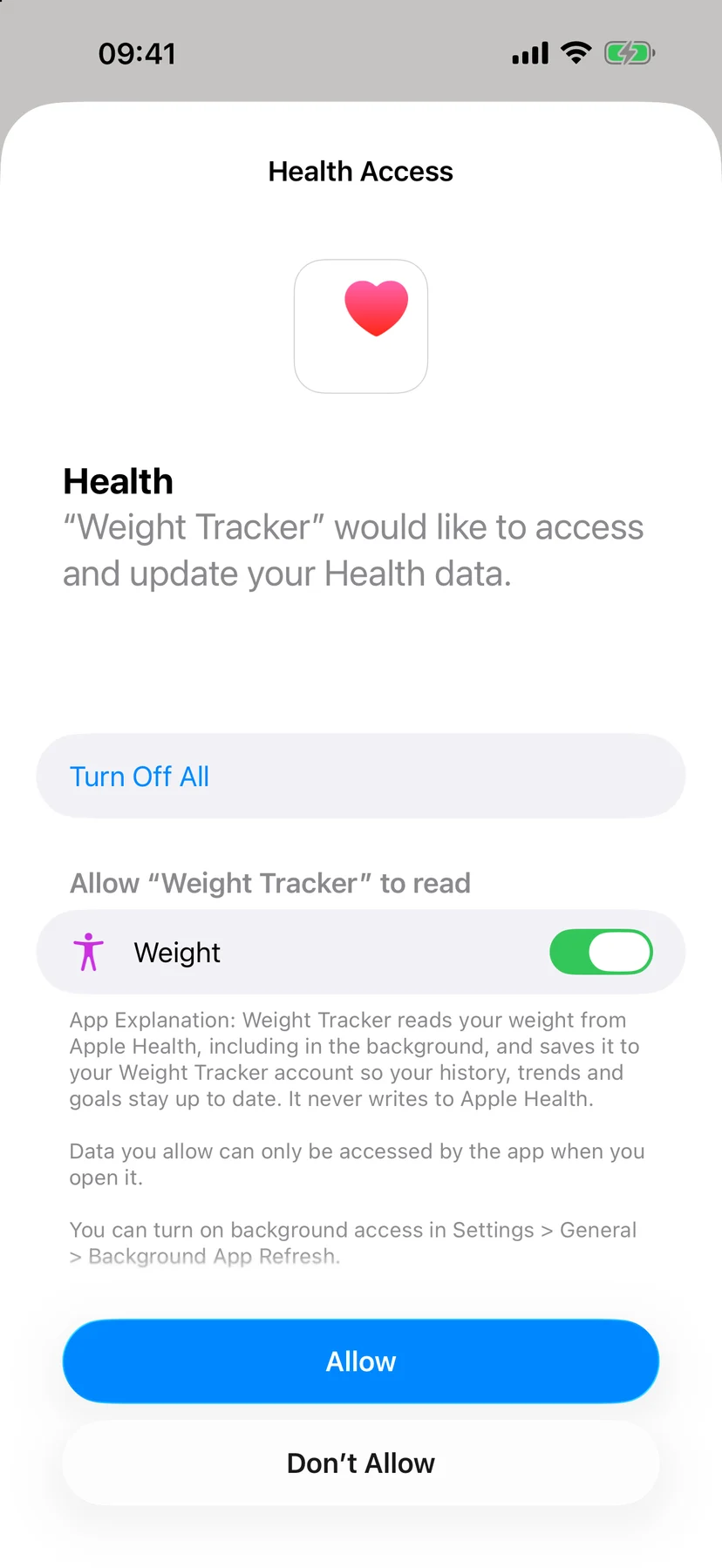
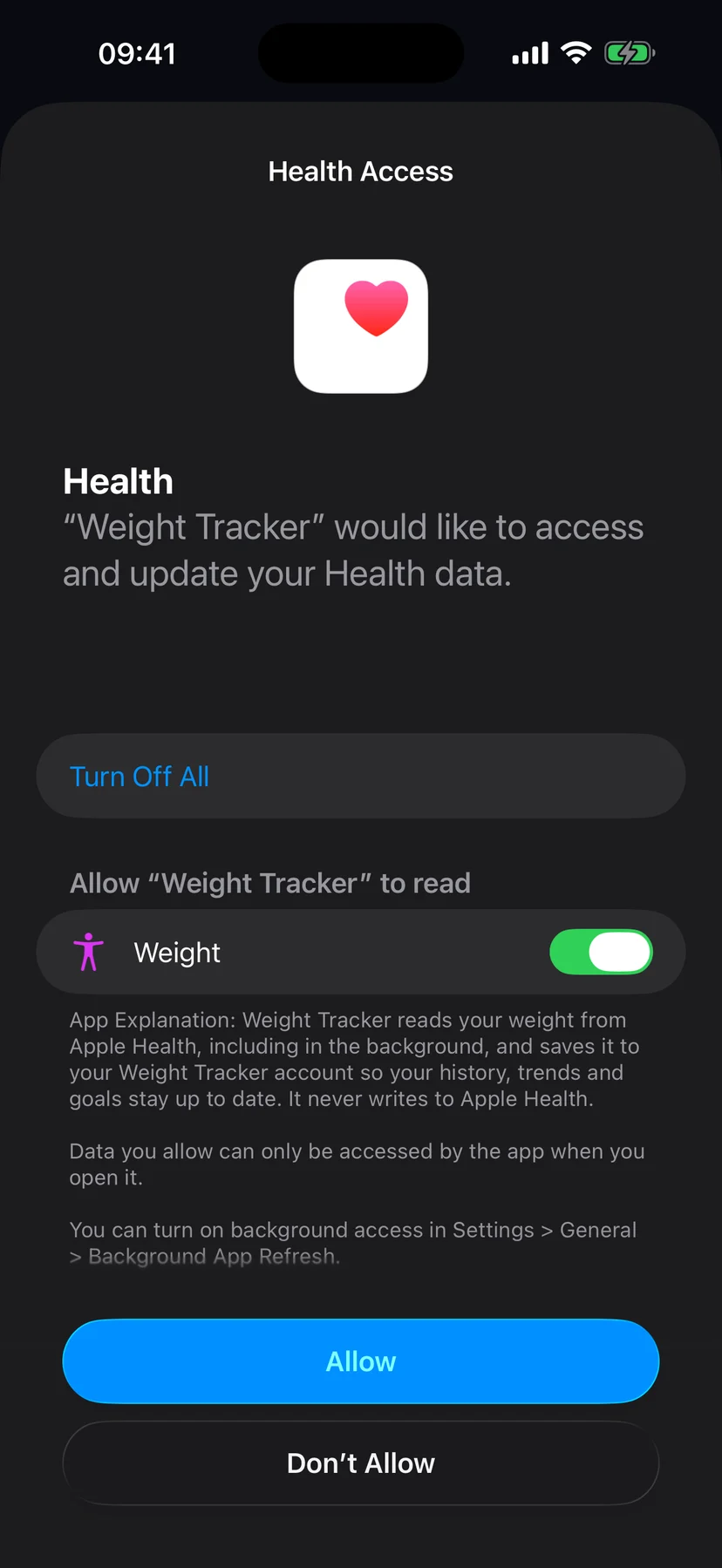
  • Apple Health Access sheet asking to let Weight Tracker read Weight, with Weight turned on
    Apple Health Access sheet asking to let Weight Tracker read Weight, with Weight turned on
    02

    Allow

    Turn on Weight in Apple Health, then tap Allow.

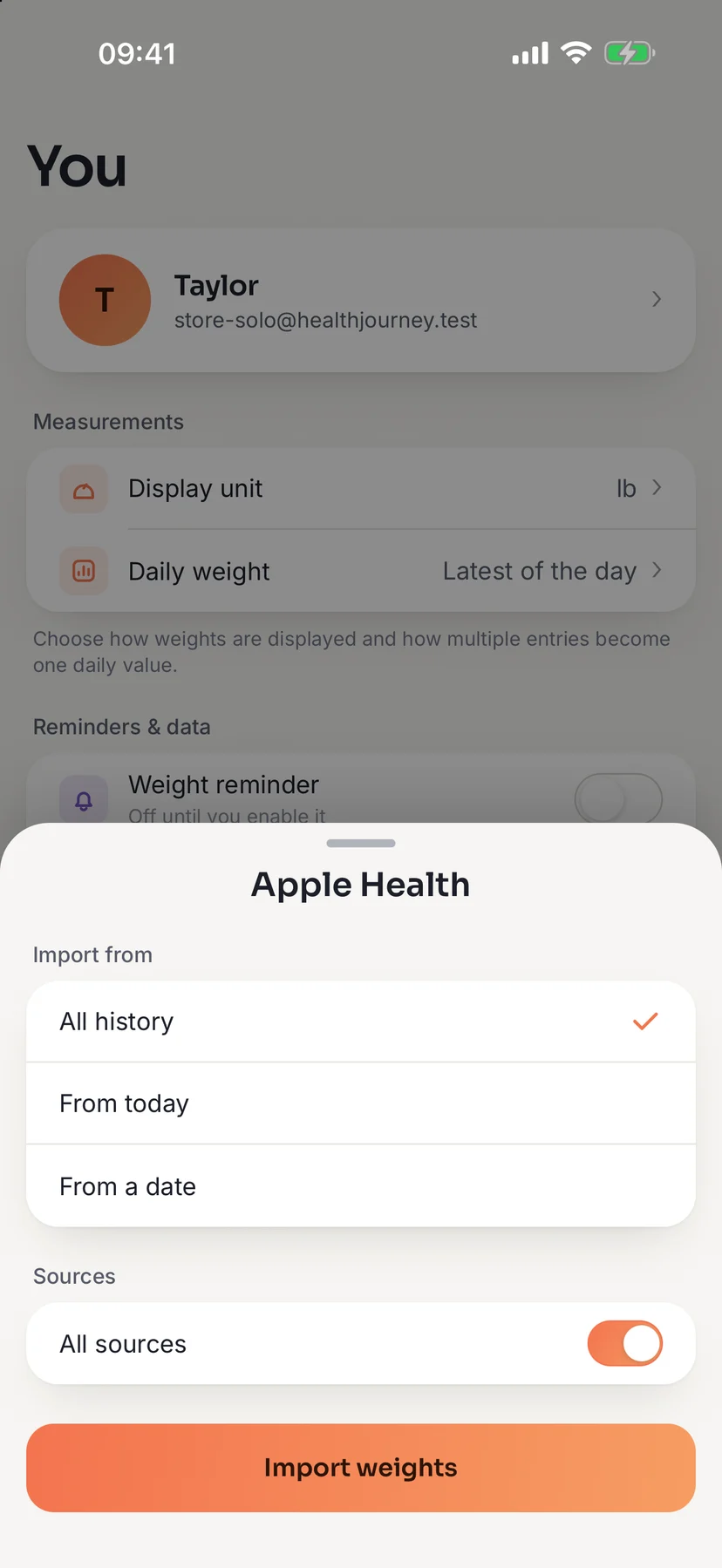
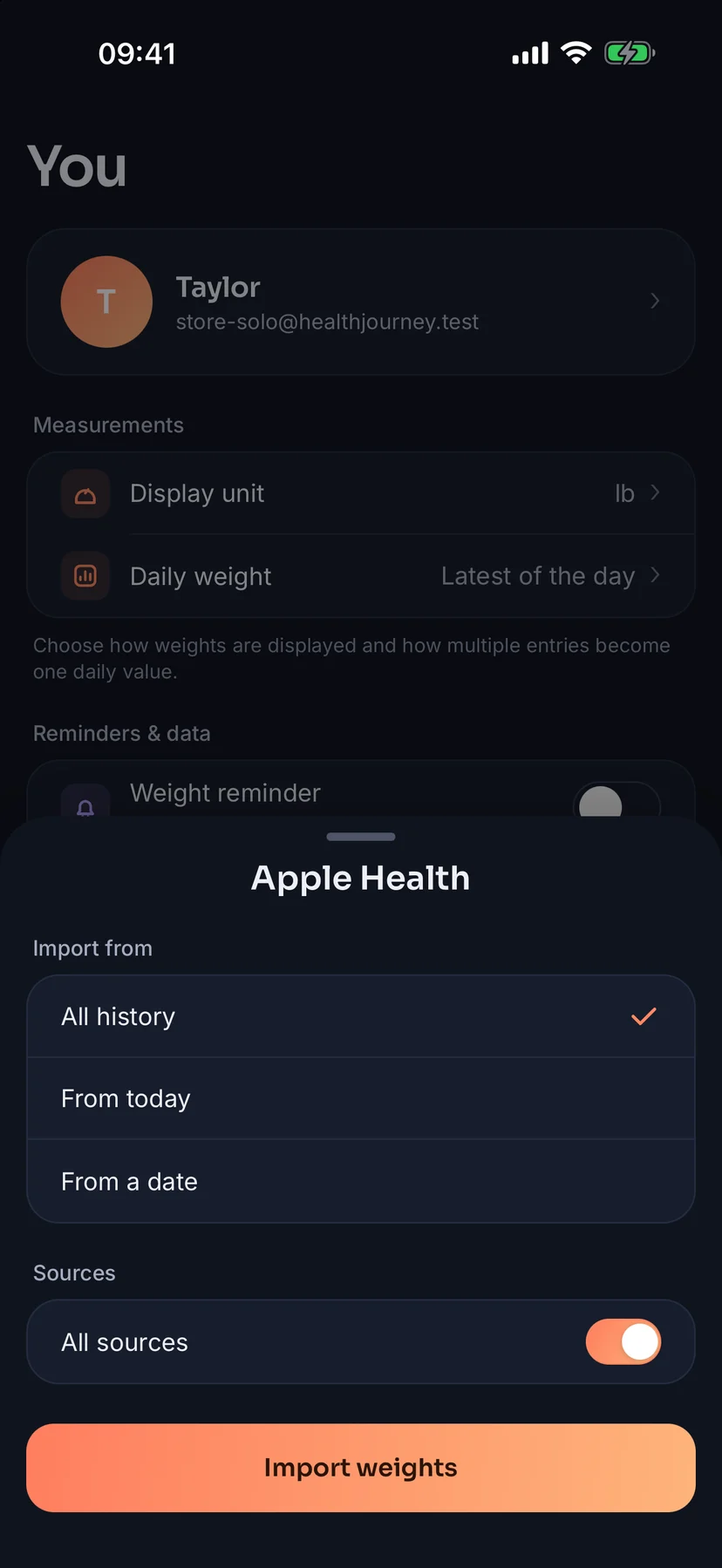
  • Weight Tracker Apple Health sheet: import all history, from today, or from a date, from all sources
    Weight Tracker Apple Health sheet: import all history, from today, or from a date, from all sources
    03

    Import

    Choose how far back to go, then Import weights.

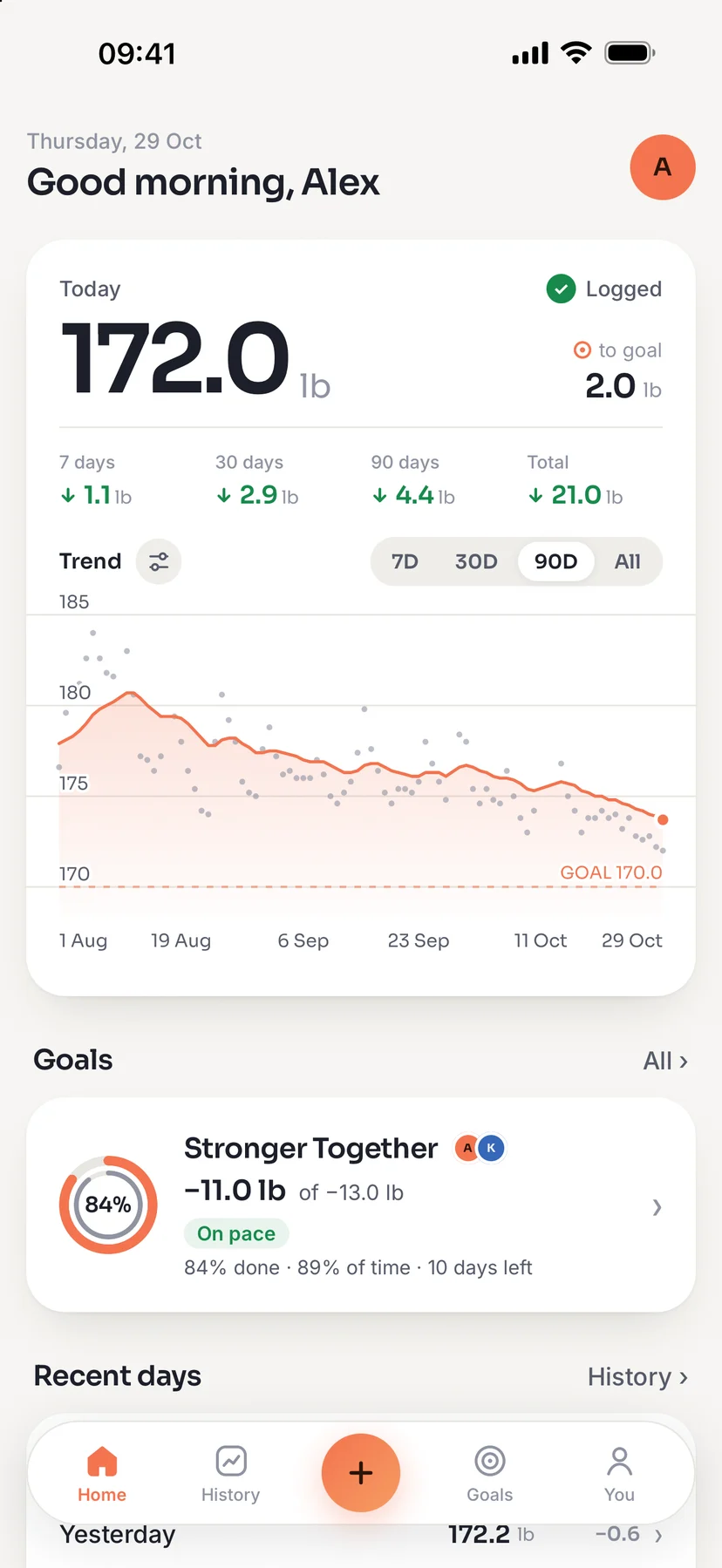
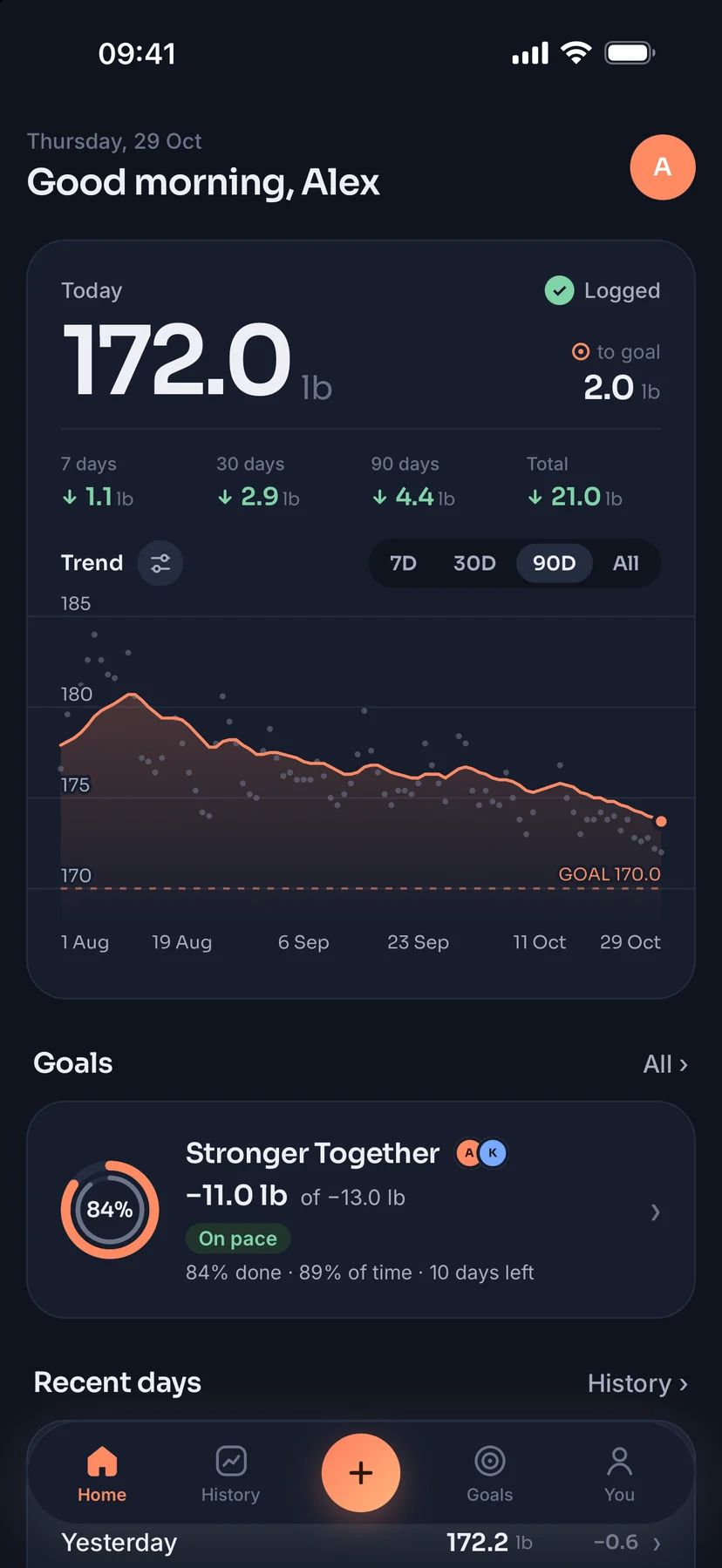
  • Weight Tracker Home with today’s weight of 172.0 lb and the Stronger Together goal at 84%
    Weight Tracker Home with today’s weight of 172.0 lb and the Stronger Together goal at 84%
    04

    Track

    Imported weights count toward your days and goals.

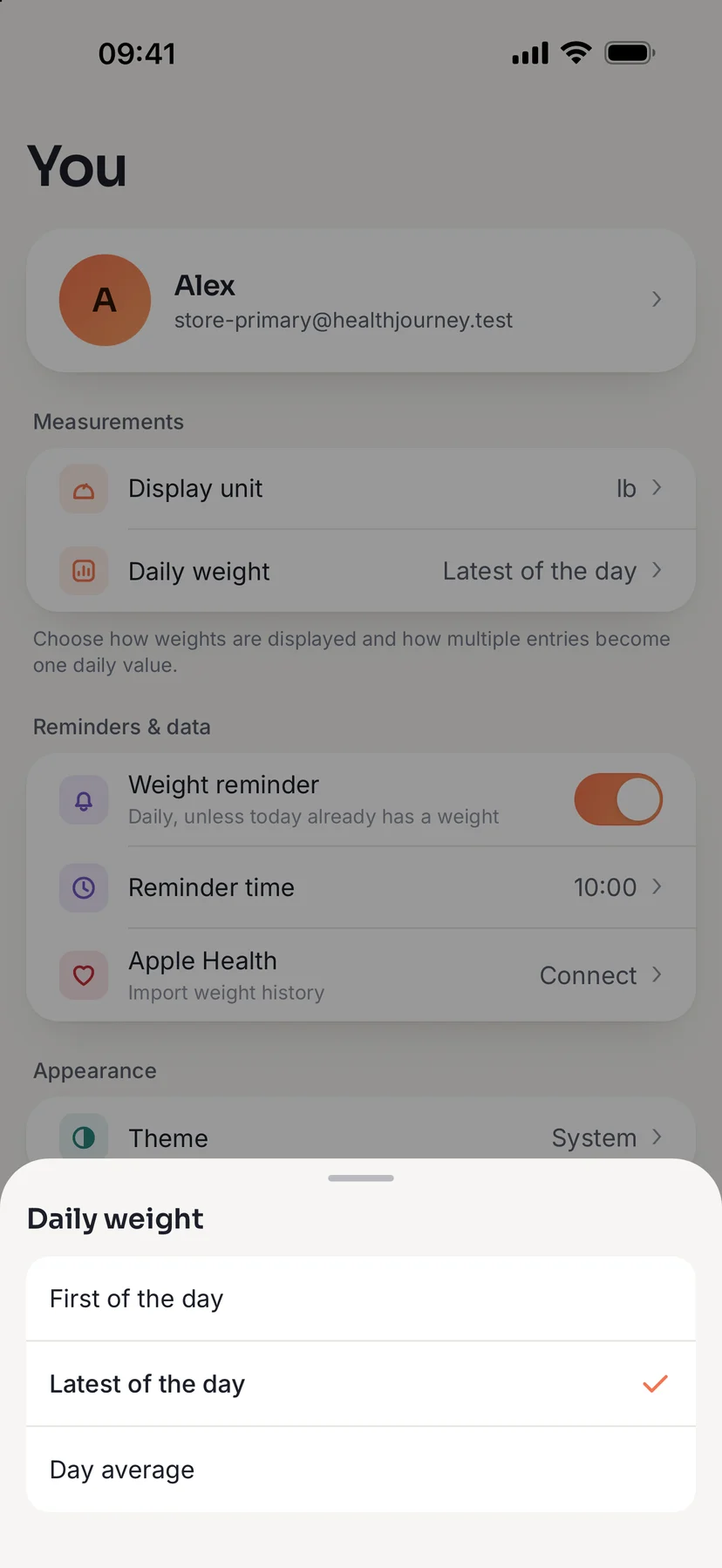
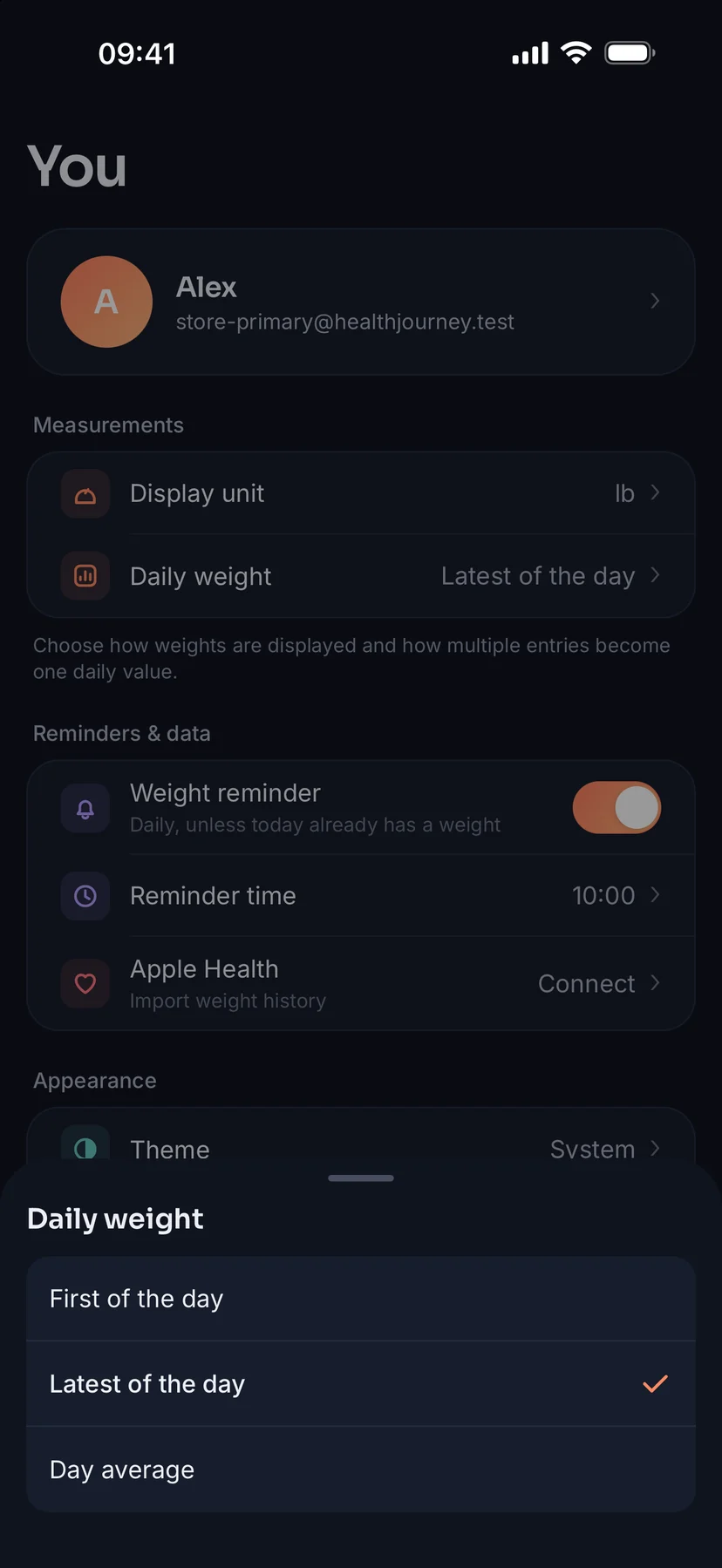
Weight Tracker Daily weight options: First of the day, Latest of the day, and Day average

One daily value

Weighed twice? Choose which reading counts.

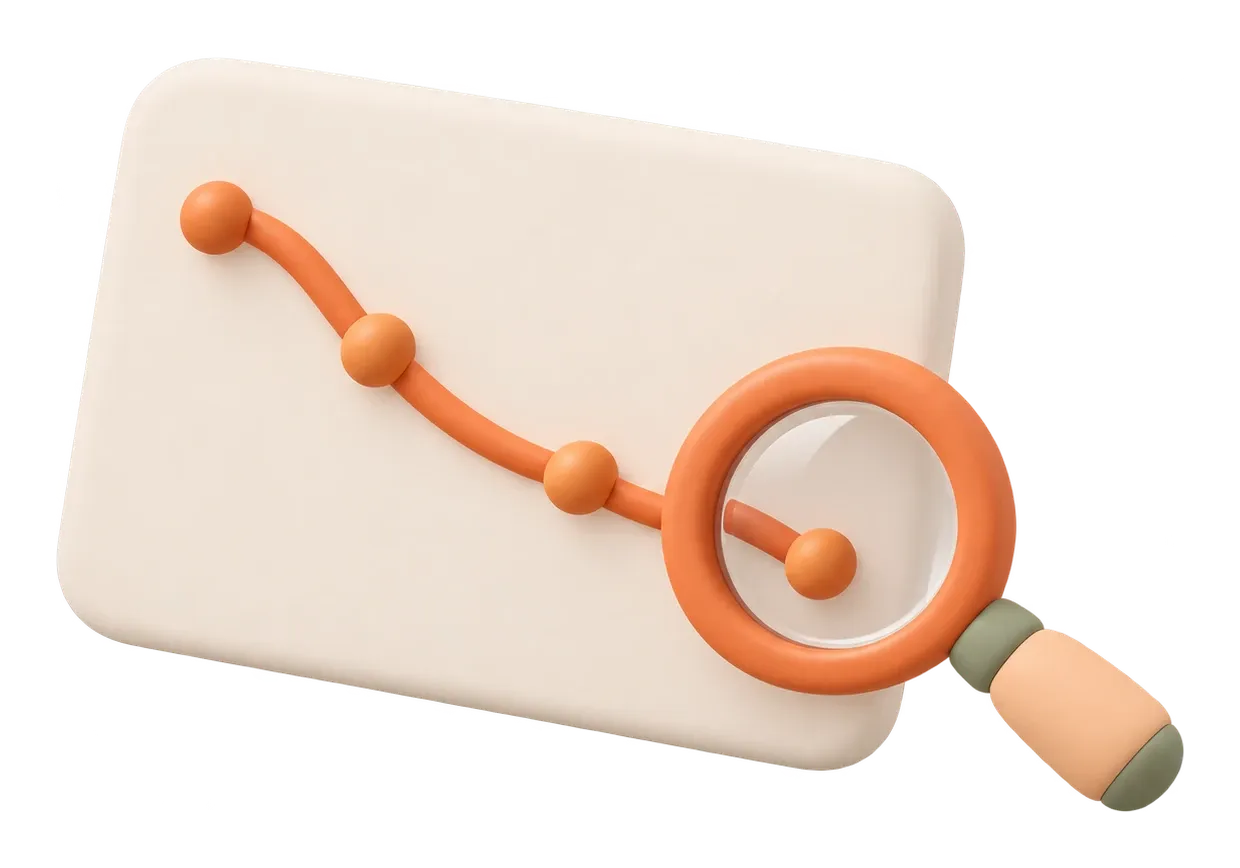
Scale readings and the weights you type sit in one History, each marked with its source. When a day has more than one, the first, the latest, or the average becomes that day’s weight.

If your scale already sends a weigh-in, skip typing it too. A duplicate shifts the day’s average.
First, latest, or average Setup guide

What is imported

Weight, and nothing else.

Weight Tracker asks Apple Health for read access to weight and nothing more.

  • Weight only

    Just body weight

    Only weight is read. Body fat, BMI, and steps stay in Apple Health.

  • You choose

    From a date you pick

    Import all past weigh-ins or start from a date, and skip unwanted apps.

  • Read-only

    Nothing written back

    Weight Tracker never creates, changes, or deletes data in Apple Health.

  • Labelled

    Sources you can see

    Each imported entry shows the Apple Health heart in your History list.

Staying in sync

What happens to your weights, start to finish.

Connecting, syncing, and disconnecting each follow clear rules, and your own entries are never touched.

  1. When you connect

    Your history arrives

    • Allow Weight in Apple’s prompt
    • Weights from the period you chose arrive
    • The first sync shows a count
  2. While connected

    Kept up to date

    • Syncs each time you open the app
    • Sync now whenever you like
    • Edits and deletions follow along
  3. When you disconnect

    Keep or delete

    • Keep the imported weights
    • Or delete only imported ones
    • Manual entries always stay

Good to know

Import questions

Which smart scales work with Weight Tracker?

Any scale whose app saves weight to Apple Health on iPhone. Weight Tracker reads from Apple Health and does not connect to scales directly.

Does Weight Tracker change my health data?

No. It asks for read access to weight only, and never writes, changes, or deletes anything in Apple Health.

Does it import body fat, BMI, or steps?

No. Weight Tracker asks for weight and nothing else.

How quickly do new scale readings appear?

The next time you open Weight Tracker, because it syncs every time it opens. Background syncs also run, but iOS decides when, so they can take longer.

Can I edit an imported weight?

Not in Weight Tracker. Change or delete it in Apple Health or the app that recorded it, and the next sync updates Weight Tracker to match.

What if I also type in my weight?

Both entries count, which affects the daily average. If your scale already sends the weigh-in, skip the manual entry.

Can I import in the web app?

No. Importing needs the iPhone app. Once imported, the weights also appear in the web app, because they belong to your account.

Weight Tracker Home screen showing current weight, long-term trend, and goal progress

Apple Health for iPhone

Let your scale do the logging.

Connect Apple Health once, and past weigh-ins and new smart scale readings land in your History.