Before you start
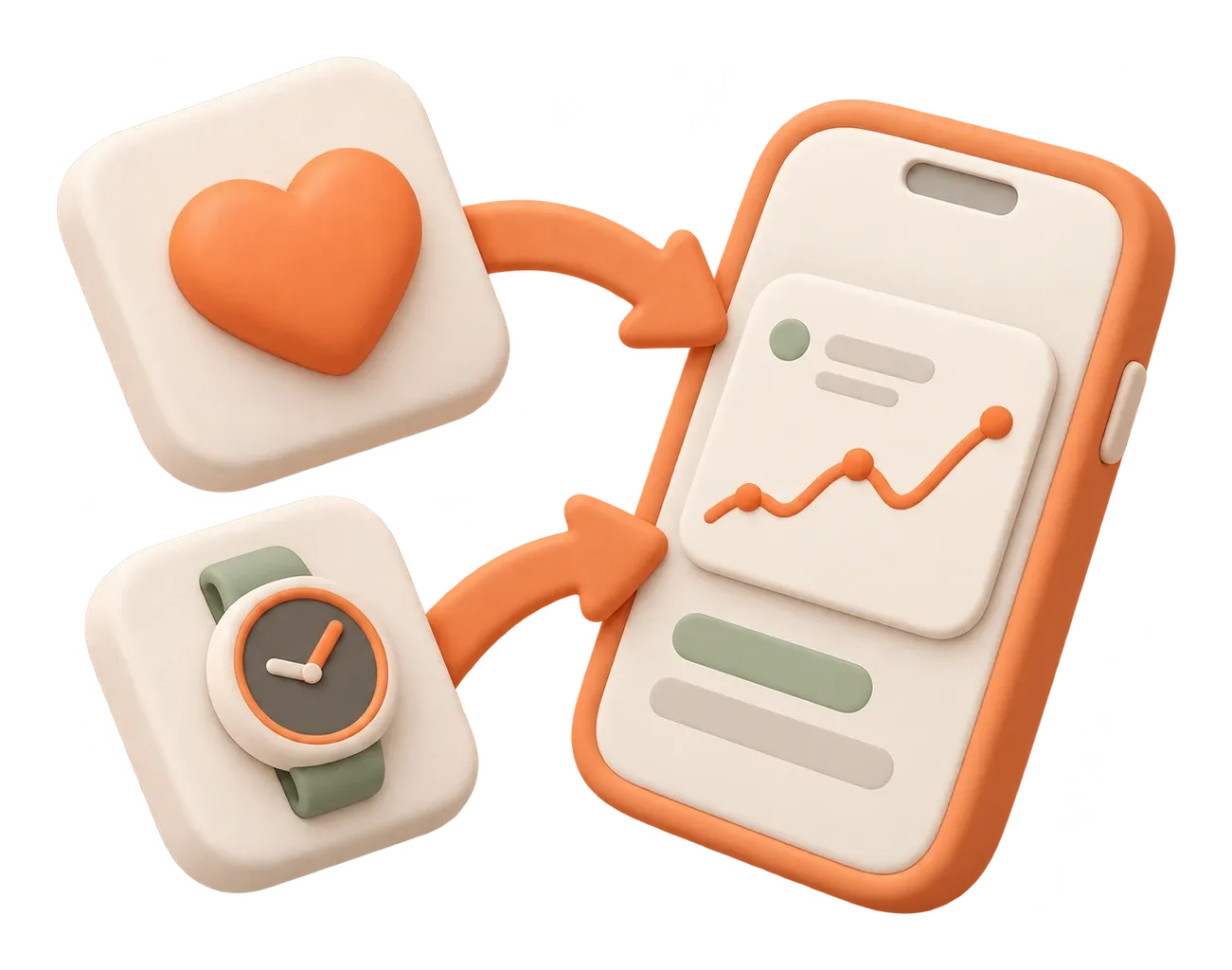
- You need the iPhone app. The iPhone app is coming soon to the App Store. The web app cannot read health data.
- Only weight is read. Weight Tracker asks for read access to weight and nothing else. It never changes or deletes data in Apple Health.
- Smart scales connect through Apple Health. If your scale’s app saves weight to Apple Health, Weight Tracker can import it. There are no direct scale connections.
Connect Apple Health on iPhone
- Open the You tab. Under Reminders & data, tap Apple Health, which shows Connect. During your first week, Import from Apple Health on Home does the same.
- Apple’s Health screen asks which data Weight Tracker may read. Turn on Weight and confirm.
- Under Import from, keep All history, or choose From today or From a date.
- Under Sources, leave All sources on to import from every app. To pick apps, turn it off and switch on the ones you want. Weights saved on your iPhone itself appear as one Apple Health row.
- Tap Import weights. A message tells you how many came in, for example Imported 240 weights.
“No weights found”? Apple does not tell apps whether you allowed access, so an empty import usually means Weight was left off. Open the Settings app → Privacy & Security → Health → Weight Tracker, turn on Weight, and open Weight Tracker again. Your history comes in on the next sync.
Staying in sync
Once connected, the Apple Health row shows when it last synced. Tap it to open the Apple Health screen, with Last synced and Sync now at the top, your import settings in the middle, and Manage access and Disconnect at the bottom.
- When it syncs. Every time you open the app or return to it. Background updates also run, but iOS decides when, so a new weight can take a while to appear if you do not open the app.
- Sync now. Checks straight away and says Health weights are up to date. or No new health weights found.
- Edits and deletions follow along. If you change or delete a weight in Apple Health, the next sync updates Weight Tracker to match.
- Imported entries are read-only. To fix one, change it in Apple Health or in the app that recorded it.
Each entry shows where it came from. Tap the source icon next to a weigh-in in History to see the label.
| Recorded by | Label in History |
|---|---|
| Weight Tracker | Entered manually in Weight Tracker. |
| Apple Health (any app or scale) | Imported from Apple Health. |
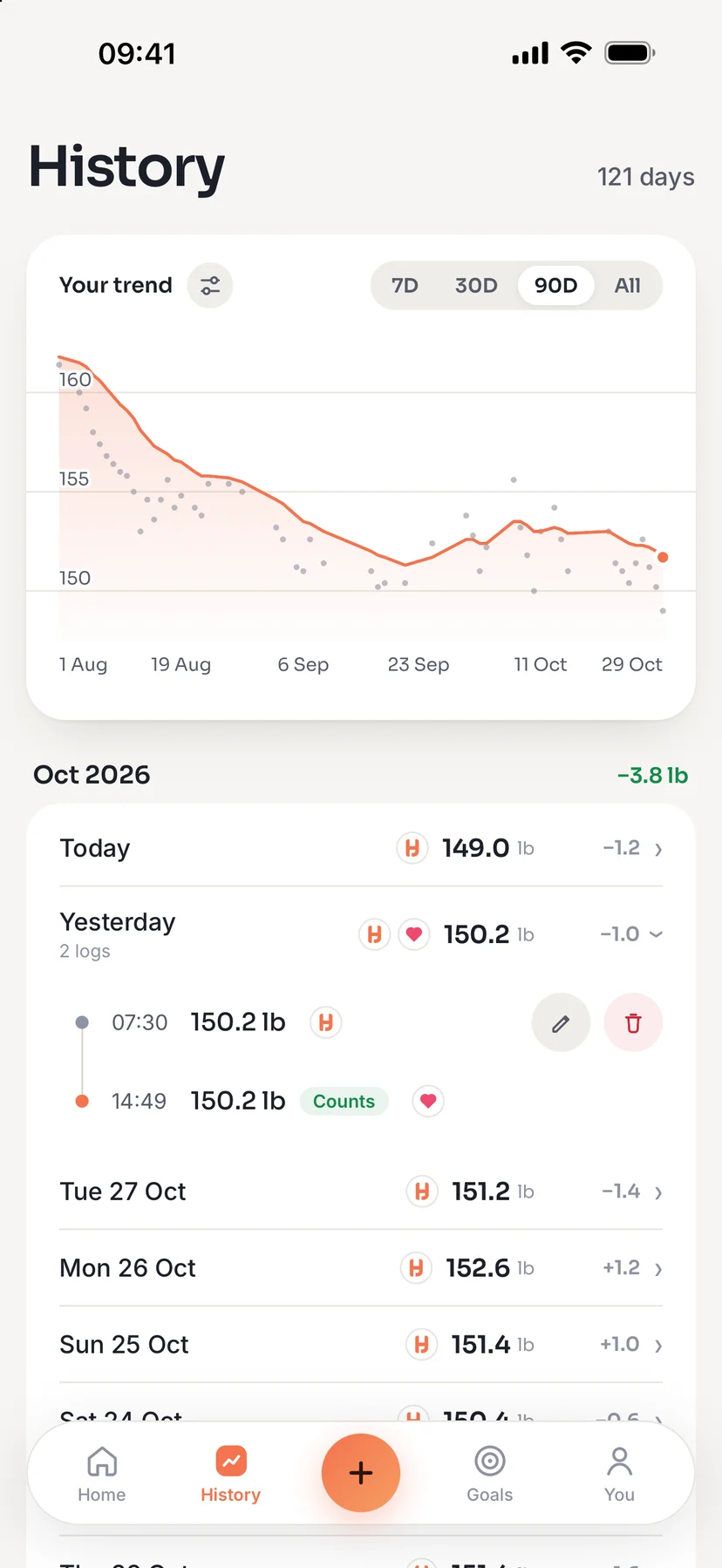
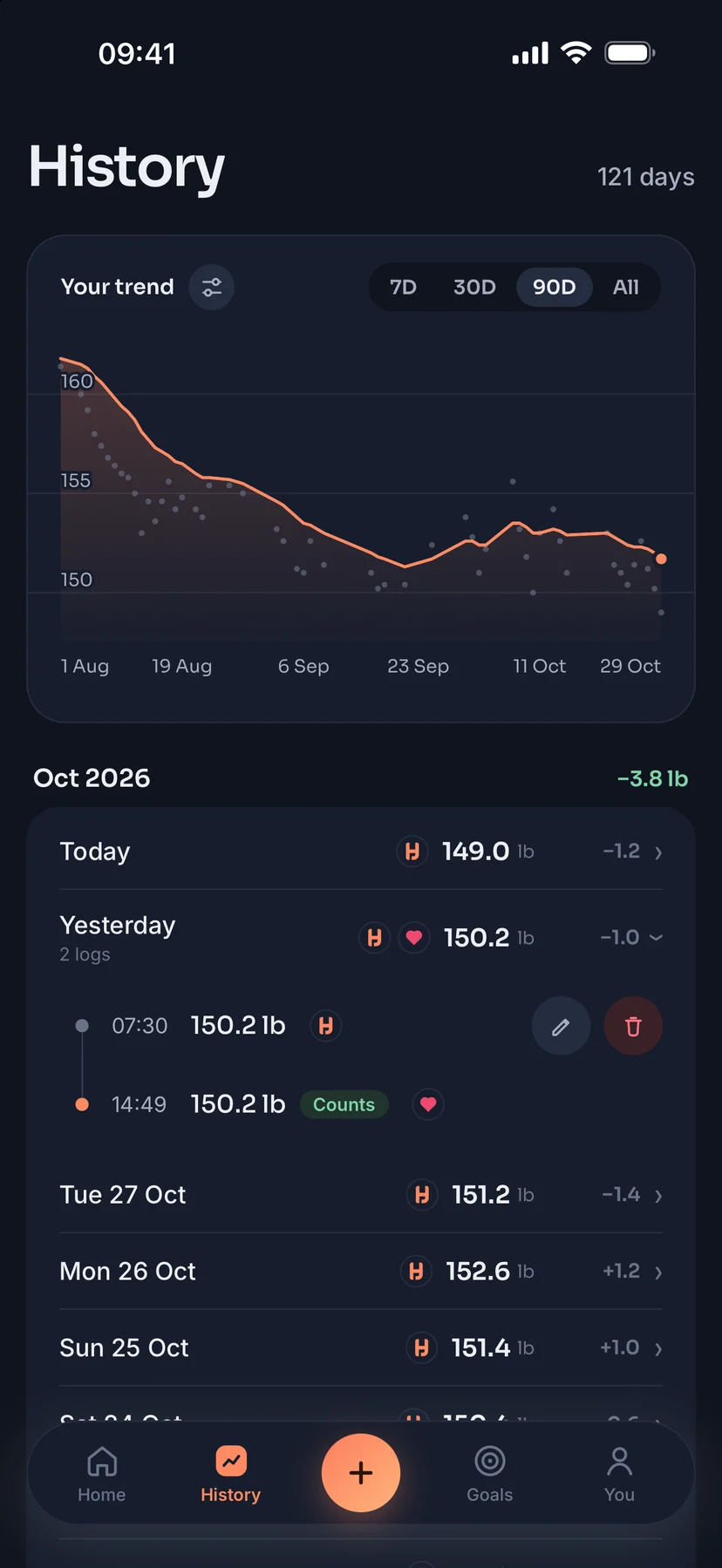
An imported weigh-in shows the Apple Health heart. Only typed-in weights have a pencil and trash.
Avoid double entries. If you type in a weight that your scale also sends to Apple Health, both entries count. That shifts the daily average, so let the scale record it and skip the manual entry.
Change what is imported
On the Apple Health screen, change Import from or Sources, then tap Save changes.
- Narrowing it, for example a later start date or fewer apps, first asks how many imported weights it will remove, for example Remove 12 imported weights?. Those weights stay in Apple Health, and weights you typed in are not affected.
- Widening it brings in the weights your new settings include on the next sync.
- New apps. With All sources off, an app you start using later is not imported until you switch it on.
Disconnecting
On the Apple Health screen, tap Disconnect and choose what happens to the imported weights:
- Keep imported weights. Syncing stops, and everything already imported stays in your history.
- Delete imported weights. Removes every weight imported from Apple Health, on all your devices. Weights you typed in stay.
Either way, goals follow the weights that remain. If deleting imported weights changes the first day you weighed in for a goal, its starting weight updates too, until the goal’s result is final. To remove access completely, turn it off in the Settings app → Privacy & Security → Health → Weight Tracker.
If weights are missing
Start with Apple Health: if a weight is not there, Weight Tracker cannot see it.
| What you see | What to do |
|---|---|
| “No weights found” after connecting | Weight access may be off. Open the Settings app → Privacy & Security → Health → Weight Tracker, turn on Weight, then open Weight Tracker again. Your history comes in on the next sync. |
| A weight is missing completely | Check that it is in Apple Health. If it is, check Import from and Sources on the Apple Health screen. If it is not, make sure your scale’s app shares weight with Apple Health. |
| A new scale app’s weights never arrive | If All sources is off, apps you add later are not imported until you turn them on under Sources. |
| New scale weights show up late | Open Weight Tracker, which syncs every time it opens. Background syncs happen when your phone allows them. |
| The row says Synced, but nothing new arrives | Access may have been turned off. Tap Manage access on the Apple Health screen for the steps, or go to the Settings app → Privacy & Security → Health → Weight Tracker. |
| The same weigh-in appears twice | You typed in a weight your scale also sent. Delete the one you typed in History. |
| No Apple Health row in You | You are in the web app, which cannot read health data. Use the iPhone app. |
Questions
Does Weight Tracker write anything to Apple Health?
No. It only reads weight. It never creates, changes, or deletes data in Apple Health.
Can I import only part of my history?
Yes. Under Import from, choose From today or From a date instead of All history. Under Sources, turn off All sources and pick the apps to import from. You can change both later on the Apple Health screen.
Can I import body fat, steps, or other data?
No. Weight Tracker asks for weight and nothing else.
Which smart scales work?
Any scale whose app saves weight to Apple Health. There are no direct scale connections, so the scale’s app does the sharing.
Can I import in the web app?
No. Importing needs the iPhone app. Once imported, the weights appear in the web app too, because they are part of your account.
Can I edit an imported weight?
Not in Weight Tracker. Change or delete it in Apple Health or the app that recorded it, and the next sync updates Weight Tracker to match.
Will disconnecting delete my history?
Only if you choose to. Keep imported weights stops syncing and keeps everything. Delete imported weights removes only what came from Apple Health. Weights you typed in always stay.